
VoiceTaking
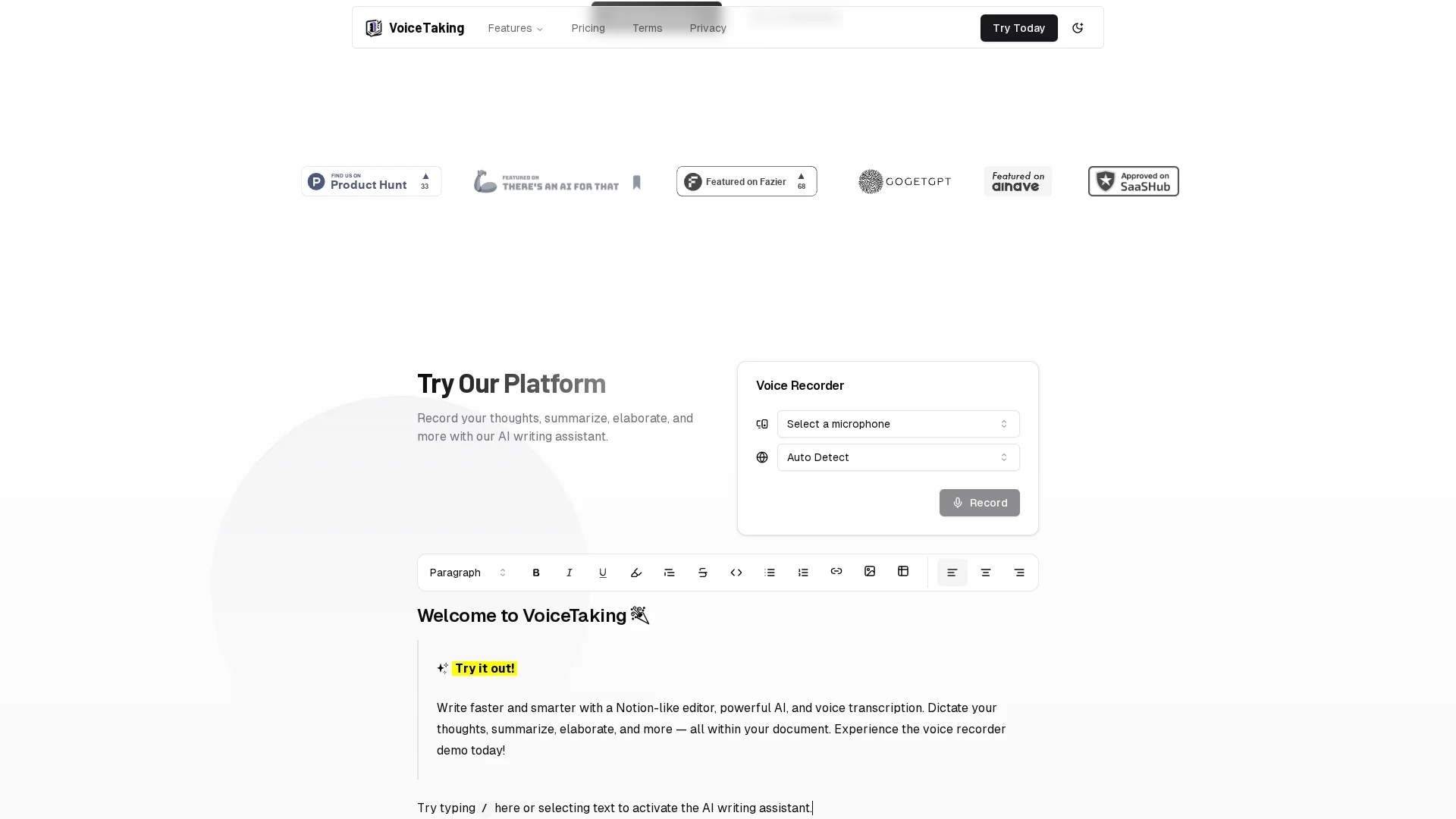
VoiceTaking is a voice recording and AI writing assistant that streamlines brainstorming and note-taking with automatic transcription, document summarization, and smart labeling for efficient team collaboration.
Disclaimer: Visionary Hub is not affiliated with, endorsed by, or the operator of this tool. All trademarks, logos, and content are the property of their respective owners. Full disclaimer available here
Key Features
Voice Recording
Records audio directly within the platform for seamless idea capture.
Automatic Transcription
Transforms recorded audio into editable text using AI transcription.
Thought Summarization
Summarizes and elaborates notes to enhance clarity and organization.
Notion-like Interface
Provides an intuitive editor for fast writing and note management.
Get Started
Share & Save
Share on Social Media
Why Choose VoiceTaking
Automatic Transcription:
Converts voice recordings into text instantly for accurate note capture.Smart Labeling:
Organizes notes efficiently with customizable labels for quick access.Asynchronous Collaboration:
Enables team members to contribute and review notes anytime remotely.
Pricing
VoiceTaking offers a free trial. Paid plans include a Pro plan at $10/month and an annual Pro plan at $68/year. Pricing is subject to change; verify on the official pricing page.
About VoiceTaking
VoiceTaking is a voice recording and AI writing assistant that streamlines brainstorming and note-taking with automatic transcription, document summarization, and smart labeling for efficient team collaboration.
What VoiceTaking Does
VoiceTaking records voice notes and automatically transcribes them into editable text, enabling users to capture ideas quickly and accurately. This reduces manual note-taking and preserves the original thought flow.
The tool features an AI-powered text editor that allows users to elaborate, summarize, and organize their notes efficiently. Smart labeling helps categorize content for easy retrieval, while its intuitive interface resembles a Notion-like editor for seamless writing.
VoiceTaking supports asynchronous team collaboration by allowing users to invite members to contribute and review notes remotely, making it suitable for brainstorming sessions, project planning, and remote work environments.
Pros & Cons
User-Friendly Interface
Intuitive design simplifies note-taking and editing processes.
Team Collaboration
Supports asynchronous teamwork with easy member invitations.
Limited Pricing Details
Pricing plans are briefly described; detailed features per plan unclear.
File Size Limits
Potential restrictions on audio file size or duration are unspecified.
Frequently Asked Questions
It offers voice recording, automatic transcription, note summarization, and smart labeling.
There is a free trial; Pro plans cost $10/month or $68/year annually.
Yes, it supports asynchronous collaboration with team member invitations.
The tool mentions limits but does not specify exact file size or duration.
You can register via the signup page at https://voicetaking.com/auth.
Similar Tools You Might Like
Discover more AI-powered tools that complement your workflow
List Your AI Tool & Reach Thousands of Users
Join 500+ AI innovators already thriving on our platform. Get visibility, feedback, and boost your conversions.
Expand Your Audience
Connect with over 50,000 AI enthusiasts actively looking for tools like yours.
Boost Your Authority
Get verified reviews and ratings to build credibility in the AI marketplace.
Drive Conversions
Our premium placements and targeted audience deliver quality leads and sign-ups.