Vocera
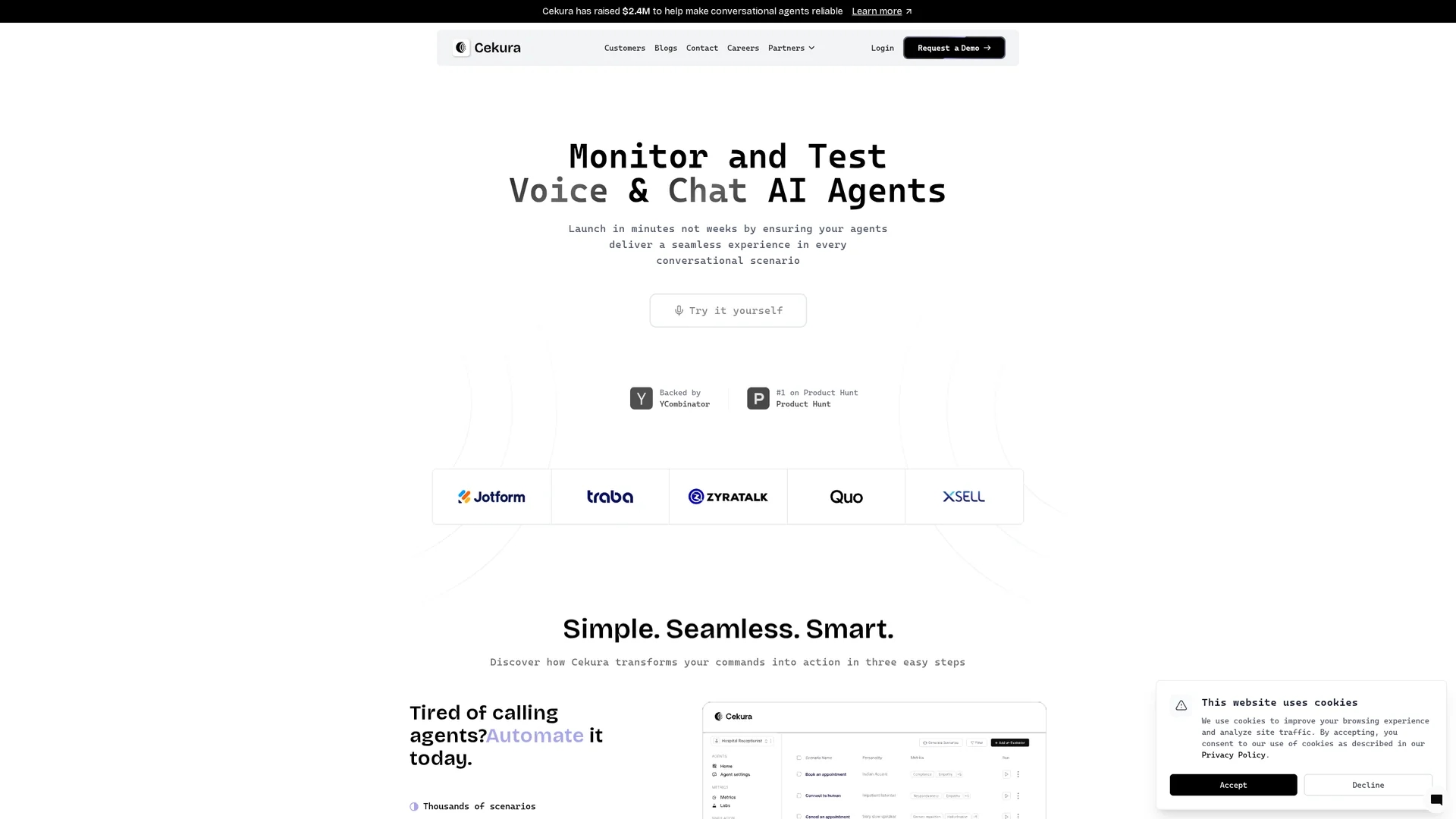
Cekura automates QA for voice and chat AI agents with multi-turn simulations, persona variants, real conversation replay, observability, and integrations for performance and compliance testing.
Disclaimer: Visionary Hub is not affiliated with, endorsed by, or the operator of this tool. All trademarks, logos, and content are the property of their respective owners. Full disclaimer available here
Key Features
Multi-Turn Simulations
Tests conversational AI across complex dialogue scenarios to catch regressions.
Persona Variants
Simulates diverse accents and behaviors to evaluate agent adaptability.
Replay Testing
Replays real production calls against new models for benchmarking and validation.
Observability Dashboard
Offers intuitive visualization, alerting, and performance insights in real time.
Get Started
Share & Save
Share on Social Media
Why Choose Vocera
Comprehensive Testing:
Runs multi-turn simulations and real conversation replay for thorough AI validation.Real-Time Monitoring:
Provides detailed logs, trend analysis, and instant alerts for performance issues.Platform Integrations:
Integrates with major AI and voice platforms for seamless end-to-end evaluation.
Pricing
For current prices, visit the official page at https://cekura.ai. Pricing details are not publicly listed but may include tiered plans and enterprise options.
About Vocera
Cekura automates QA for voice and chat AI agents with multi-turn simulations, persona variants, real conversation replay, observability, and integrations for performance and compliance testing.
What Vocera Does
Cekura automates the testing of voice and chat AI agents to ensure they perform reliably across diverse conversational scenarios. It benefits users by identifying regressions, latency issues, and compliance gaps before deployment.
The platform runs pre-production multi-turn simulations using a library of thousands of scenarios and supports custom scenario creation. It simulates multiple personas with varied accents and behaviors, monitors live production conversations with detailed logs and trend analysis, and triggers alerts on performance drops.
Cekura is used in industries such as customer support, outbound sales, and compliance auditing, enabling teams to validate AI agents continuously and reduce rollback risks.
Pros & Cons
Automated QA
Reduces manual testing effort with extensive scenario libraries and automation.
Detailed Insights
Enables data-driven improvements through comprehensive logs and trend analysis.
Pricing Transparency
Public pricing details are not available, requiring direct inquiry.
Learning Curve
Complex scenario creation and integrations may require technical expertise.
Frequently Asked Questions
Cekura supports voice and chat AI agents for multi-turn conversational testing.
Users can request a demo via the website; no public free trial is specified.
Yes, it integrates with platforms like Synthflow, ElevenLabs, LiveKit, and others.
Basic knowledge of conversational AI and scenario testing is helpful for setup.
It provides alerts and dashboards to detect compliance gaps and missing disclaimers.
Similar Tools You Might Like
Discover more AI-powered tools that complement your workflow


List Your AI Tool & Reach Thousands of Users
Join 500+ AI innovators already thriving on our platform. Get visibility, feedback, and boost your conversions.
Expand Your Audience
Connect with over 50,000 AI enthusiasts actively looking for tools like yours.
Boost Your Authority
Get verified reviews and ratings to build credibility in the AI marketplace.
Drive Conversions
Our premium placements and targeted audience deliver quality leads and sign-ups.