
Vocalremover
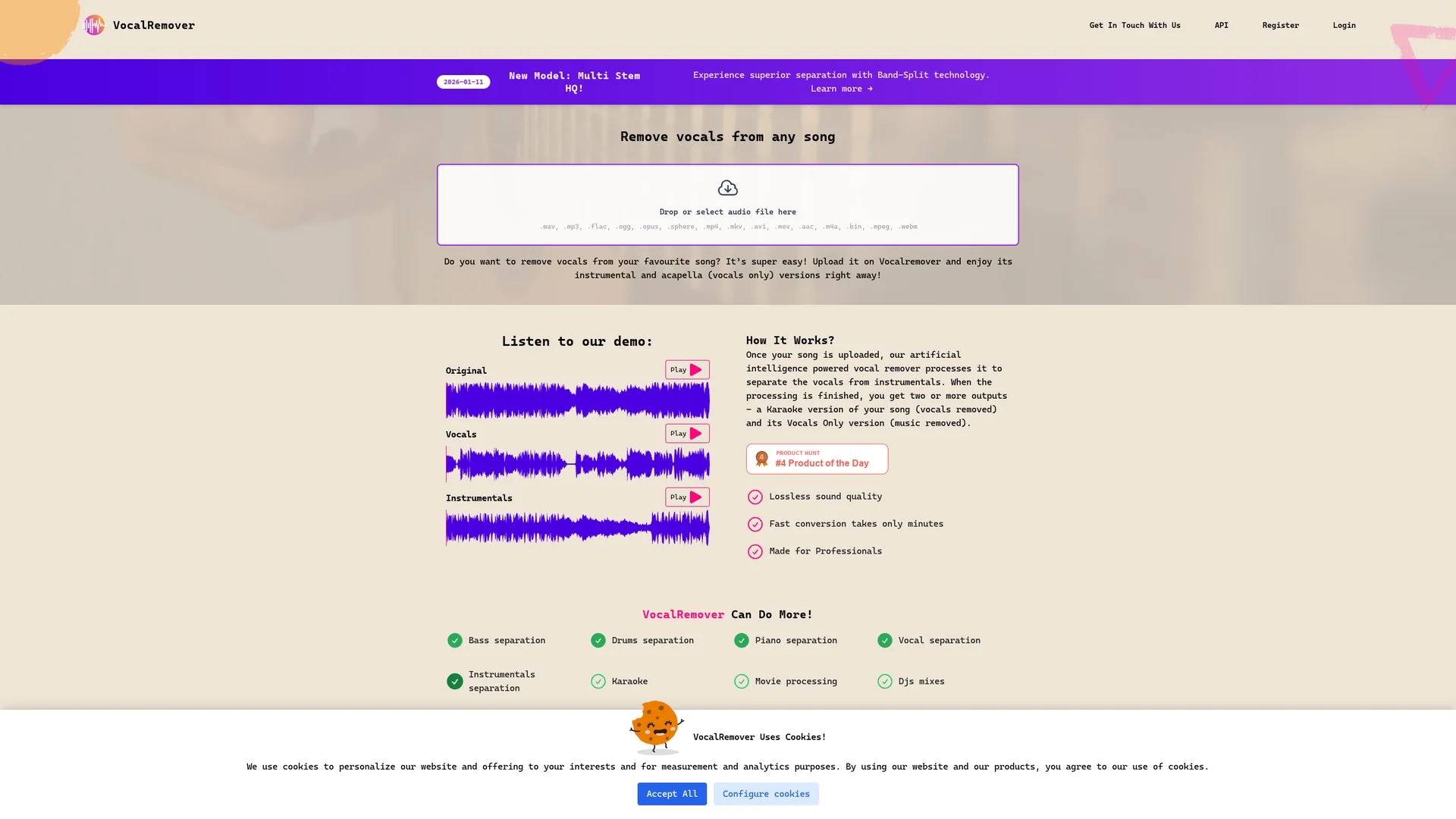
Vocalremover uses AI to separate vocals from music tracks, delivering high-quality instrumental and acapella versions quickly and accurately.
Disclaimer: Visionary Hub is not affiliated with, endorsed by, or the operator of this tool. All trademarks, logos, and content are the property of their respective owners. Full disclaimer available here
Key Features
Vocal Removal
Separates vocals cleanly from any music track.
Instrumental Output
Provides karaoke-style tracks without vocals.
Acapella Extraction
Isolates vocal tracks for remixing or analysis.
Multi-Stem Separation
Separates bass, drums, piano, and vocals individually.
Get Started
Share & Save
Share on Social Media
Why Choose Vocalremover
High Accuracy:
Uses advanced AI for precise vocal and instrumental separation.Multi-Format Support:
Accepts various audio and video file types for flexible use.Fast Processing:
Delivers results within minutes with lossless sound quality.
Pricing
Pricing plans vary based on the number of conversion minutes purchased. Users can buy packages with limits on total audio/video length. For detailed pricing, visit the official pricing page.
About Vocalremover
Vocalremover uses AI to separate vocals from music tracks, delivering high-quality instrumental and acapella versions quickly and accurately.
What Vocalremover Does
Vocalremover removes vocals from music tracks to produce karaoke and acapella versions, enabling users to isolate or eliminate vocals quickly and accurately.
It uses machine learning and Band-Split technology to separate multiple stems such as vocals, bass, drums, and piano, supporting formats like mp3, wav, mp4, and more. The tool processes files rapidly while maintaining lossless audio quality.
This tool is useful for music producers, DJs, sound designers, and record labels for remixing, music analysis, and creating instrumental tracks for performances or media projects.
Pros & Cons
User-Friendly
Simple upload interface with quick output delivery.
High Quality
Maintains lossless audio quality during processing.
Variable Results
Effectiveness depends on song complexity and quality.
Limited Free Use
Free conversion limited to 30 seconds per song.
Frequently Asked Questions
Conversion minutes limit total audio/video length processed, rounded to the nearest whole minute.
Yes, upload videos up to 10GB; supported formats include mp4, mov, avi, and ogg.
Files are stored based on subscription type: unlimited with subscription, 30 days for one-time users.
Yes, contact support to cancel your subscription at any time.
Files are processed in original format to preserve the highest possible quality.
Similar Tools You Might Like
Discover more AI-powered tools that complement your workflow



List Your AI Tool & Reach Thousands of Users
Join 500+ AI innovators already thriving on our platform. Get visibility, feedback, and boost your conversions.
Expand Your Audience
Connect with over 50,000 AI enthusiasts actively looking for tools like yours.
Boost Your Authority
Get verified reviews and ratings to build credibility in the AI marketplace.
Drive Conversions
Our premium placements and targeted audience deliver quality leads and sign-ups.