
Vmaker
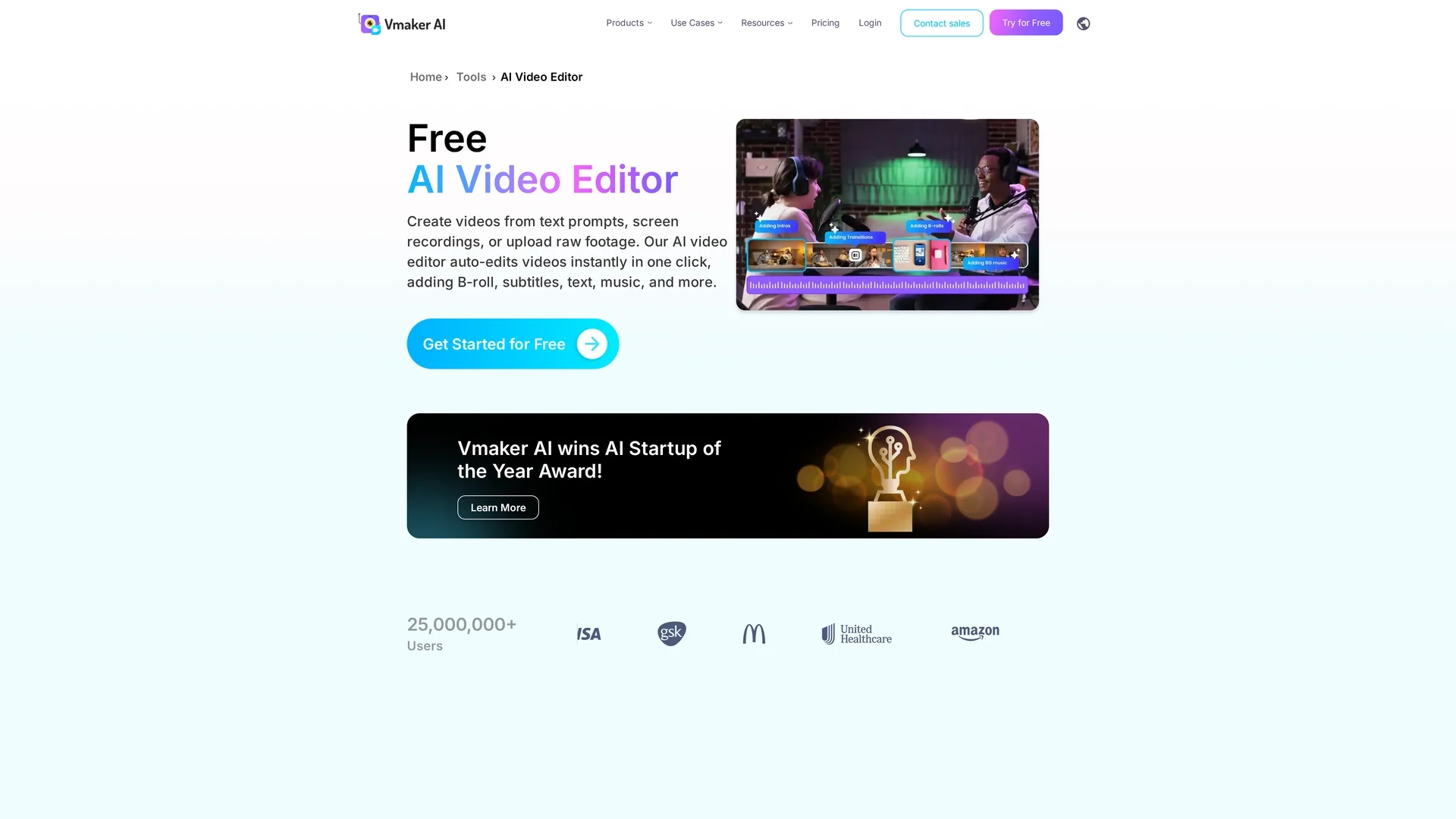
Vmaker is an AI-powered video editor that auto-edits videos with subtitles, background music, animations, and highlight clip generation for easy, professional content creation.
Disclaimer: Visionary Hub is not affiliated with, endorsed by, or the operator of this tool. All trademarks, logos, and content are the property of their respective owners. Full disclaimer available here
Key Features
Auto Subtitle Generator
Automatically creates subtitles in 35+ languages with customizable styles.
AI Background Removal
Removes video backgrounds precisely, with or without green screen.
Highlight Clip Maker
Converts long videos into engaging short clips for social media sharing.
4K Video Support
Records and exports videos in up to 4K HD resolution.
Get Started
Share & Save
Share on Social Media
Why Choose Vmaker
Auto-Editing:
Transforms raw videos into polished content instantly with AI-powered enhancements.Multilingual Subtitles:
Generates accurate subtitles in over 35 languages to increase accessibility.Comprehensive Suite:
Combines AI automation with manual editing tools for full creative control.
Pricing
Vmaker offers a free trial and multiple pricing plans: Free plan at $0, Starter plan at $18/month billed annually, Teams plan at $25/month billed annually, and custom Enterprise plans. Pricing details are subject to change; verify on the official site.
About Vmaker
Vmaker is an AI-powered video editor that auto-edits videos with subtitles, background music, animations, and highlight clip generation for easy, professional content creation.
What Vmaker Does
Vmaker automates video editing by transforming raw footage or recordings into polished videos with one click. It adds subtitles in over 35 languages, background music matched to the video's mood, text animations, and transitions to enhance viewer engagement.
The tool features AI-powered auto-editing including B-roll insertion, smart zoom, intro/outro generation, and background removal with or without green screen. Users can also manually refine videos using a timeline editor with trimming, color adjustments, and audio enhancements.
Vmaker is ideal for creating promotional content, instructional videos, and social media clips. It supports converting long videos into short highlights and integrates a stock library with 1000+ assets for richer storytelling.
Pros & Cons
User-Friendly
Easy-to-use interface suitable for beginners and professionals.
Feature-Rich
Offers a wide range of AI and manual editing tools in one platform.
Watermark on Free Plan
Videos exported from Vmaker include a watermark on the free plan.
Pricing Transparency
Detailed pricing may require visiting the official website for updates.
Frequently Asked Questions
Vmaker AI video editor auto-edits raw videos by adding subtitles, music, transitions, and effects to create publish-ready videos.
Yes, Vmaker provides a free plan with AI video effects but includes a watermark on exported videos.
Yes, it auto-generates subtitles in over 35 languages with 98% accuracy.
Yes, Vmaker AI can remove video backgrounds precisely with or without a green screen.
Vmaker supports major video formats including MP4 and MOV for upload and export.
Similar Tools You Might Like
Discover more AI-powered tools that complement your workflow

List Your AI Tool & Reach Thousands of Users
Join 500+ AI innovators already thriving on our platform. Get visibility, feedback, and boost your conversions.
Expand Your Audience
Connect with over 50,000 AI enthusiasts actively looking for tools like yours.
Boost Your Authority
Get verified reviews and ratings to build credibility in the AI marketplace.
Drive Conversions
Our premium placements and targeted audience deliver quality leads and sign-ups.