
Vmake Video Enhancer
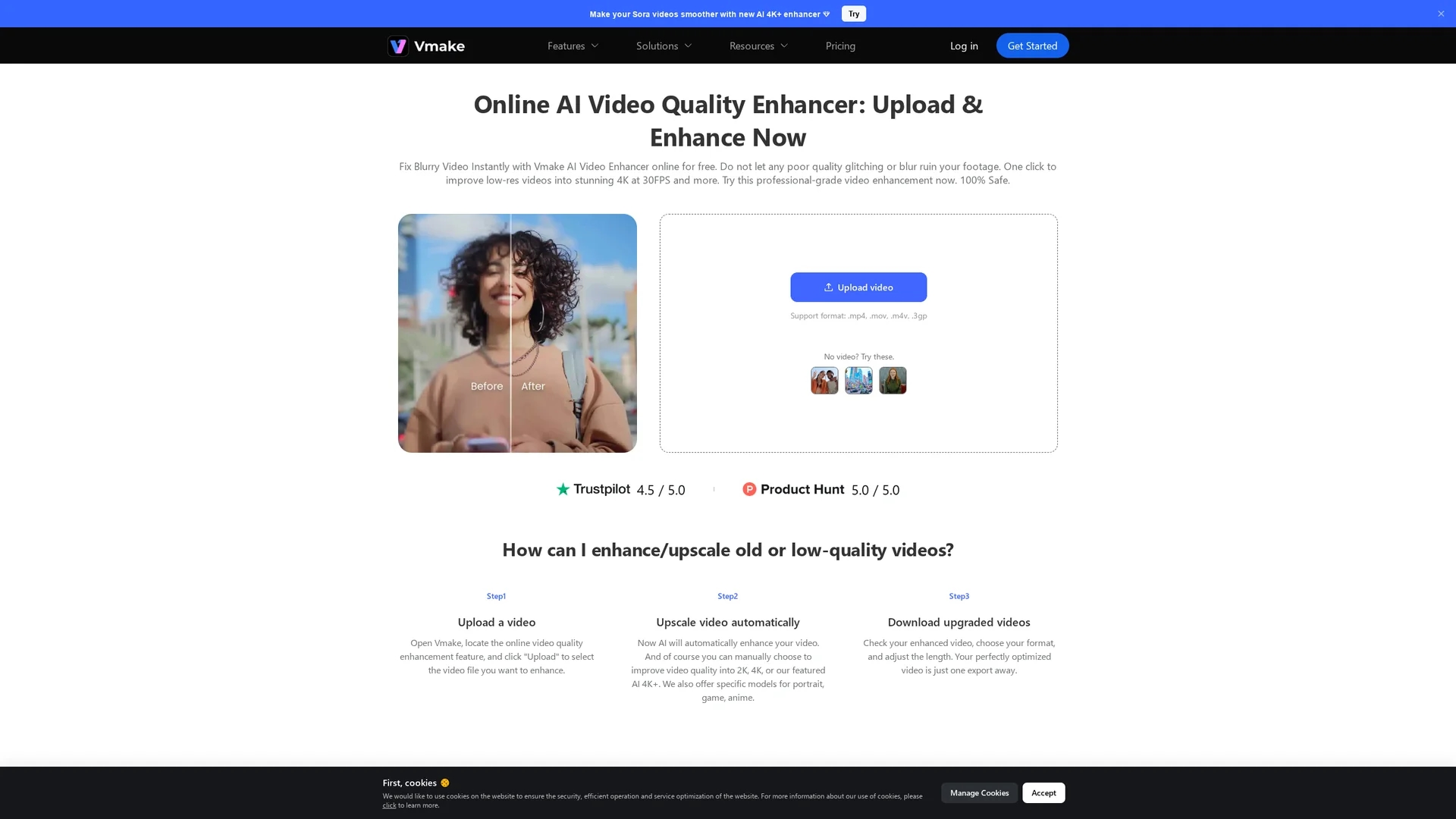
Vmake AI Video Enhancer converts low-quality videos into high-resolution 4K at 30fps, enhancing brightness, contrast, saturation, and sharpness for vibrant, professional visuals.
Disclaimer: Visionary Hub is not affiliated with, endorsed by, or the operator of this tool. All trademarks, logos, and content are the property of their respective owners. Full disclaimer available here
Key Features
4K Upscaling
Converts low-quality videos into high-resolution 4K at 30fps.
Visual Adjustments
Adjusts brightness, contrast, saturation, and sharpness automatically.
Noise Reduction
Removes video noise and artifacts for a cleaner image.
Browser-Based
Accessible online without downloads or installations.
Get Started
Share & Save
Share on Social Media
Why Choose Vmake Video Enhancer
No Signup:
Enhance videos instantly without creating an account.AI Precision:
Advanced AI fixes facial glitches and stabilizes flickering.Multi-Mode:
Specialized modes for portraits, e-commerce, and general videos.
Pricing
Pricing details are available on the official pricing page. Plans include free usage with limitations and paid options for advanced features.
About Vmake Video Enhancer
Vmake AI Video Enhancer converts low-quality videos into high-resolution 4K at 30fps, enhancing brightness, contrast, saturation, and sharpness for vibrant, professional visuals.
What Vmake Video Enhancer Does
Vmake AI Video Enhancer converts low-resolution videos into high-quality 4K footage, improving visual clarity and detail to enhance viewer engagement and brand credibility.
It uses AI algorithms to automatically adjust brightness, contrast, saturation, and sharpness, stabilize flickering, reduce noise, and fix facial glitches. Specialized modes optimize videos for portraits, e-commerce, and general content.
This tool is ideal for video content creators, film studios, and e-commerce businesses aiming to showcase products and services with polished, professional visuals.
Pros & Cons
Ease of Use
Simple drag-and-drop interface with no signup required.
Versatile Modes
Tailors enhancement for different video types and use cases.
Limited Formats
Supports only select video formats like .mp4, .mov, .m4v, .3gp.
No Offline Use
Requires internet connection; no desktop app available.
Frequently Asked Questions
It uses AI to upscale resolution and adjust brightness, contrast, saturation, and sharpness automatically.
Vmake offers free usage with limitations; paid plans with advanced features are detailed on their pricing page.
Supported formats include .mp4, .mov, .m4v, and .3gp for upload and enhancement.
Yes, Vmake is browser-based and works on desktop and mobile devices without downloads.
Yes, uploaded files are only accessible by you and are deleted automatically after 7 days.
Similar Tools You Might Like
Discover more AI-powered tools that complement your workflow
List Your AI Tool & Reach Thousands of Users
Join 500+ AI innovators already thriving on our platform. Get visibility, feedback, and boost your conversions.
Expand Your Audience
Connect with over 50,000 AI enthusiasts actively looking for tools like yours.
Boost Your Authority
Get verified reviews and ratings to build credibility in the AI marketplace.
Drive Conversions
Our premium placements and targeted audience deliver quality leads and sign-ups.