Visualping
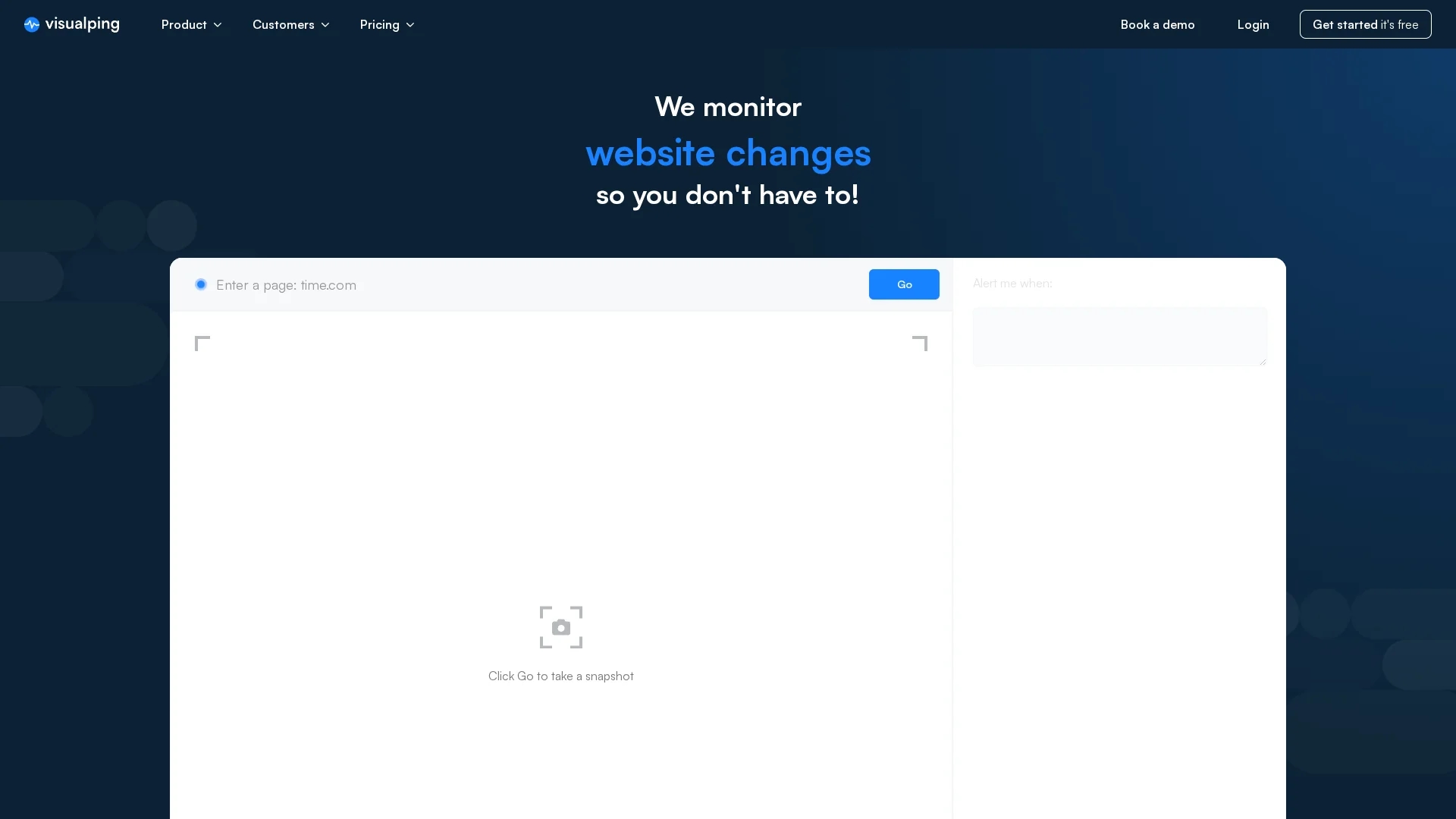
Visualping is an AI-powered website monitoring tool that detects visual, content, and code changes, sending alerts with detailed screenshots to keep users informed effortlessly.
Disclaimer: Visionary Hub is not affiliated with, endorsed by, or the operator of this tool. All trademarks, logos, and content are the property of their respective owners. Full disclaimer available here
Key Features
Visual Monitoring
Tracks visual changes on webpages with before-and-after screenshots.
Content & Code Detection
Detects textual and source code changes accurately.
AI Prioritization
Categorizes and prioritizes changes based on significance.
Multi-Channel Alerts
Sends notifications via email, SMS, and webhooks.
Get Started
Share & Save
Share on Social Media
Why Choose Visualping
AI Summaries:
Provides concise AI-generated summaries for quick change understanding.Custom Alerts:
Supports email, SMS, and webhook notifications tailored to user needs.Team Collaboration:
Enables seamless collaboration with shared dashboards and settings.
Pricing
Visualping offers a free trial and several paid plans: Starter at $10/month, Personal 5k at $25/month, Personal 10k at $50/month, and Business plans starting at $100/month. Pricing details are subject to change; visit the official page for updates.
About Visualping
Visualping is an AI-powered website monitoring tool that detects visual, content, and code changes, sending alerts with detailed screenshots to keep users informed effortlessly.
What Visualping Does
Visualping continuously monitors webpages for any visual, textual, or code changes, alerting users with detailed notifications and screenshots. This helps users stay informed about important updates without manual checking.
It features AI-powered analysis that categorizes and prioritizes detected changes, providing concise summaries to quickly understand updates. Users can customize alerts via email, SMS, or webhooks and collaborate with teams through shared dashboards.
Industries such as marketing, legal, finance, and e-commerce use Visualping to monitor competitor pricing, regulatory changes, SEO updates, and product stock, ensuring timely responses to critical information.
Pros & Cons
Comprehensive Monitoring
Monitors visual, content, and code changes on any webpage.
User-Friendly Interface
Offers an intuitive platform with easy setup and customization.
Pricing Complexity
Multiple plans may require careful selection to match user needs.
Limited Free Tier
Free trial has usage limits before requiring paid subscription.
Frequently Asked Questions
Visualping detects visual, textual content, and source code changes on monitored webpages.
Plans include a free trial, Starter ($10/mo), Personal 5k ($25/mo), Personal 10k ($50/mo), and Business starting at $100/mo.
Yes, Visualping supports notifications through email, SMS, and webhooks for flexible alerting.
Yes, it allows inviting colleagues to projects and managing settings collaboratively.
Yes, Visualping offers a Chrome extension for quick monitoring setup directly from the browser.
Similar Tools You Might Like
Discover more AI-powered tools that complement your workflow

List Your AI Tool & Reach Thousands of Users
Join 500+ AI innovators already thriving on our platform. Get visibility, feedback, and boost your conversions.
Expand Your Audience
Connect with over 50,000 AI enthusiasts actively looking for tools like yours.
Boost Your Authority
Get verified reviews and ratings to build credibility in the AI marketplace.
Drive Conversions
Our premium placements and targeted audience deliver quality leads and sign-ups.