
Visla
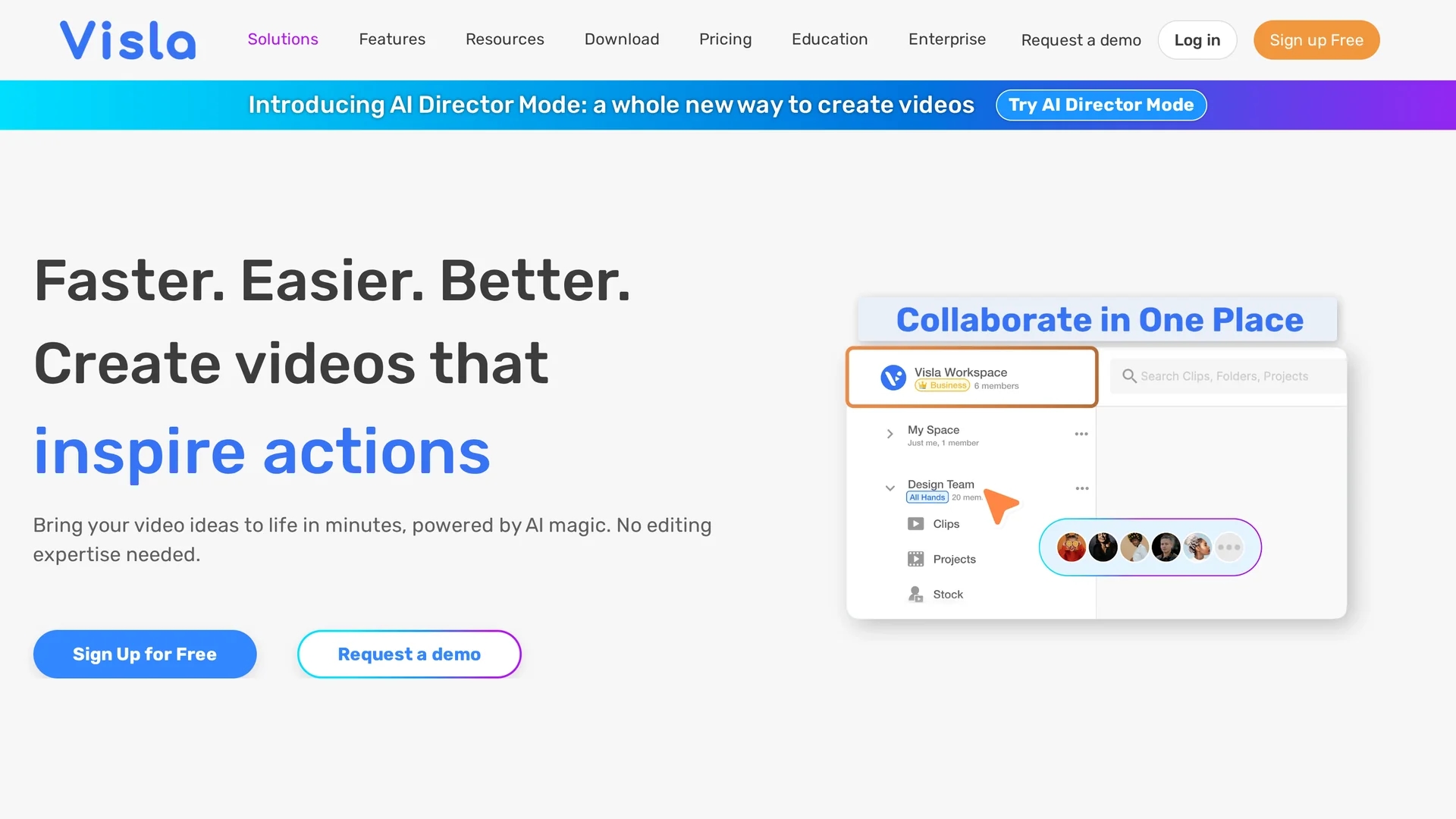
Create visually stunning videos with Visla’s AI Video Generator that transforms ideas, scripts, and media into polished, engaging videos quickly and easily.
Disclaimer: Visionary Hub is not affiliated with, endorsed by, or the operator of this tool. All trademarks, logos, and content are the property of their respective owners. Full disclaimer available here
Key Features
Idea to Video
Transforms text ideas into ready-to-share videos with voiceover and subtitles.
Scene-Based Editor
Enables intuitive rearranging and enhancement of video scenes.
AI Voiceover
Generates natural-sounding voiceovers matched to video content.
Brand Customization
Allows uploading logos, fonts, and colors to maintain brand consistency.
Get Started
Share & Save
Share on Social Media
Why Choose Visla
Versatile Input:
Accepts scripts, audio, PDFs, and images for flexible video creation.AI Avatars:
Create lifelike AI presenters with customizable voices and appearances.Collaborative Editing:
Supports team comments and scene-based video editing for faster workflows.
Pricing
Visla offers a Free plan and paid Pro and Business plans starting at $9/month billed annually. Pricing varies by features, video volume, and premium content access.
About Visla
Create visually stunning videos with Visla’s AI Video Generator that transforms ideas, scripts, and media into polished, engaging videos quickly and easily.
What Visla Does
Visla’s AI Video Generator converts various inputs such as text, scripts, audio, PDFs, and images into fully edited videos with voiceovers, background music, and visuals. This automation accelerates video production and reduces the need for manual editing.
The tool uses AI to analyze input content, select relevant stock footage, generate natural voiceovers, and assemble videos with customizable avatars and branding. Users can further refine videos with a scene-based editor that supports rearranging scenes, adding graphics, and adjusting pacing.
Visla serves industries including marketing, education, sales, customer success, product development, and HR by enabling quick creation of marketing videos, tutorials, demos, and training content.
Pros & Cons
Ease of Use
Automates complex video production tasks for users without editing skills.
Time Savings
Speeds up video creation from concept to final product.
Learning Curve
Advanced editing features may require some time to master.
Limited Free Plan
Free tier has feature and usage limitations compared to paid plans.
Frequently Asked Questions
It processes text, scripts, audio, PDFs, images, and video clips to create videos.
Yes, there is a free plan with core features available for new users.
Yes, you can use the scene-based editor to refine and customize videos.
Plans include Free, Pro, and Business tiers starting at $9/month billed annually.
Yes, you can upload logos, fonts, and colors to keep videos on brand.
Similar Tools You Might Like
Discover more AI-powered tools that complement your workflow


List Your AI Tool & Reach Thousands of Users
Join 500+ AI innovators already thriving on our platform. Get visibility, feedback, and boost your conversions.
Expand Your Audience
Connect with over 50,000 AI enthusiasts actively looking for tools like yours.
Boost Your Authority
Get verified reviews and ratings to build credibility in the AI marketplace.
Drive Conversions
Our premium placements and targeted audience deliver quality leads and sign-ups.