
VisFlow
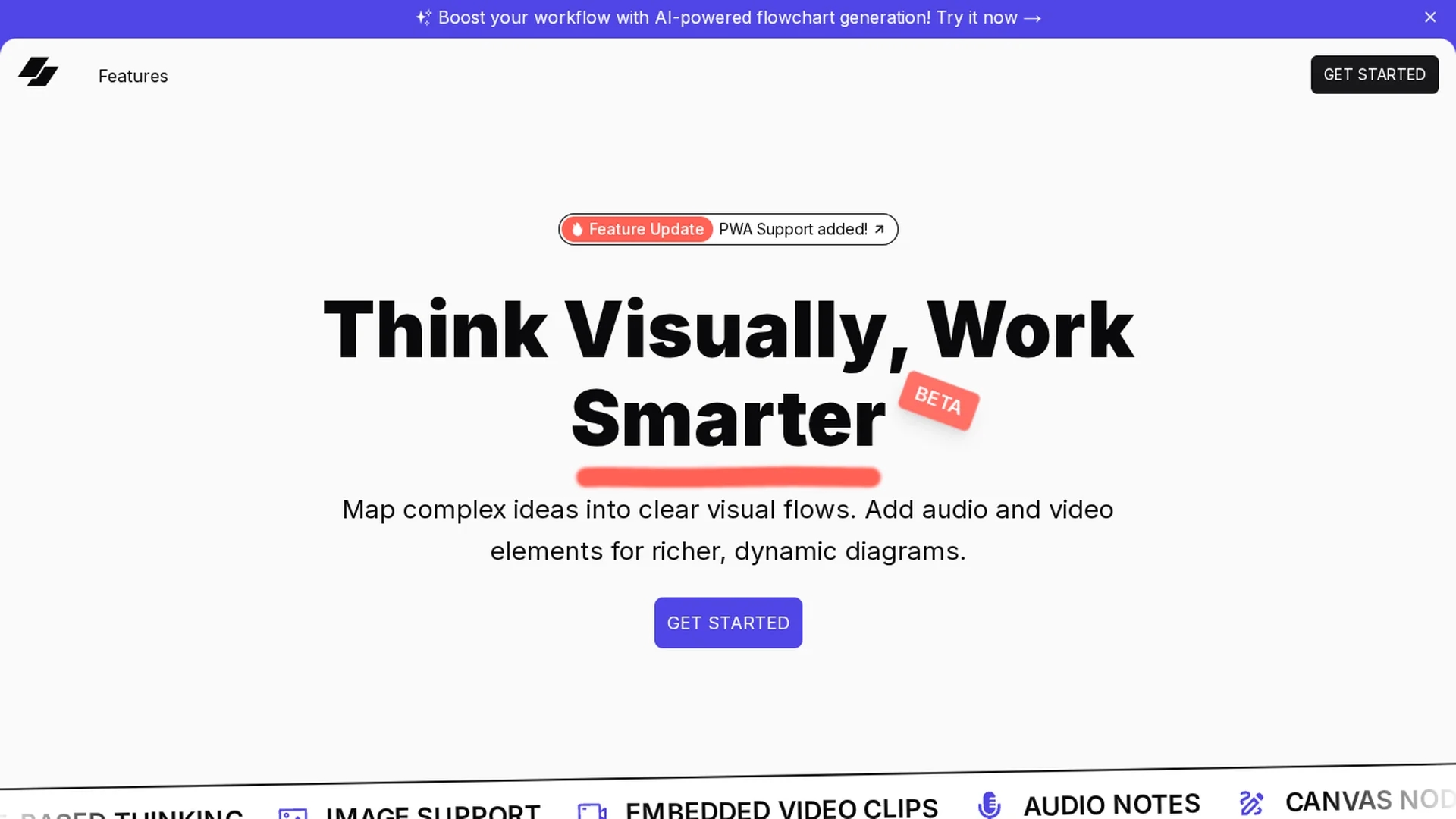
Visflow enables creation of interactive flowcharts and mind maps with multimedia elements, supporting real-time collaboration and drag-and-drop editing across devices.
Disclaimer: Visionary Hub is not affiliated with, endorsed by, or the operator of this tool. All trademarks, logos, and content are the property of their respective owners. Full disclaimer available here
Key Features
Flowchart Creation
Design interactive flowcharts with multimedia-rich nodes.
Mind Map Support
Create mind maps to organize ideas visually and intuitively.
Drag & Drop Editing
Easily move and connect custom nodes with an intuitive interface.
Real-Time Collaboration
Collaborate seamlessly with team members across devices.
Get Started
Share & Save
Share on Social Media
Why Choose VisFlow
Multimedia Integration:
Embed images, videos, and audio directly into flowcharts for richer visuals.Cross-Device Access:
Edit and collaborate in real time on desktop, tablet, and mobile devices.Local Privacy:
Data stays on your device, ensuring privacy without cloud storage.
Pricing
For current prices, visit the official page at https://www.tryvisflow.com/
About VisFlow
Visflow enables creation of interactive flowcharts and mind maps with multimedia elements, supporting real-time collaboration and drag-and-drop editing across devices.
What VisFlow Does
Visflow allows users to design interactive flowcharts and mind maps that incorporate multimedia elements such as images, audio, and video. This enhances the clarity and engagement of complex ideas for users.
The tool features custom node types, drag-and-drop editing, and supports real-time collaboration across multiple devices. Users can embed videos, voice notes, and links within their diagrams, facilitating richer visual documentation and structured workflows.
Visflow is ideal for educators creating dynamic presentations, teams brainstorming projects, and businesses visualizing strategies with interactive diagrams that improve stakeholder understanding.
Pros & Cons
Rich Media Support
Supports embedding video, audio, and images within diagrams.
Privacy-Focused
Stores data locally, avoiding cloud tracking and enhancing security.
Limited Integrations
Currently lacks extensive third-party tool integrations.
Beta Stage
Some features may still be under development or refinement.
Frequently Asked Questions
You can embed images, videos, and audio notes directly into flowcharts and mind maps.
Yes, users can collaborate on projects simultaneously across desktop, tablet, and mobile devices.
For current pricing and trial details, please visit the official Visflow website.
Visflow stores data locally on your device without using cloud storage or tracking.
Yes, Visflow supports cross-device accessibility including desktops, tablets, and mobiles.
Similar Tools You Might Like
Discover more AI-powered tools that complement your workflow
List Your AI Tool & Reach Thousands of Users
Join 500+ AI innovators already thriving on our platform. Get visibility, feedback, and boost your conversions.
Expand Your Audience
Connect with over 50,000 AI enthusiasts actively looking for tools like yours.
Boost Your Authority
Get verified reviews and ratings to build credibility in the AI marketplace.
Drive Conversions
Our premium placements and targeted audience deliver quality leads and sign-ups.