
VideoWatermarkRemove
VideoWatermarkRemove is an AI-powered online tool that removes watermarks, logos, and text from videos while preserving original quality using pixel analysis.
Disclaimer: Visionary Hub is not affiliated with, endorsed by, or the operator of this tool. All trademarks, logos, and content are the property of their respective owners. Full disclaimer available here
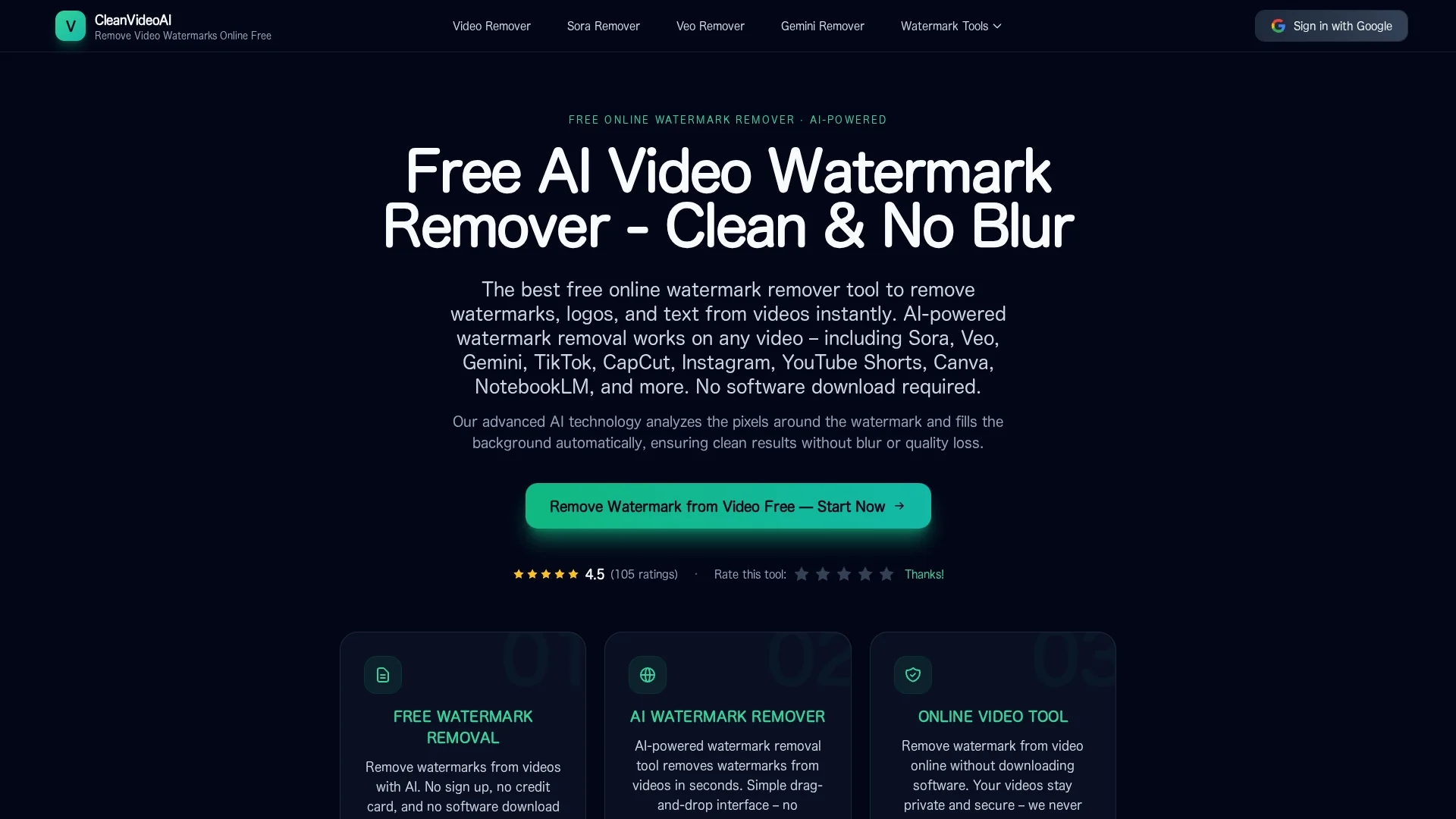
Key Features
AI Watermark Removal
Automatically detects and removes watermarks using AI.
Pixel Analysis
Analyzes surrounding pixels to preserve video quality.
Drag-and-Drop
Simple interface for easy video uploads.
Multi-Format Support
Accepts common video formats like MP4, MOV, and WebM.
Get Started
Share & Save
Share on Social Media
Why Choose VideoWatermarkRemove
No Installation:
Works entirely in-browser; no software downloads needed.AI Precision:
Uses AI to seamlessly remove watermarks without blurring.High Quality:
Preserves original video resolution and clarity.
Pricing
VideoWatermarkRemove offers a free tier with no sign-up required. Premium plans provide higher resolution exports, longer videos, bulk processing, and priority support. For current prices, visit the official page.
About VideoWatermarkRemove
VideoWatermarkRemove is an AI-powered online tool that removes watermarks, logos, and text from videos while preserving original quality using pixel analysis.
What VideoWatermarkRemove Does
VideoWatermarkRemove removes watermarks, logos, and text from videos using AI technology, allowing users to create clean, professional-quality videos. It benefits users by eliminating distracting branding and enabling content reuse.
The tool uses AI-powered pixel analysis to detect watermark edges and intelligently reconstruct background textures frame by frame. Users upload videos via a drag-and-drop interface, preview results, and download high-definition outputs without quality loss.
This solution is ideal for video editors, social media managers, and marketing professionals who need watermark-free videos for platforms like YouTube, TikTok, and Instagram, as well as educators sharing branded content.
Pros & Cons
Free Usage
Offers a free tier with no sign-up required.
Privacy
Processes videos securely and deletes files after use.
Single Video
Currently supports only single video processing.
Quality Variance
Removal accuracy varies with watermark complexity.
Frequently Asked Questions
It detects watermark edges and reconstructs background pixels frame by frame.
Yes, it offers a free tier with no credit card or sign-up required.
Common formats like MP4, MOV, and WebM are supported.
No installation is needed; it works directly in your browser.
Currently, only single video processing is supported; batch processing may come later.
Similar Tools You Might Like
Discover more AI-powered tools that complement your workflow


List Your AI Tool & Reach Thousands of Users
Join 500+ AI innovators already thriving on our platform. Get visibility, feedback, and boost your conversions.
Expand Your Audience
Connect with over 50,000 AI enthusiasts actively looking for tools like yours.
Boost Your Authority
Get verified reviews and ratings to build credibility in the AI marketplace.
Drive Conversions
Our premium placements and targeted audience deliver quality leads and sign-ups.