VideoPlus Studio
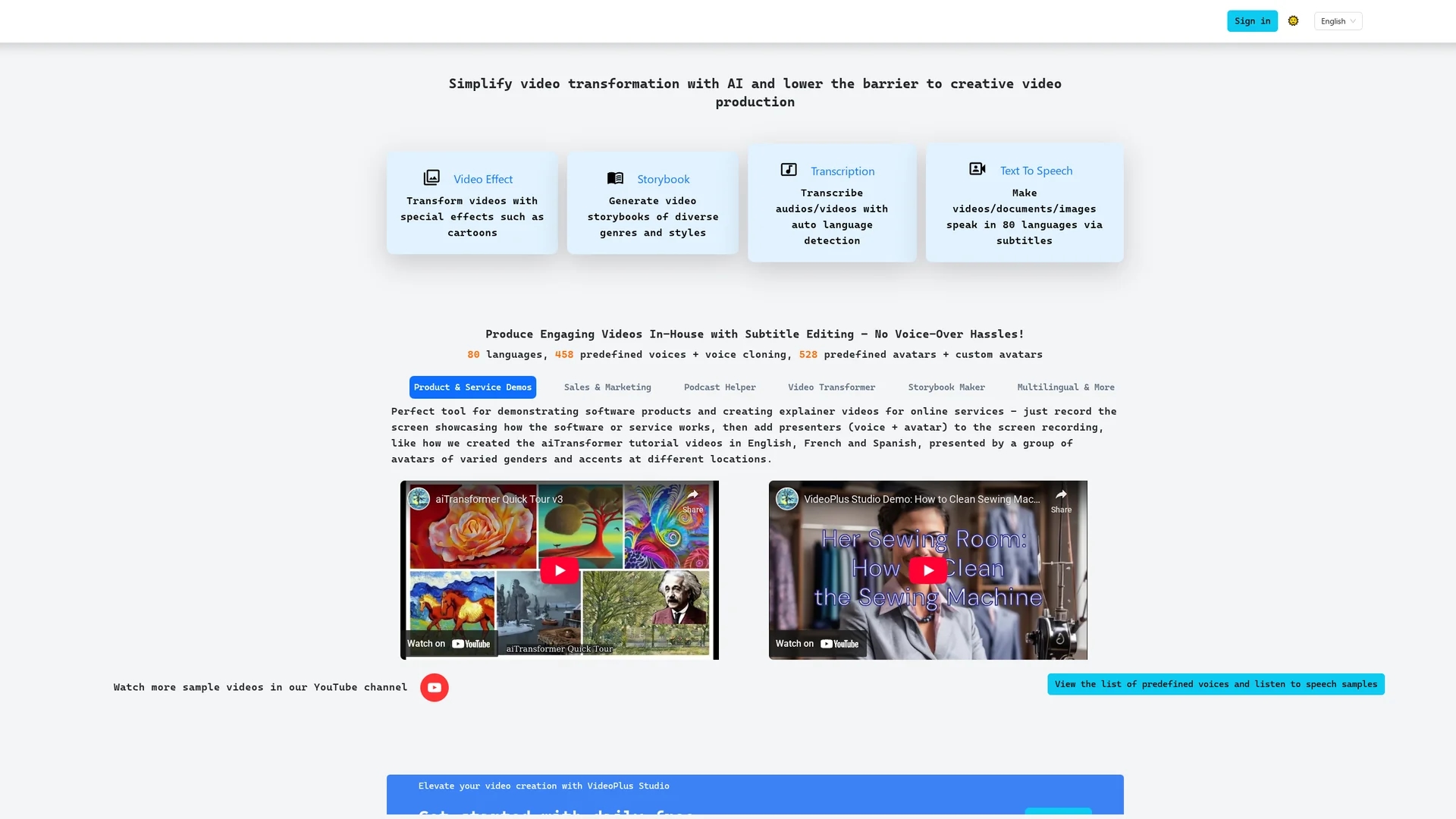
VideoPlus Studio AI Transformer is a versatile video editing tool for adding, editing, and translating subtitles with customizable voices and avatars across multiple languages.
Disclaimer: Visionary Hub is not affiliated with, endorsed by, or the operator of this tool. All trademarks, logos, and content are the property of their respective owners. Full disclaimer available here
Key Features
Subtitle Editing
Add and modify subtitles across multiple languages.
Voice & Avatar Customization
Personalize subtitles with custom voices and avatars.
Integration
Embed subtitles into videos, documents, and images seamlessly.
Undo Function
Revert changes easily during subtitle editing.
Get Started
Share & Save
Share on Social Media
Why Choose VideoPlus Studio
Multilingual Support:
Enables subtitle translation and editing in multiple languages for global reach.Voice Customization:
Allows unique voice and avatar customization for each subtitle.Flexible Export:
Supports exporting subtitles in various formats for different uses.
Pricing
VideoPlus Studio offers a freemium pricing model with a free version that has limitations. Paid plans include Starter at $9.99/month, Professional at $19.99/month, and Business at $39.99/month.
About VideoPlus Studio
VideoPlus Studio AI Transformer is a versatile video editing tool for adding, editing, and translating subtitles with customizable voices and avatars across multiple languages.
What VideoPlus Studio Does
VideoPlus Studio AI Transformer allows users to add, edit, and translate subtitles in multiple languages, enhancing video accessibility and engagement for global audiences.
It features customizable voices and avatars for each subtitle, seamless integration of subtitles into videos, documents, and images, undo changes, and subtitle export in different formats.
This tool is suitable for video editors, content creators, translators, and language learners aiming to produce multilingual and personalized video content efficiently.
Pros & Cons
Versatility
Supports multiple languages and subtitle formats.
User Control
Includes undo feature for flexible editing.
Limited Signup Info
No clear signup link available on homepage.
Pricing Transparency
Detailed pricing plans require visiting the official page.
Frequently Asked Questions
Yes, the tool supports adding and translating subtitles in multiple languages.
There is a freemium model with Starter, Professional, and Business plans ranging from $9.99 to $39.99 per month.
Yes, users can customize voices and avatars for each subtitle.
Yes, the tool includes an undo changes function to revert edits.
Yes, subtitles can be exported in various formats for different applications.
Similar Tools You Might Like
Discover more AI-powered tools that complement your workflow
List Your AI Tool & Reach Thousands of Users
Join 500+ AI innovators already thriving on our platform. Get visibility, feedback, and boost your conversions.
Expand Your Audience
Connect with over 50,000 AI enthusiasts actively looking for tools like yours.
Boost Your Authority
Get verified reviews and ratings to build credibility in the AI marketplace.
Drive Conversions
Our premium placements and targeted audience deliver quality leads and sign-ups.