
Convert Video To Pdf File - Apps on Google Play
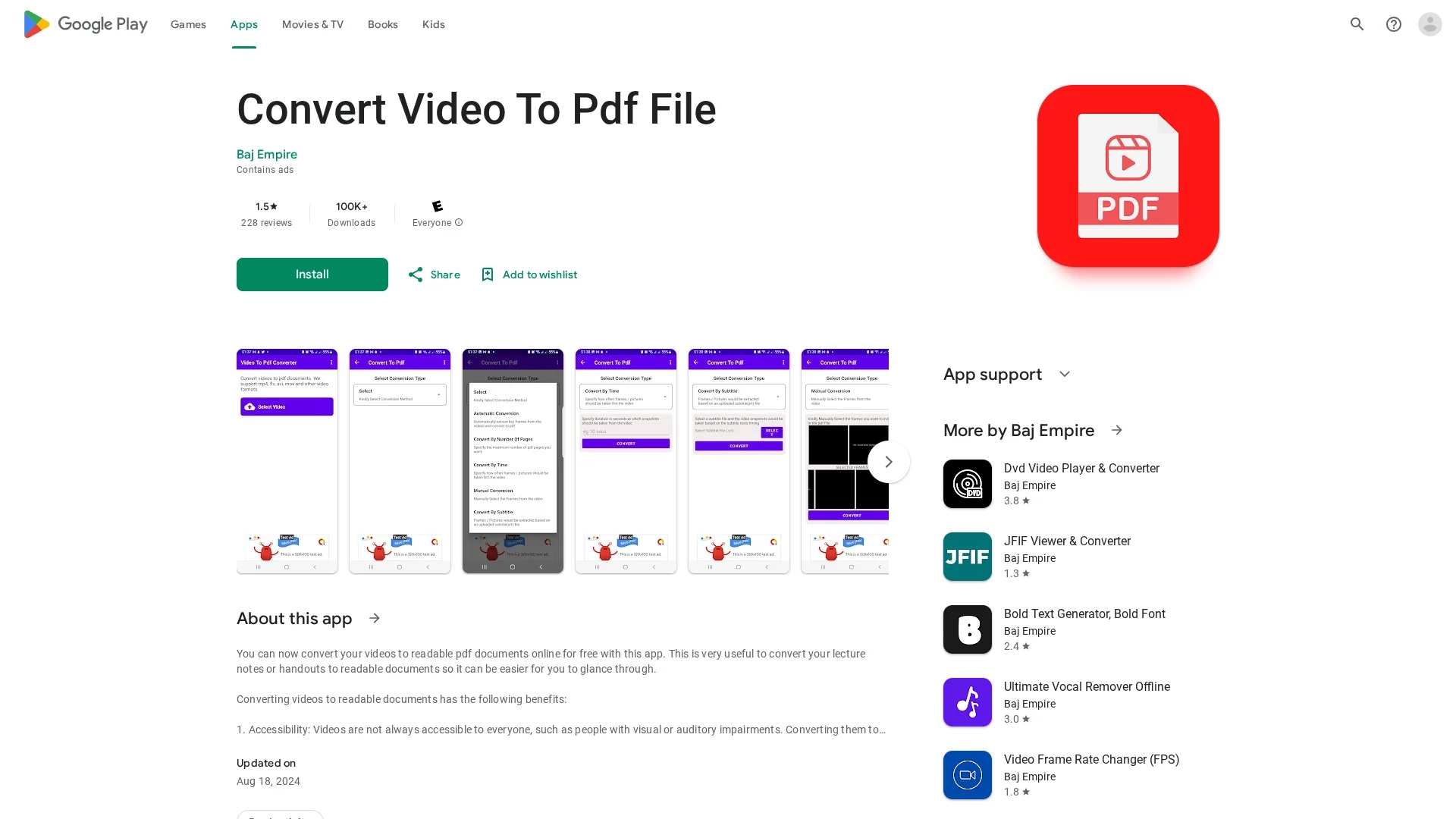
Convert Video To Pdf File app transforms videos (mp4, mov, avi, flv) into searchable, shareable PDF documents using multiple conversion methods.
Disclaimer: Visionary Hub is not affiliated with, endorsed by, or the operator of this tool. All trademarks, logos, and content are the property of their respective owners. Full disclaimer available here
Key Features
Automatic Conversion
Automatically extracts key video frames into PDF pages.
Time-Based Conversion
Captures frames at user-specified time intervals.
Subtitle-Based Conversion
Extracts frames aligned with subtitle timings.
Manual Frame Selection
Allows users to manually choose frames for PDF inclusion.
Get Started
Share & Save
Share on Social Media
Why Choose Convert Video To Pdf File - Apps on Google Play
Multiple Methods:
Offers five distinct video-to-PDF conversion options for user flexibility.Accessibility:
Makes video content accessible to users with visual or auditory impairments.Free Usage:
Available at no cost on Google Play without hidden fees.
Pricing
The app is free to use and available on Google Play. No paid plans or trials are mentioned.
About Convert Video To Pdf File - Apps on Google Play
Convert Video To Pdf File app transforms videos (mp4, mov, avi, flv) into searchable, shareable PDF documents using multiple conversion methods.
What Convert Video To Pdf File - Apps on Google Play Does
Convert Video To Pdf File transforms video files (mp4, mov, avi, flv) into PDF documents, making video content more accessible and easier to share or archive.
The app offers five conversion methods: automatic frame extraction, time-based frame capture, page-based extraction, manual frame selection, and subtitle-based conversion. Users select a video, choose a conversion type, and generate a PDF document with extracted frames or subtitles.
This tool is useful for converting lecture videos, presentations, or any video content into searchable and distributable PDF files, benefiting education, research, and professional documentation.
Pros & Cons
Versatile Conversion
Supports multiple video formats and conversion methods.
Enhances Accessibility
Transforms video content into searchable, readable documents.
Limited Platform
Available only as an Android app on Google Play.
Mixed Reviews
User feedback indicates occasional conversion errors.
Frequently Asked Questions
The app supports mp4, mov, avi, and flv video formats for PDF conversion.
Five methods: automatic, time-based, page-based, manual, and subtitle-based conversion.
Yes, the app is completely free with no paid plans.
Select a video, choose a conversion type, then click the convert button.
The app was developed by Baj Empire, based in Lagos, Nigeria.
Similar Tools You Might Like
Discover more AI-powered tools that complement your workflow
List Your AI Tool & Reach Thousands of Users
Join 500+ AI innovators already thriving on our platform. Get visibility, feedback, and boost your conversions.
Expand Your Audience
Connect with over 50,000 AI enthusiasts actively looking for tools like yours.
Boost Your Authority
Get verified reviews and ratings to build credibility in the AI marketplace.
Drive Conversions
Our premium placements and targeted audience deliver quality leads and sign-ups.