
Vectorizer.io
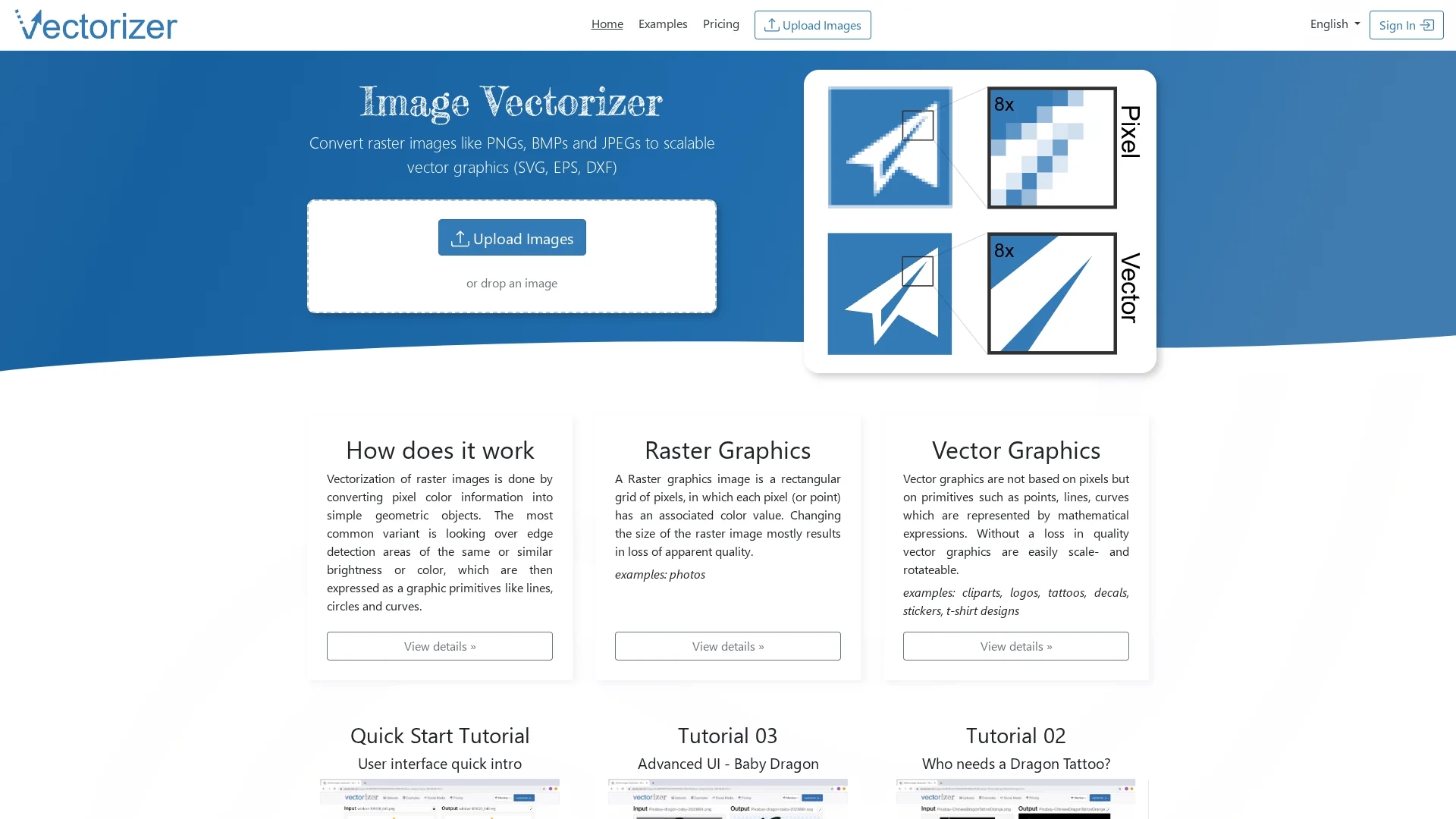
Vectorizer.io converts raster images like PNG, BMP, and JPEG into scalable vector graphics for high-quality, flexible design applications.
Disclaimer: Visionary Hub is not affiliated with, endorsed by, or the operator of this tool. All trademarks, logos, and content are the property of their respective owners. Full disclaimer available here
Key Features
Raster to Vector
Transforms pixel-based images into scalable vector graphics.
Edge Detection
Uses color and brightness to detect edges for vectorization.
Multiple Outputs
Exports vector images in SVG, EPS, and DXF formats.
Design Versatility
Supports logos, cliparts, tattoos, decals, and t-shirt designs.
Get Started
Share & Save
Share on Social Media
Why Choose Vectorizer.io
Scalability:
Maintains image quality when scaling or rotating vector graphics.Multiple Formats:
Supports SVG, EPS, and DXF vector output formats.Easy Conversion:
Converts various raster images like PNG, BMP, and JPEG efficiently.
Pricing
Free credits are available for non-commercial use and evaluation. For commercial use, credits must be purchased. Detailed pricing is available on the pricing page.
About Vectorizer.io
Vectorizer.io converts raster images like PNG, BMP, and JPEG into scalable vector graphics for high-quality, flexible design applications.
What Vectorizer.io Does
Vectorizer.io converts raster images into scalable vector graphics, allowing users to maintain image quality when scaling or rotating designs. This enhances flexibility for various creative projects.
The tool processes pixel color information and transforms it into geometric objects such as lines, circles, and curves using vectorization techniques. It supports output formats including SVG, EPS, and DXF for diverse design needs.
Common use cases include creating logos, cliparts, tattoos, decals, stickers, t-shirt designs, and billboard graphics, serving industries like graphic design, marketing, and apparel.
Pros & Cons
Quality Retention
Preserves image clarity when resizing vector graphics.
User Accessibility
Offers free credits for evaluation and easy sign-in options.
Credit System
Requires purchasing credits for commercial use.
Limited Free Use
Free credits are restricted to non-commercial purposes.
Frequently Asked Questions
It converts raster formats like PNG, BMP, and JPEG into vector formats such as SVG, EPS, and DXF.
Yes, users receive 3 free credits for non-commercial evaluation upon signing in.
You can sign up via social media logins like Google or Twitter on the homepage.
Commercial use requires purchasing credits; free credits are for evaluation only.
The input data does not specify batch processing capabilities.
Similar Tools You Might Like
Discover more AI-powered tools that complement your workflow
List Your AI Tool & Reach Thousands of Users
Join 500+ AI innovators already thriving on our platform. Get visibility, feedback, and boost your conversions.
Expand Your Audience
Connect with over 50,000 AI enthusiasts actively looking for tools like yours.
Boost Your Authority
Get verified reviews and ratings to build credibility in the AI marketplace.
Drive Conversions
Our premium placements and targeted audience deliver quality leads and sign-ups.