
Vectorizer AI
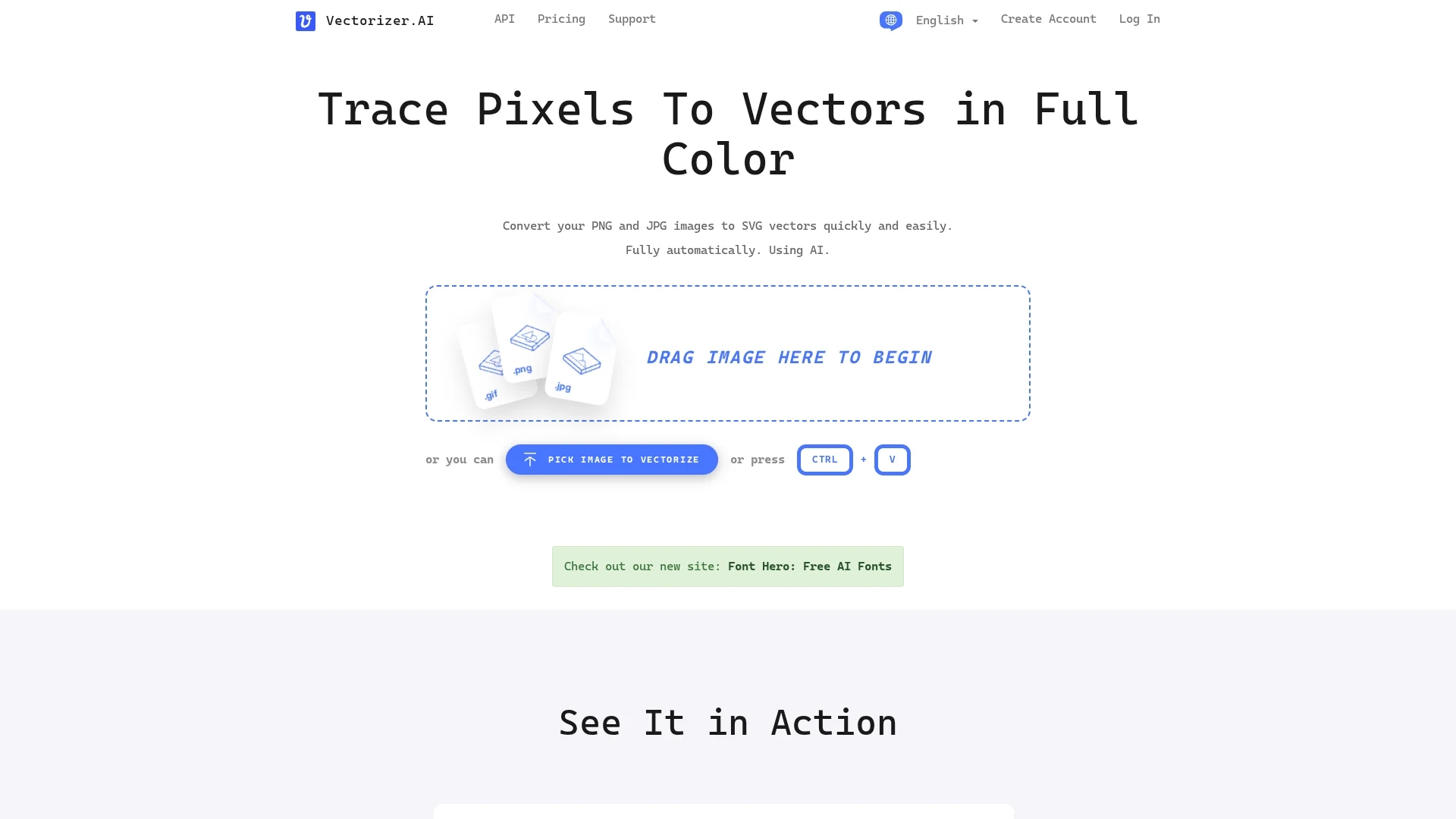
Vectorizer.AI is an AI-powered online tool that converts raster images like PNG and JPG into high-quality, scalable vector graphics quickly and automatically.
Disclaimer: Visionary Hub is not affiliated with, endorsed by, or the operator of this tool. All trademarks, logos, and content are the property of their respective owners. Full disclaimer available here
Key Features
Raster to Vector
Converts bitmap images into scalable vector graphics automatically.
Shape Support
Fits circles, ellipses, stars, and various curve types precisely.
Corner Optimization
Cleans and smooths corners for natural vector shapes.
Full Color & Transparency
Preserves 32-bit color including alpha channel in output.
Get Started
Share & Save
Share on Social Media
Why Choose Vectorizer AI
AI-Powered:
Uses proprietary deep learning for detailed and accurate vectorization.Full Automation:
Converts images without user input, saving time and effort.Multiple Formats:
Supports SVG, PDF, EPS, DXF, and PNG output for versatile use.
Pricing
Vectorizer.AI offers a free plan with no credit card required. Paid plans include an API plan starting at $9.99/month with credits and a Web App Unlimited plan at $8.99/month. Detailed pricing is available on their pricing page.
About Vectorizer AI
Vectorizer.AI is an AI-powered online tool that converts raster images like PNG and JPG into high-quality, scalable vector graphics quickly and automatically.
What Vectorizer AI Does
Vectorizer.AI converts raster images like JPEG, PNG, BMP, and GIF into vector formats such as SVG, PDF, EPS, and DXF. This allows users to scale images without quality loss, ideal for printing, web design, and digital art.
The tool uses a combination of deep learning and classical algorithms to analyze pixels and fit geometric shapes including circles, ellipses, stars, and complex curves. It optimizes corners and models symmetries for natural, high-fidelity vector graphics. Users can upload images via drag-and-drop or file picker and preview results interactively.
Industries benefiting from Vectorizer.AI include graphic design, marketing, software development, and digital art creation, where scalable and editable vector graphics are essential.
Pros & Cons
High Quality
Produces detailed, scalable vectors preserving fine image details.
Free Plan
Offers a free usage option without requiring credit card details.
File Size Limit
Maximum input image size is limited to 3 megapixels and 30 MB.
Limited Configuration
Currently limited user options; customization features are in development.
Frequently Asked Questions
It supports JPEG, PNG, WEBP, BMP, and GIF inputs and outputs SVG, PDF, EPS, DXF, and PNG formats.
Yes, Vectorizer.AI offers a free plan with no credit card required.
The maximum input image size is 3 megapixels and 30 megabytes.
Currently, the process is fully automatic, but configuration options are planned.
It was developed by Cedar Lake Ventures, Inc., leveraging proprietary AI technology.
Similar Tools You Might Like
Discover more AI-powered tools that complement your workflow

List Your AI Tool & Reach Thousands of Users
Join 500+ AI innovators already thriving on our platform. Get visibility, feedback, and boost your conversions.
Expand Your Audience
Connect with over 50,000 AI enthusiasts actively looking for tools like yours.
Boost Your Authority
Get verified reviews and ratings to build credibility in the AI marketplace.
Drive Conversions
Our premium placements and targeted audience deliver quality leads and sign-ups.