
Unscreen
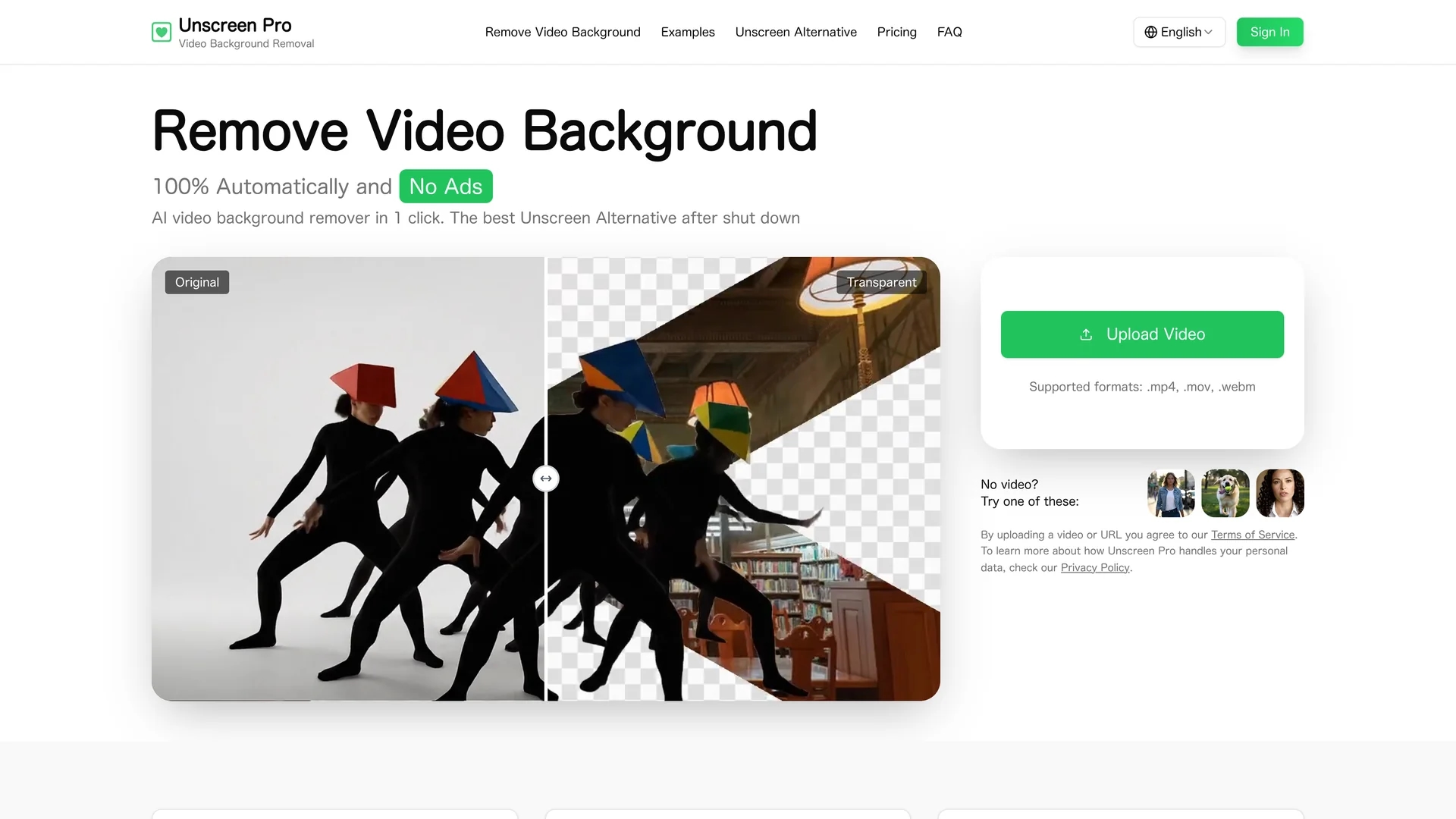
Unscreen Pro is an AI-powered video background remover that automatically removes backgrounds frame-by-frame without greenscreen, supporting major formats and offering live preview, batch processing, and API integration.
Disclaimer: Visionary Hub is not affiliated with, endorsed by, or the operator of this tool. All trademarks, logos, and content are the property of their respective owners. Full disclaimer available here
Key Features
Frame-by-Frame AI
Uses AI to segment and remove backgrounds automatically in each video frame.
Batch Processing
Enables processing multiple videos simultaneously to save time.
Live Preview
Provides real-time preview of background removal results before export.
Extended Lengths
Supports long videos up to 30 minutes without quality loss.
Get Started
Share & Save
Share on Social Media
Why Choose Unscreen
Automatic Removal:
Removes video backgrounds frame-by-frame without manual editing or greenscreens.Format Support:
Handles major video formats including MP4, MOV, AVI, and WebM.API Integration:
Offers a developer API for automation and batch processing workflows.
Pricing
Unscreen Pro offers a freemium pricing model with a Free plan at $0 forever, a Plus plan at $4.99/month, and a Premium plan at $99.00/month. No credit card is required to start, and subscriptions can be canceled anytime.
About Unscreen
Unscreen Pro is an AI-powered video background remover that automatically removes backgrounds frame-by-frame without greenscreen, supporting major formats and offering live preview, batch processing, and API integration.
What Unscreen Does
Unscreen Pro automatically removes backgrounds from videos frame-by-frame, eliminating the need for greenscreens or manual editing. This enables users to produce transparent video outputs suitable for overlays and compositing.
The tool supports major video formats such as MP4, MOV, AVI, and WebM, and can process extended video lengths up to 30 minutes. It features live preview, batch processing, and a developer API for seamless integration into editing workflows and automation pipelines.
Use cases include social media creators producing reels and ads, marketing teams creating product demos, educators preparing online courses, and businesses developing corporate training videos.
Pros & Cons
No Greenscreen Needed
Removes backgrounds from any video without requiring special setups.
High Compatibility
Supports multiple popular video formats and resolutions.
Watermark on Free Plan
Free tier videos include a watermark that requires paid plans to remove.
Processing Time
Longer videos may take several minutes to process depending on resolution.
Frequently Asked Questions
Yes, all paid plans include full commercial usage rights for business and client projects.
It supports MP4, MOV, AVI, WebM, and other major video formats.
No, Unscreen Pro removes backgrounds automatically without any greenscreen.
Yes, it provides a developer API for automation, batch processing, and workflow integration.
Yes, videos are encrypted during transfer and deleted within 24 hours after processing.
Similar Tools You Might Like
Discover more AI-powered tools that complement your workflow


List Your AI Tool & Reach Thousands of Users
Join 500+ AI innovators already thriving on our platform. Get visibility, feedback, and boost your conversions.
Expand Your Audience
Connect with over 50,000 AI enthusiasts actively looking for tools like yours.
Boost Your Authority
Get verified reviews and ratings to build credibility in the AI marketplace.
Drive Conversions
Our premium placements and targeted audience deliver quality leads and sign-ups.