
Uncrop
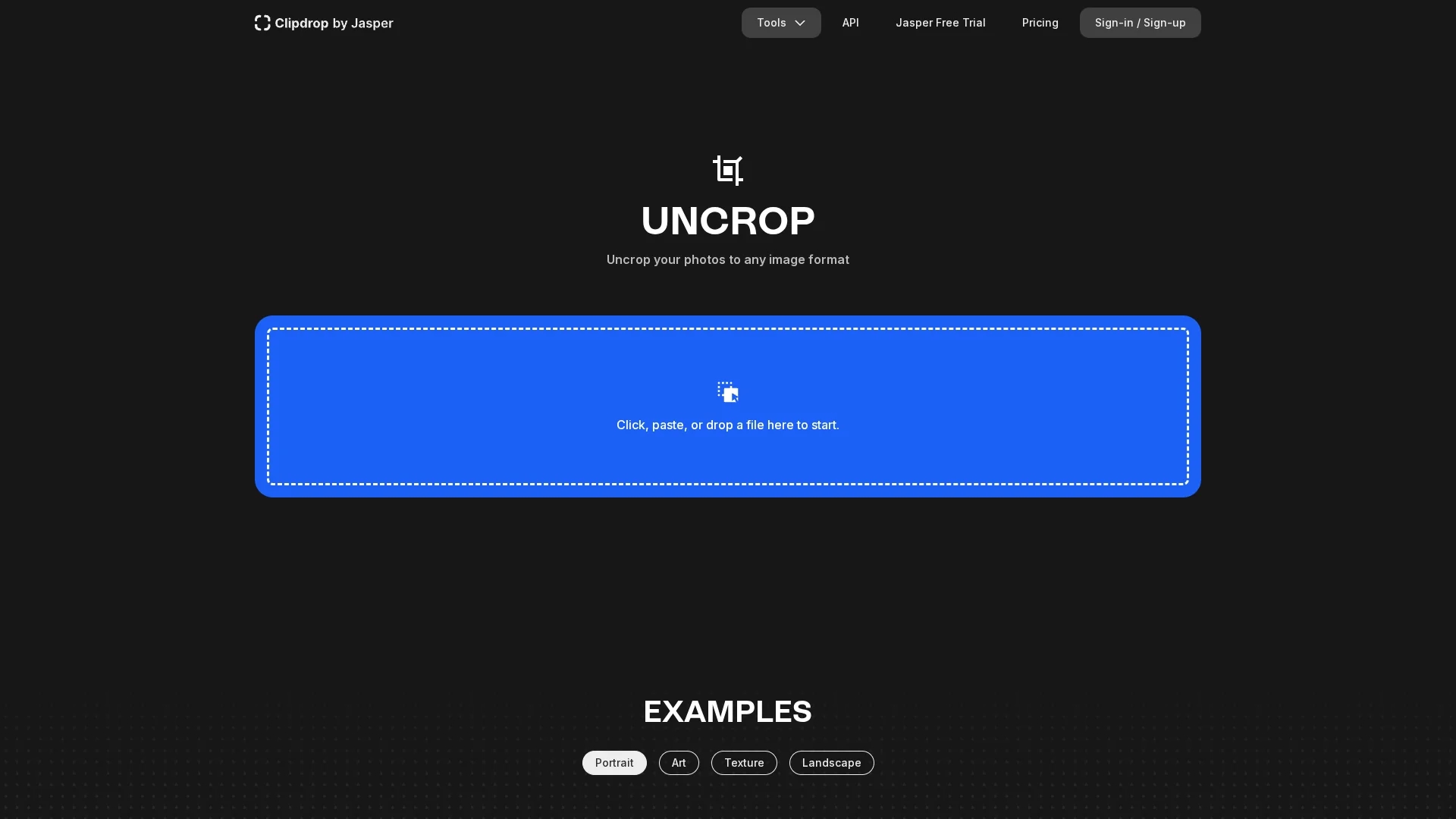
Uncrop is an AI-powered image editing tool that extends photo bodies or backgrounds to new aspect ratios, enhancing portraits and landscapes effortlessly.
Disclaimer: Visionary Hub is not affiliated with, endorsed by, or the operator of this tool. All trademarks, logos, and content are the property of their respective owners. Full disclaimer available here
Key Features
Uncropping
Extends images to new aspect ratios seamlessly.
Image Variants
Generates multiple variations of original images.
Object Removal
Removes unwanted objects and backgrounds accurately.
Relighting & Upscaling
Adjusts lighting and enhances image resolution.
Get Started
Share & Save
Share on Social Media
Why Choose Uncrop
Advanced AI:
Uses Stability AI's Stable Diffusion XL for high-quality image editing.Versatile Editing:
Supports uncropping, object removal, relighting, and upscaling.API Access:
Provides API for automated and queued image processing.
Pricing
Pricing details are available on the official Clipdrop pricing page. Plans include free trials and various subscription options. Visit the pricing page for current offers.
About Uncrop
Uncrop is an AI-powered image editing tool that extends photo bodies or backgrounds to new aspect ratios, enhancing portraits and landscapes effortlessly.
What Uncrop Does
Uncrop edits and extends images to new aspect ratios, allowing users to uncrop photos and enhance compositions. It benefits users by expanding image dimensions without losing quality.
The tool uses Stability AI's advanced Stable Diffusion XL model to generate new image content, remove unwanted objects or backgrounds, relight scenes, and upscale images for better resolution. It supports batch processing via an API and offers a queue system for image processing.
Uncrop is suitable for creative professionals working with portraits, landscapes, textures, and digital art, enabling them to rescale and improve images for marketing, web design, and artistic projects.
Pros & Cons
Free Testing
Offers free access to Stable Diffusion XL model.
Multiple Tools
Includes various image editing features in one platform.
Pricing Info
Detailed pricing requires visiting the official page.
Learning Curve
Advanced features may require user familiarity with AI tools.
Frequently Asked Questions
Uncrop is an AI tool that edits image aspect ratios by extending photos seamlessly.
Upload your image, select a new aspect ratio, and Uncrop generates the extended image.
Yes, Uncrop offers a free test of the Stable Diffusion XL model.
Yes, it provides an API for automated image processing and queue management.
Pricing information is available on the official Clipdrop pricing page.
Similar Tools You Might Like
Discover more AI-powered tools that complement your workflow



List Your AI Tool & Reach Thousands of Users
Join 500+ AI innovators already thriving on our platform. Get visibility, feedback, and boost your conversions.
Expand Your Audience
Connect with over 50,000 AI enthusiasts actively looking for tools like yours.
Boost Your Authority
Get verified reviews and ratings to build credibility in the AI marketplace.
Drive Conversions
Our premium placements and targeted audience deliver quality leads and sign-ups.