
Trupeer.ai
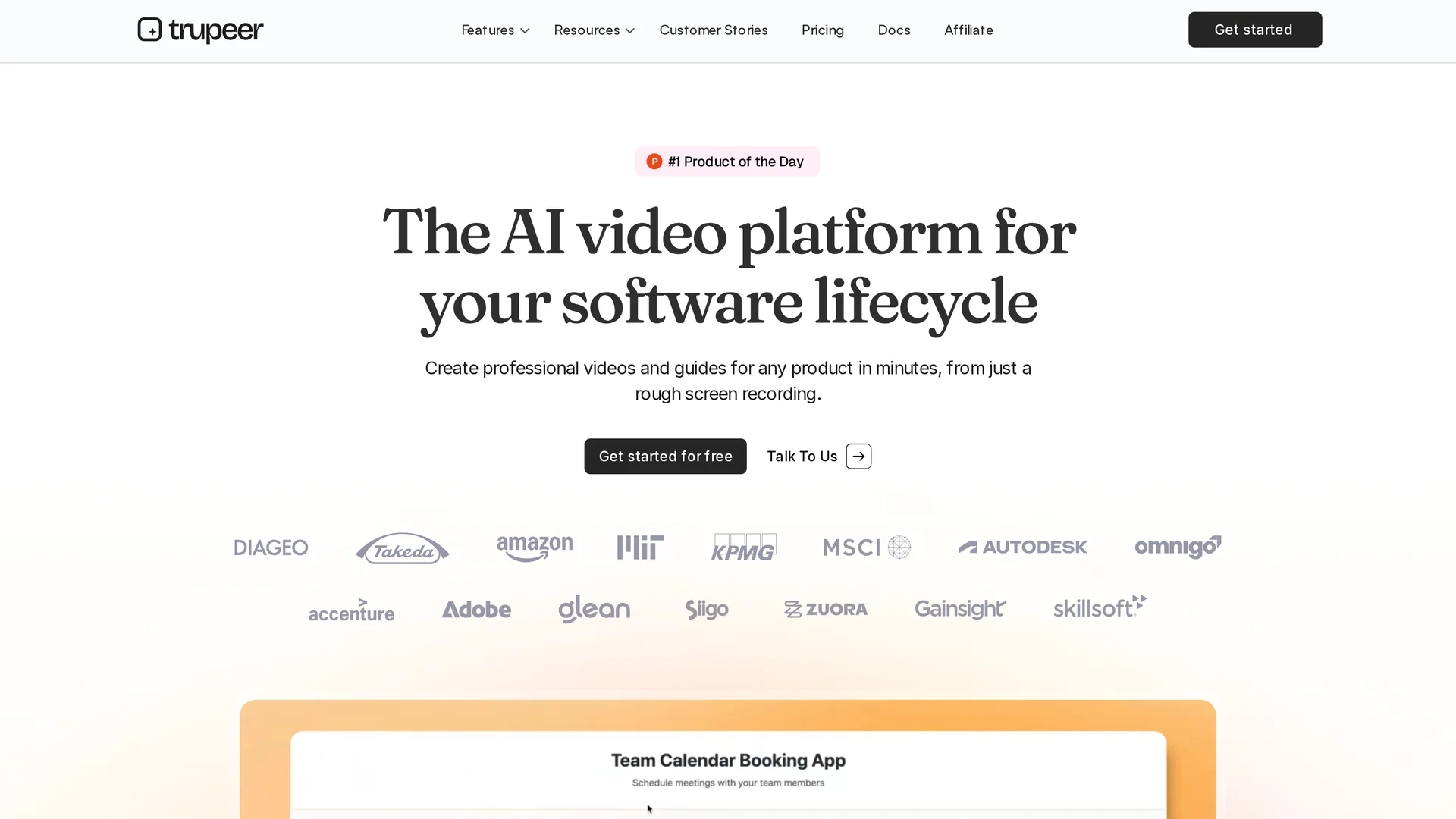
Trupeer.ai converts screen recordings into polished product videos and guides using AI-generated transcripts, scripts, voiceovers, and customizable visuals for effective instructional content.
Disclaimer: Visionary Hub is not affiliated with, endorsed by, or the operator of this tool. All trademarks, logos, and content are the property of their respective owners. Full disclaimer available here
Key Features
Chrome Extension
Native screen recorder captures tabs, windows, and desktops with speech.
Studio Voiceover
Generates professional voiceovers in multiple languages and accents.
AI Avatars
Adds realistic avatars for narrated product videos.
Automated Zoom
Highlights key actions with automatic zoom and annotations.
Get Started
Share & Save
Share on Social Media
Why Choose Trupeer.ai
AI Automation:
Automates transcripts, scripts, and voiceovers to save editing time.Multi-format Support:
Exports videos and guides in PDF, Word, Markdown, and more.Brand Customization:
Allows adding logos, colors, and templates for consistent branding.
Pricing
Trupeer.ai offers a freemium pricing model with a Free plan at $0/month, Hobby plan at $19/month, Pro plan at $49/month, and Enterprise plans available upon contact. Pricing details are subject to change; visit the official page for current information.
About Trupeer.ai
Trupeer.ai converts screen recordings into polished product videos and guides using AI-generated transcripts, scripts, voiceovers, and customizable visuals for effective instructional content.
What Trupeer.ai Does
Trupeer.ai converts raw screen recordings into professional-quality videos and detailed guides, enhancing user engagement and instructional clarity. It benefits users by automating time-consuming video editing tasks.
The platform uses AI to generate accurate transcripts, scripts, and studio-quality voiceovers in multiple languages and accents. It includes features like automated zoom effects, AI avatars for narration, and brand customization with logos and colors. Users can record via a Chrome extension or upload existing videos, then export in formats such as PDF, Word, and Markdown.
Trupeer.ai is used across industries for product demos, employee training, customer onboarding, and multilingual content creation, supporting teams in sales, marketing, and education.
Pros & Cons
Ease of Use
Simplifies video creation with AI-powered automation and editing.
Versatile Output
Supports various formats for videos and documentation.
Limited Free Plan
Free tier has restrictions that may limit advanced features.
Browser Dependency
Screen recording requires Chrome extension, limiting other browsers.
Frequently Asked Questions
Trupeer is an AI-powered platform that converts screen recordings into professional videos and guides.
Trupeer offers Free, Hobby ($19/mo), Pro ($49/mo), and Enterprise plans with custom pricing.
Record your screen via the Chrome extension or upload recordings, then let AI generate videos and guides.
Yes, Trupeer allows customization of visuals, backgrounds, music, and branding elements.
Yes, you can share or embed generated videos and guides easily across platforms.
Similar Tools You Might Like
Discover more AI-powered tools that complement your workflow


List Your AI Tool & Reach Thousands of Users
Join 500+ AI innovators already thriving on our platform. Get visibility, feedback, and boost your conversions.
Expand Your Audience
Connect with over 50,000 AI enthusiasts actively looking for tools like yours.
Boost Your Authority
Get verified reviews and ratings to build credibility in the AI marketplace.
Drive Conversions
Our premium placements and targeted audience deliver quality leads and sign-ups.