
TRELLIS 3D AI
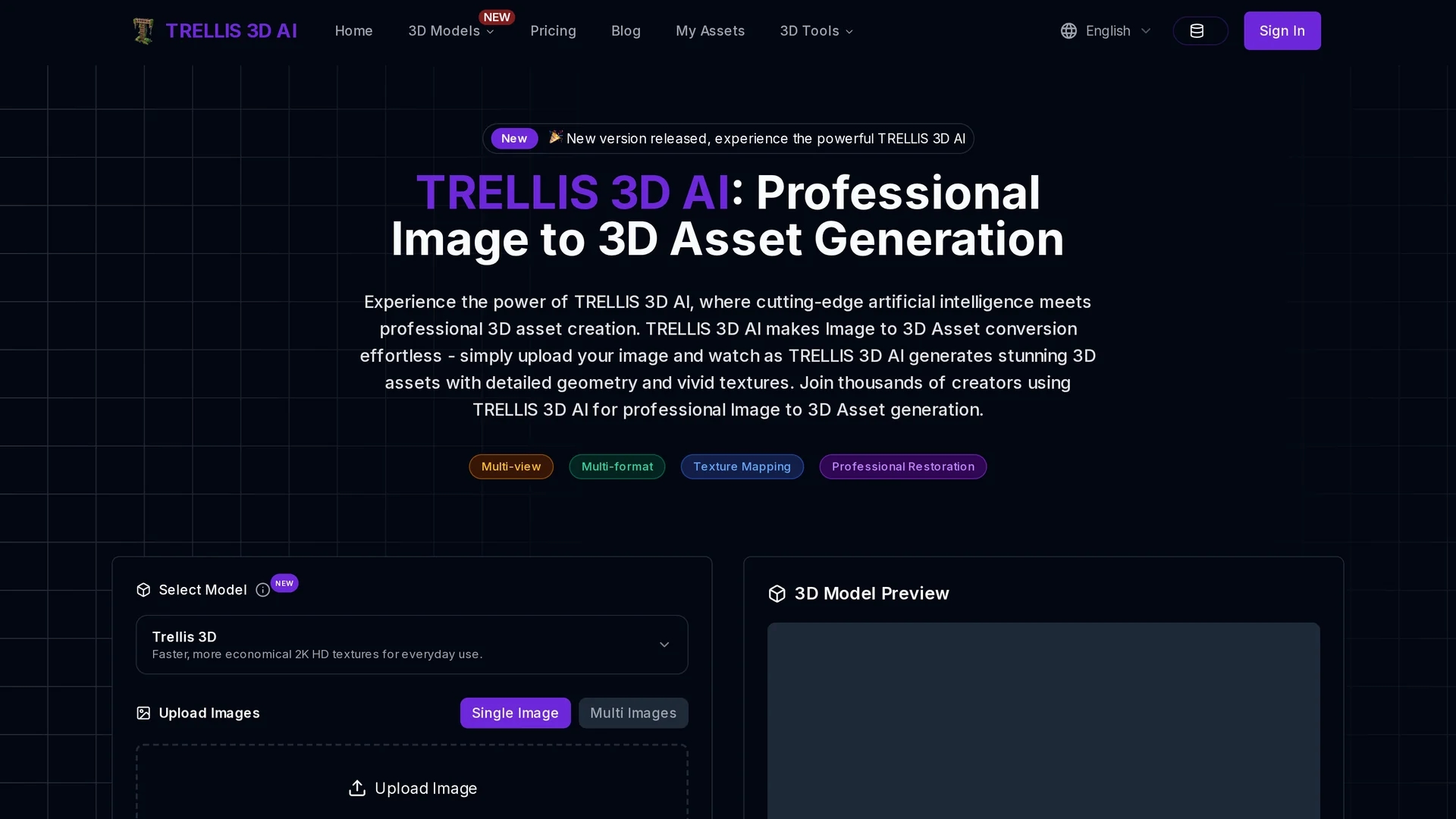
Trellis 3D AI converts 2D images into detailed 3D models with vivid textures and supports multiple output formats with browser-based preview for seamless integration.
Disclaimer: Visionary Hub is not affiliated with, endorsed by, or the operator of this tool. All trademarks, logos, and content are the property of their respective owners. Full disclaimer available here
Key Features
2D to 3D Conversion
Transforms 2D images into high-quality 3D models with vivid textures.
Multiple Formats
Exports 3D assets in various professional formats for diverse applications.
Fast Processing
Generates 3D models quickly to streamline creative workflows.
Browser-Based Preview
Enables real-time 3D asset visualization directly in the browser.
Get Started
Share & Save
Share on Social Media
Why Choose TRELLIS 3D AI
Advanced AI:
Uses Structured LATents and vision encoders for detailed 3D asset generation.Multi-format:
Supports GLB, OBJ, STL, GLTF, USDZ, and PLY output formats.Browser Preview:
Allows instant 3D asset viewing without additional software.
Pricing
Trellis 3D AI offers a free online version for image to 3D asset conversion. Additional professional features may require credits or paid plans. Visit the pricing page for detailed plans and costs.
About TRELLIS 3D AI
Trellis 3D AI converts 2D images into detailed 3D models with vivid textures and supports multiple output formats with browser-based preview for seamless integration.
What TRELLIS 3D AI Does
Trellis 3D AI converts 2D images into detailed 3D models with vivid textures, enabling users to generate professional 3D assets quickly. This accelerates workflows for artists and developers.
The tool uses advanced AI algorithms including Structured LATents (SLAT) and vision encoders to maintain structural integrity and visual fidelity. It supports multiple output formats such as GLB, OBJ, STL, GLTF, USDZ, and PLY, and offers a browser-based preview without software installation.
It is widely used in e-commerce for product visualization, game development for asset creation, and digital art for rapid prototyping and client presentations.
Pros & Cons
Ease of Use
Simple upload and instant 3D model generation with no software installation.
Output Flexibility
Supports a wide range of 3D file formats for various project needs.
Limited Editing
Local editing capabilities are basic compared to dedicated 3D software.
Credit System
Generating models consumes credits, which may require purchase for extensive use.
Frequently Asked Questions
It uses Structured LATents and vision encoders to preserve geometric and visual details in 3D asset generation.
Yes, it offers a free online version with basic features and paid options for advanced capabilities.
Clear, well-lit images showing distinct object features yield the best 3D asset results.
It supports GLB, OBJ, STL, GLTF, USDZ, and PLY formats for versatile use.
Yes, generated 3D assets can be used commercially subject to the tool’s terms of service.
Similar Tools You Might Like
Discover more AI-powered tools that complement your workflow
List Your AI Tool & Reach Thousands of Users
Join 500+ AI innovators already thriving on our platform. Get visibility, feedback, and boost your conversions.
Expand Your Audience
Connect with over 50,000 AI enthusiasts actively looking for tools like yours.
Boost Your Authority
Get verified reviews and ratings to build credibility in the AI marketplace.
Drive Conversions
Our premium placements and targeted audience deliver quality leads and sign-ups.