
translatium.app
Translatium is a versatile desktop translation tool for Mac and PC, supporting over 100 languages with text, image OCR, text-to-speech, and a user-friendly interface.
Disclaimer: Visionary Hub is not affiliated with, endorsed by, or the operator of this tool. All trademarks, logos, and content are the property of their respective owners. Full disclaimer available here
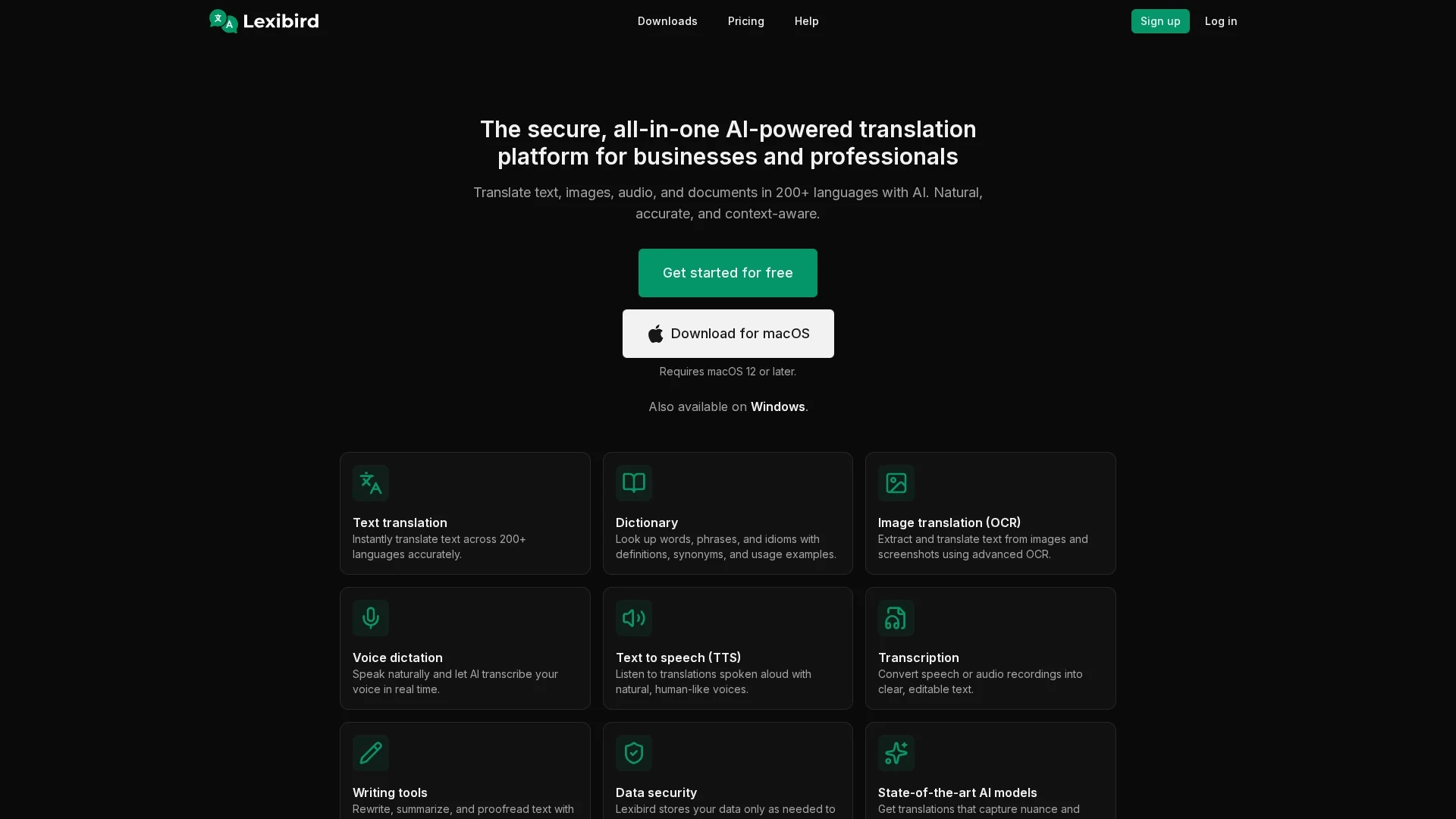
Key Features
Text Translation
Instantly translates text across 200+ languages accurately.
Image Translation
Uses OCR to extract and translate text from images and screenshots.
Voice Dictation
Transcribes spoken language into text in real time.
Text-to-Speech
Reads translations aloud with natural human-like voices.
Get Started
Share & Save
Share on Social Media
Why Choose translatium.app
Wide Language Support:
Translates over 200 languages including text, images, and audio.Advanced OCR:
Extracts and translates text from images quickly and accurately.Data Security:
Stores data only as needed and never uses it to train AI models.
Pricing
Pricing details are available on the official page. Plans include free access with options for paid subscriptions. Visit the pricing page for current rates and features.
About translatium.app
Translatium is a versatile desktop translation tool for Mac and PC, supporting over 100 languages with text, image OCR, text-to-speech, and a user-friendly interface.
What translatium.app Does
Translatium translates text, images, audio, and documents instantly across over 200 languages, helping users communicate clearly in diverse languages.
It uses AI-powered OCR to extract text from images, voice dictation for real-time transcription, and text-to-speech with natural voices to improve comprehension and pronunciation.
This tool is ideal for business communication, travel, language learning, and professional translation tasks across various industries.
Pros & Cons
Comprehensive Features
Supports text, image, audio translation, and transcription.
User-Friendly
Intuitive interface with phonetics and phrasebook for easy use.
Platform Limitation
Available only on Mac and Windows desktop platforms.
Pricing Transparency
Specific pricing details require visiting the official pricing page.
Frequently Asked Questions
It supports translation in over 200 languages for text, images, and audio.
Yes, there is free access with options for paid subscription plans.
Translatium is available for macOS 12 or later and Windows.
Yes, it includes an advanced OCR tool to extract and translate image text.
Yes, data is stored only as needed and not used to train AI models.
Similar Tools You Might Like
Discover more AI-powered tools that complement your workflow
List Your AI Tool & Reach Thousands of Users
Join 500+ AI innovators already thriving on our platform. Get visibility, feedback, and boost your conversions.
Expand Your Audience
Connect with over 50,000 AI enthusiasts actively looking for tools like yours.
Boost Your Authority
Get verified reviews and ratings to build credibility in the AI marketplace.
Drive Conversions
Our premium placements and targeted audience deliver quality leads and sign-ups.