Transkriptor
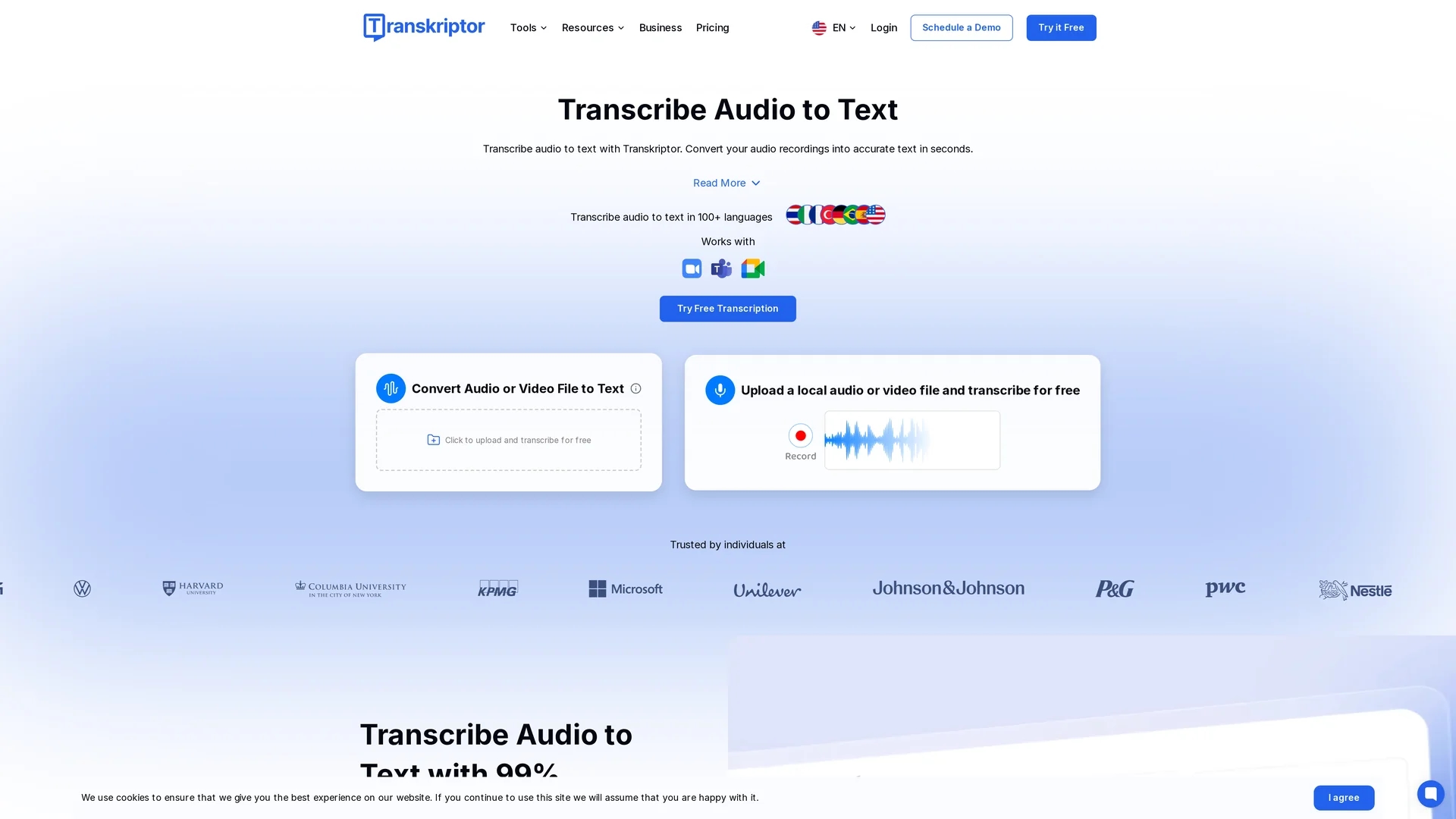
Transkriptor is an AI-powered transcription tool offering automated, accurate audio and video transcription in over 40 languages with real-time editing and collaboration features.
Disclaimer: Visionary Hub is not affiliated with, endorsed by, or the operator of this tool. All trademarks, logos, and content are the property of their respective owners. Full disclaimer available here
Key Features
Automatic Transcription
Converts audio and video files to text with high accuracy.
Multi-Format Support
Accepts various audio and video file formats for transcription.
Platform Integrations
Works seamlessly with Zoom, Google Meet, and Microsoft Teams.
AI Summaries
Generates meeting summaries, action items, and sentiment analysis.
Get Started
Share & Save
Share on Social Media
Why Choose Transkriptor
Multilingual Support:
Transcribes and translates audio in over 40 languages accurately.AI Assistant:
Provides instant responses and insights from transcribed content.Collaboration:
Enables real-time editing and sharing within teams and workspaces.
Pricing
Transkriptor offers a free transcription option with limited minutes daily. Detailed pricing plans are available on their official pricing page for extended usage and premium features.
About Transkriptor
Transkriptor is an AI-powered transcription tool offering automated, accurate audio and video transcription in over 40 languages with real-time editing and collaboration features.
What Transkriptor Does
Transkriptor automatically transcribes audio and video files into text, enabling users to quickly generate accurate transcripts and meeting notes. It supports over 40 languages and various file formats, streamlining communication for global teams.
The tool features an AI assistant that instantly answers questions from conversations and recordings. It integrates with popular platforms like Zoom and Google Meet, offers real-time collaborative editing, and provides AI-powered meeting summaries and sentiment analysis.
Industries such as marketing, healthcare, legal, and education benefit from Transkriptor’s fast transcription, multilingual support, and ability to organize and search transcripts efficiently.
Pros & Cons
High Accuracy
Delivers up to 99% transcription accuracy across languages.
Fast Processing
Provides quick transcription turnaround times for efficiency.
UI Design
User interface appears outdated compared to modern tools.
Accent Handling
May struggle with strong accents reducing transcription accuracy.
Frequently Asked Questions
It supports transcription and translation in over 40 languages.
Yes, Transkriptor offers a free plan with limited daily transcription minutes.
Common audio and video formats like MP3, MP4, and WAV are supported.
Yes, it integrates with Zoom, Microsoft Teams, and Google Meet.
Yes, it allows real-time collaborative editing and sharing within teams.
Similar Tools You Might Like
Discover more AI-powered tools that complement your workflow
List Your AI Tool & Reach Thousands of Users
Join 500+ AI innovators already thriving on our platform. Get visibility, feedback, and boost your conversions.
Expand Your Audience
Connect with over 50,000 AI enthusiasts actively looking for tools like yours.
Boost Your Authority
Get verified reviews and ratings to build credibility in the AI marketplace.
Drive Conversions
Our premium placements and targeted audience deliver quality leads and sign-ups.