TopPDF
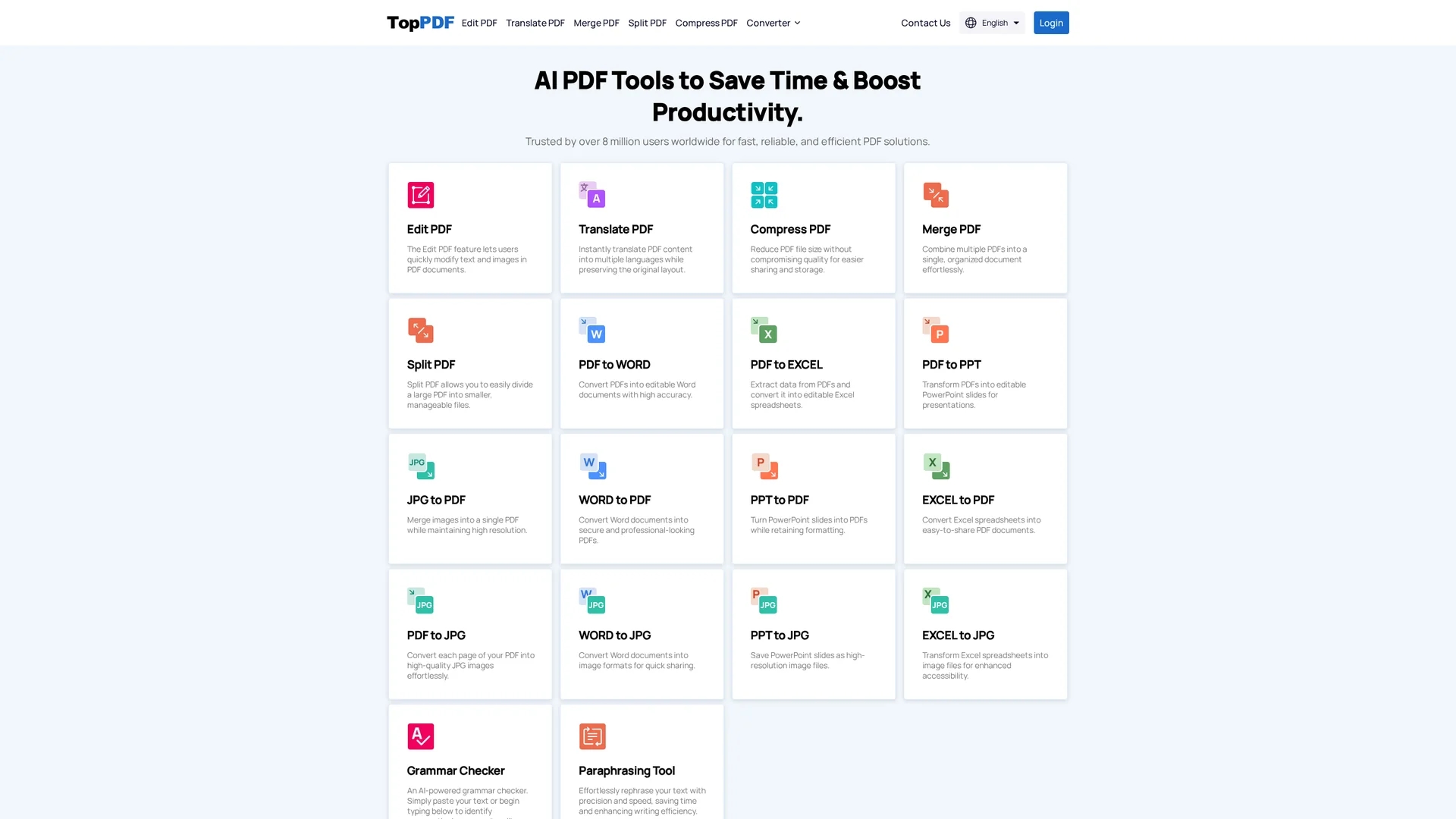
TopPDF provides powerful AI-driven tools for editing, translating, compressing, merging, splitting, and converting PDF documents efficiently while preserving original formatting.
Disclaimer: Visionary Hub is not affiliated with, endorsed by, or the operator of this tool. All trademarks, logos, and content are the property of their respective owners. Full disclaimer available here
Key Features
PDF Editing
Modify text and images directly within PDF files easily.
Instant Translation
Translate PDF content into over 200 languages instantly.
Compression
Reduce PDF file size without compromising quality.
Merging & Splitting
Combine multiple PDFs or split large files into smaller parts.
Get Started
Share & Save
Share on Social Media
Why Choose TopPDF
Comprehensive Tools:
Offers editing, translation, compression, merging, splitting, and conversion in one platform.AI Translation:
Instantly translates PDFs into multiple languages while preserving layout.Format Integrity:
Maintains original formatting across various file conversions.
Pricing
TopPDF offers free access to core PDF tools. For detailed pricing plans or premium features, visit the official pricing page on their website.
About TopPDF
TopPDF provides powerful AI-driven tools for editing, translating, compressing, merging, splitting, and converting PDF documents efficiently while preserving original formatting.
What TopPDF Does
TopPDF provides a comprehensive set of tools to manage PDF documents efficiently. Users can edit text and images, translate content instantly into over 200 languages, compress files without quality loss, and organize documents by merging or splitting PDFs.
The platform supports accurate conversions between PDFs and formats like Word, Excel, PowerPoint, JPG, and EPUB, maintaining data integrity and layout. Its AI-powered translation preserves original formatting, making it suitable for international teams.
Industries such as content creation, e-commerce, product design, and business operations benefit from TopPDF's versatile PDF management capabilities, streamlining workflows and enhancing productivity.
Pros & Cons
User-Friendly
Intuitive interface suitable for users without advanced skills.
Multi-Format Support
Converts PDFs to and from Word, Excel, PPT, JPG, and EPUB.
Pricing Details
Specific pricing plans are not clearly detailed on the homepage.
No Direct Signup Link
Homepage lacks a direct registration call-to-action link.
Frequently Asked Questions
TopPDF converts PDFs to Word, Excel, PowerPoint, JPG, and EPUB, and vice versa.
Yes, it instantly translates PDF content into over 200 languages while preserving layout.
Core PDF tools are available for free; detailed pricing is on the official website.
Yes, users can modify both text and images directly in PDF documents.
TopPDF is developed by Tachyonext Inc.
Similar Tools You Might Like
Discover more AI-powered tools that complement your workflow
List Your AI Tool & Reach Thousands of Users
Join 500+ AI innovators already thriving on our platform. Get visibility, feedback, and boost your conversions.
Expand Your Audience
Connect with over 50,000 AI enthusiasts actively looking for tools like yours.
Boost Your Authority
Get verified reviews and ratings to build credibility in the AI marketplace.
Drive Conversions
Our premium placements and targeted audience deliver quality leads and sign-ups.