
Toongineer Cartoonizer
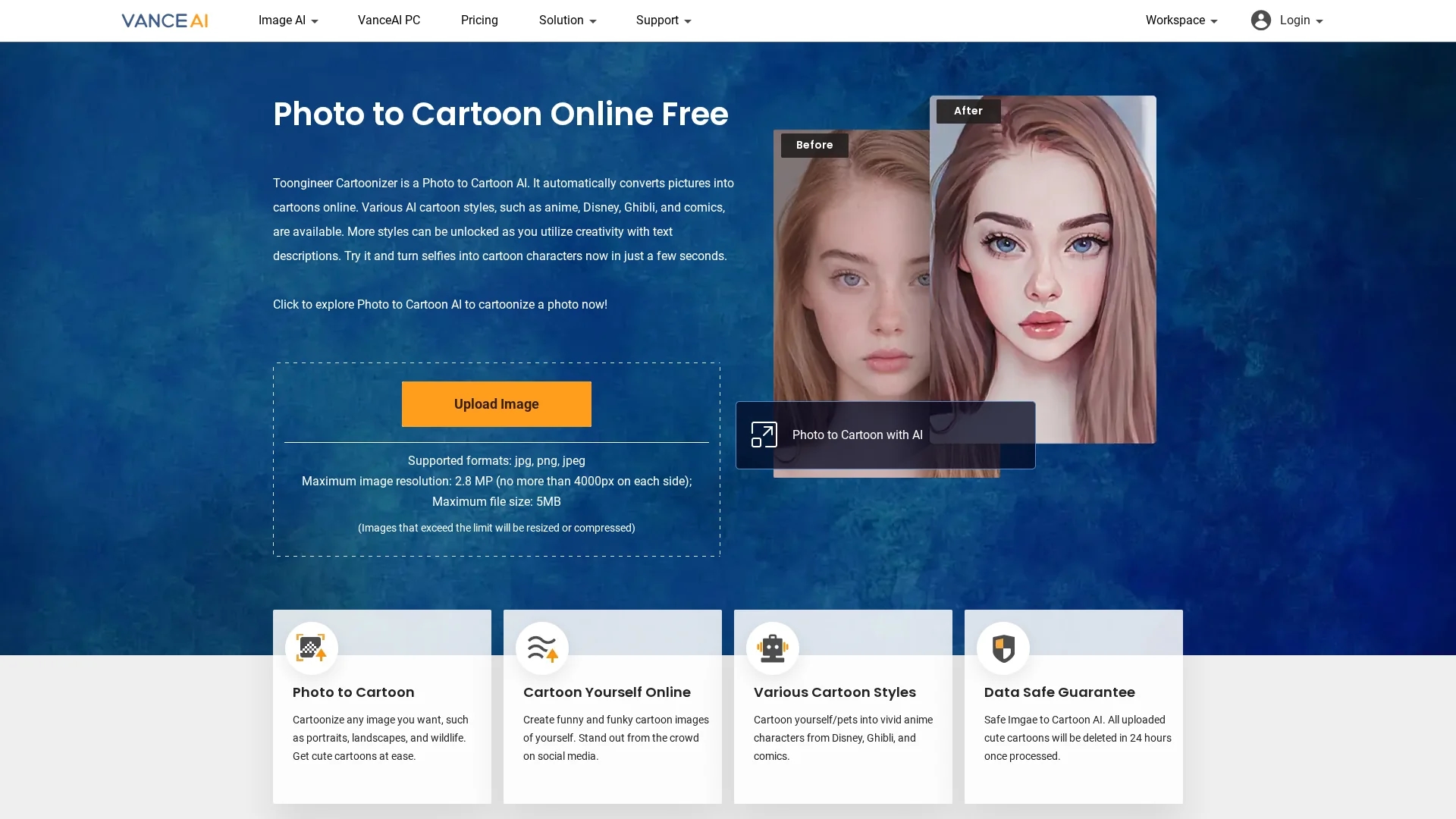
Toongineer Cartoonizer is an AI-powered image processing tool that converts photos into cartoon avatars with features like enhancement, upscaling, denoising, and background removal.
Disclaimer: Visionary Hub is not affiliated with, endorsed by, or the operator of this tool. All trademarks, logos, and content are the property of their respective owners. Full disclaimer available here
Key Features
Image Enhancement
Improves image quality by enhancing details and colors.
Upscaling
Increases image resolution without losing quality.
Background Removal
Automatically removes backgrounds for cleaner avatars.
Cartoon Avatar Generation
Creates vivid cartoon avatars from photos in various styles.
Get Started
Share & Save
Share on Social Media
Why Choose Toongineer Cartoonizer
Multiple Styles:
Offers diverse cartoon styles including anime, Disney, and comics.Easy Workflow:
Simple 3-step process for quick photo-to-cartoon conversion.AI Accuracy:
Uses advanced AI models for realistic and distortion-free cartoons.
Pricing
Toongineer Cartoonizer uses a usage-based pricing model with credit packages starting at $4.95 for 100 credits. More details and plans are available on the official pricing page.
About Toongineer Cartoonizer
Toongineer Cartoonizer is an AI-powered image processing tool that converts photos into cartoon avatars with features like enhancement, upscaling, denoising, and background removal.
What Toongineer Cartoonizer Does
Toongineer Cartoonizer transforms photos into cartoon-style images, enhancing portraits and other pictures with AI. It benefits users by automating complex image editing tasks and producing creative cartoon avatars.
The tool features image enhancement, upscaling, denoising, sharpening, restoration, portrait retouching, and background removal. It supports multiple cartoon styles like anime, Disney, and Ghibli, using stable diffusion and AnimeGANv2 AI models for high-quality results.
It is widely used in industries such as journalism, web design, and software consulting for creating engaging visuals and social media avatars.
Pros & Cons
User-Friendly
Intuitive interface with a straightforward 3-step process.
Versatile
Supports multiple image types and cartoon styles.
File Limits
Maximum image resolution and file size restrictions apply.
Credit-Based Pricing
Usage requires purchasing credits, which may limit casual users.
Frequently Asked Questions
It supports jpg, png, and jpeg formats with a maximum file size of 5MB.
Pricing is usage-based with credit packages starting at $4.95 for 100 credits.
Yes, the tool includes automatic background removal features.
Users can log in to take a free trial with watermark-free processing.
It uses stable diffusion and AnimeGANv2 AI models for cartoon generation.
Similar Tools You Might Like
Discover more AI-powered tools that complement your workflow
List Your AI Tool & Reach Thousands of Users
Join 500+ AI innovators already thriving on our platform. Get visibility, feedback, and boost your conversions.
Expand Your Audience
Connect with over 50,000 AI enthusiasts actively looking for tools like yours.
Boost Your Authority
Get verified reviews and ratings to build credibility in the AI marketplace.
Drive Conversions
Our premium placements and targeted audience deliver quality leads and sign-ups.