
Tomat.AI
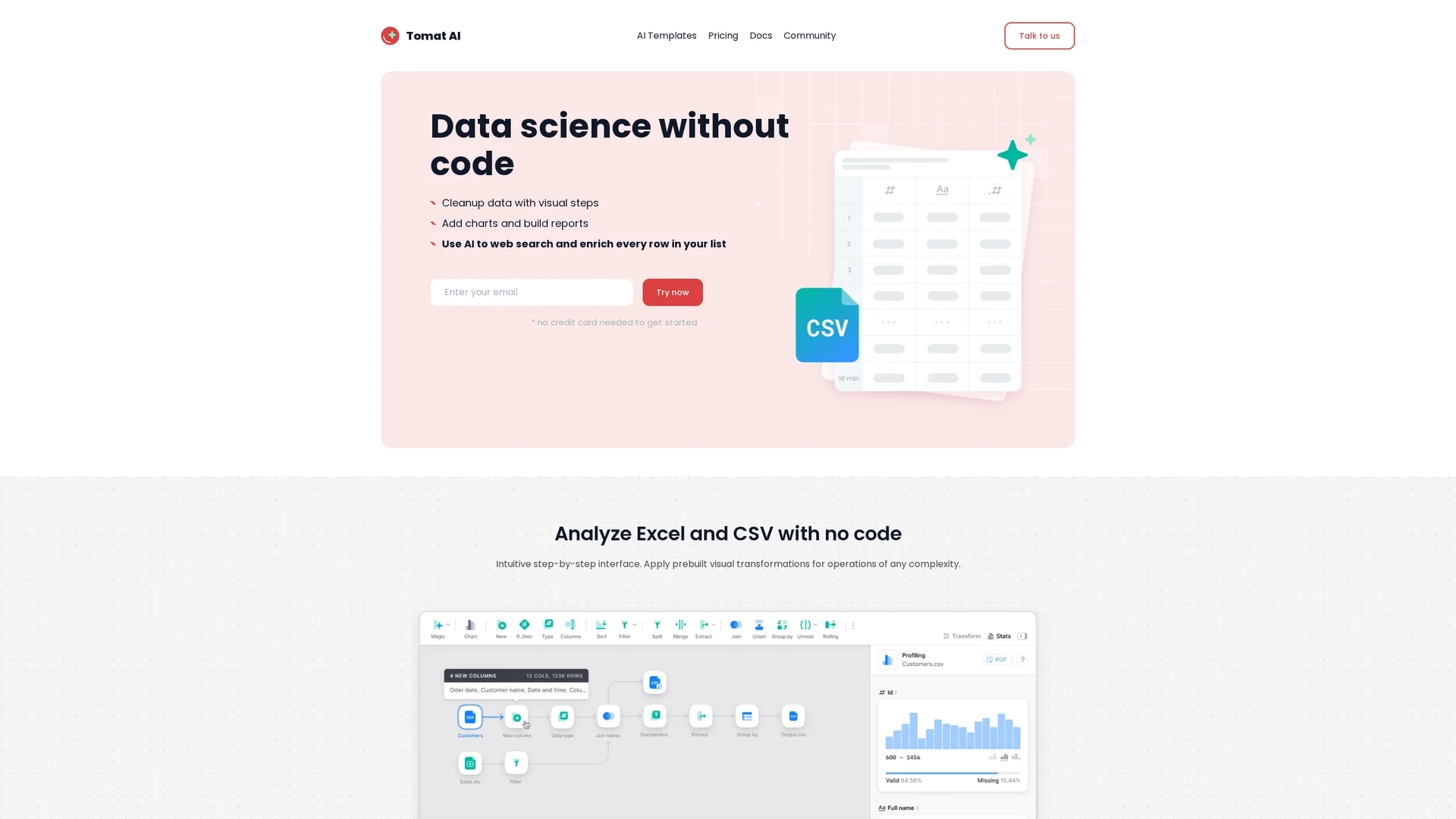
Tomat.ai is an AI-powered, code-free tool for analyzing and querying large CSV and Excel files securely on your local machine, enabling efficient data cleaning, transformation, and sentiment analysis.
Disclaimer: Visionary Hub is not affiliated with, endorsed by, or the operator of this tool. All trademarks, logos, and content are the property of their respective owners. Full disclaimer available here
Key Features
Visual Workflow
Drag-and-drop steps for filtering, sorting, and grouping data easily.
AI Enrichment
Apply AI prompts to enrich, extract, or clean data across large datasets.
Large File Support
Open and analyze files of any size without uploading to the cloud.
Cross-Platform
Compatible with Windows and macOS operating systems.
Get Started
Share & Save
Share on Social Media
Why Choose Tomat.AI
Local Processing:
Processes data entirely on your device, ensuring privacy and no cloud uploads.Code-Free Interface:
Enables advanced data analysis without requiring programming skills.Multi-Format Support:
Works with CSV, Excel, TSV, PostgreSQL, and Snowflake datasets seamlessly.
Pricing
Tomat.ai offers a freemium pricing model with a free plan and paid options: Individual plan at $0, Solo plan at $7/month, and a Team plan available via contact. Pricing details are subject to change; visit the pricing page for updates.
About Tomat.AI
Tomat.ai is an AI-powered, code-free tool for analyzing and querying large CSV and Excel files securely on your local machine, enabling efficient data cleaning, transformation, and sentiment analysis.
What Tomat.AI Does
Tomat.ai allows users to analyze and query large datasets in CSV, Excel, TSV, PostgreSQL, and Snowflake formats without any coding. It helps users clean, categorize, and perform sentiment analysis on data securely on their local machines.
The tool features a visual, step-by-step interface for data transformation, including filtering, sorting, grouping, merging files, and building complex workflows. AI integration enables bulk web research, data enrichment, and prompt chaining for multi-step tasks, all processed locally to maintain data privacy.
Tomat.ai is suitable for industries requiring secure data handling, such as research, business analytics, and product design, facilitating faster insights and report generation without technical barriers.
Pros & Cons
Data Privacy
All data processing happens locally, protecting sensitive information.
User-Friendly
No coding required; users with Excel knowledge can operate efficiently.
Limited AI Credits
Free trial includes limited AI credits; additional credits require purchase.
No Cloud Sync
Lacks cloud upload options, which may limit remote collaboration.
Frequently Asked Questions
Tomat.ai supports CSV, Excel, TSV, PostgreSQL, and Snowflake file formats.
No coding skills are needed; basic Excel knowledge is sufficient to use the tool.
All data processing occurs locally on your device; files never leave your laptop.
Plans include a free Individual plan, Solo plan at $7/month, and a Team plan via contact.
Yes, additional AI credits can be bought through the Solo plan in the app’s Account page.
Similar Tools You Might Like
Discover more AI-powered tools that complement your workflow


List Your AI Tool & Reach Thousands of Users
Join 500+ AI innovators already thriving on our platform. Get visibility, feedback, and boost your conversions.
Expand Your Audience
Connect with over 50,000 AI enthusiasts actively looking for tools like yours.
Boost Your Authority
Get verified reviews and ratings to build credibility in the AI marketplace.
Drive Conversions
Our premium placements and targeted audience deliver quality leads and sign-ups.