
TimeTailor
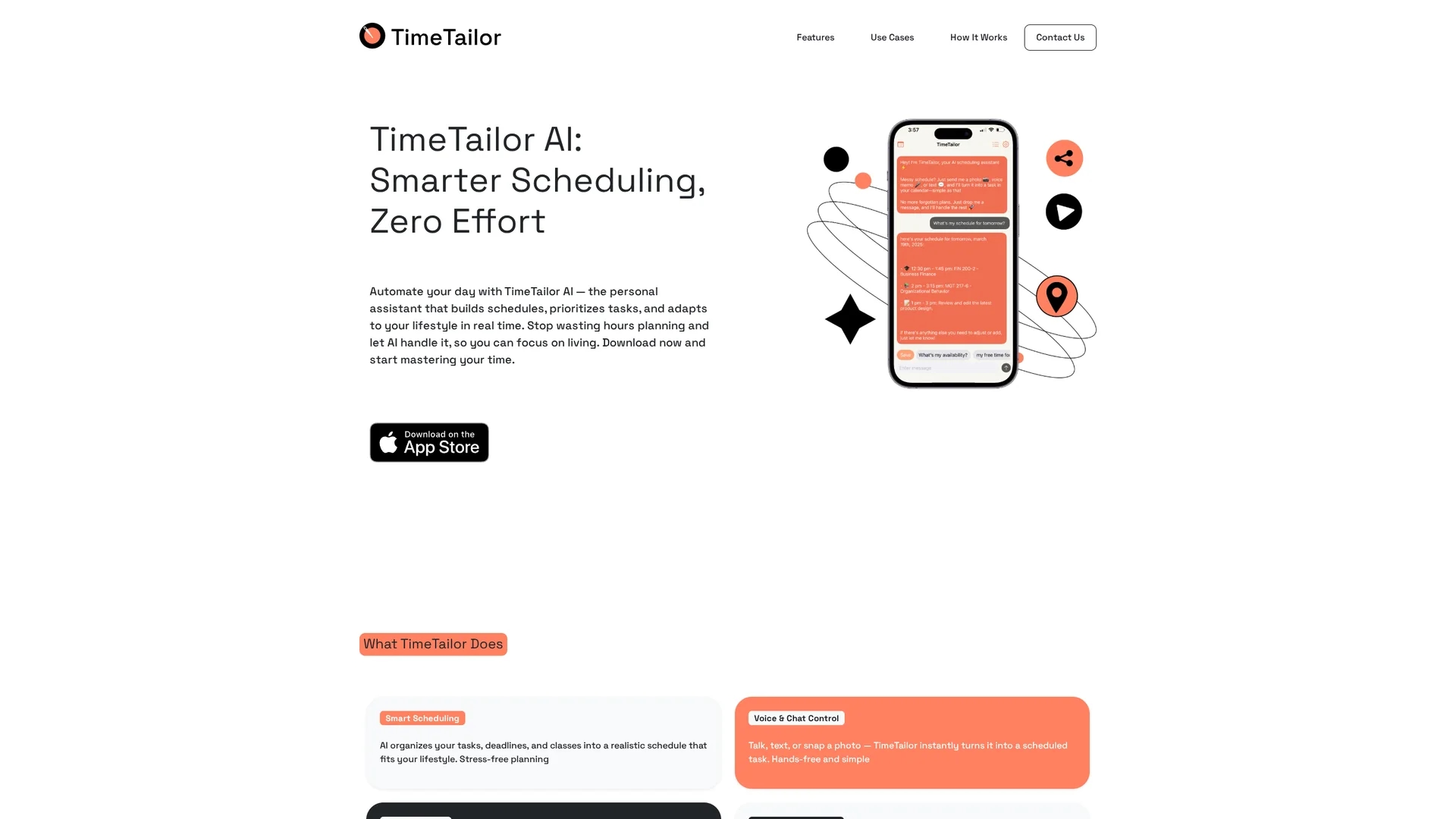
TimeTailor is an AI-powered scheduling tool that integrates classes, work, and social events into one calendar, offering location-aware planning and multi-format input support for efficient time management.
Disclaimer: Visionary Hub is not affiliated with, endorsed by, or the operator of this tool. All trademarks, logos, and content are the property of their respective owners. Full disclaimer available here
Key Features
Smart Scheduling
AI organizes tasks and deadlines into a realistic, adaptable calendar.
Calendar Sync
Integrates with Google Calendar and other platforms to prevent conflicts.
Adaptive Reminders
Sends helpful notifications without excessive alerts.
Real-Time Updates
Adjusts schedules instantly as plans change.
Get Started
Share & Save
Share on Social Media
Why Choose TimeTailor
AI Scheduling:
Automates task prioritization and schedule creation to save planning time.Multi-Input Support:
Accepts text, voice, and image inputs for flexible task entry.Location-Aware:
Optimizes meeting times and venues based on user location.
Pricing
For current prices, visit the official page at https://timetailor.io/. Detailed pricing plans are not publicly listed.
About TimeTailor
TimeTailor is an AI-powered scheduling tool that integrates classes, work, and social events into one calendar, offering location-aware planning and multi-format input support for efficient time management.
What TimeTailor Does
TimeTailor automates the creation and management of personalized schedules by integrating diverse activities such as classes, work commitments, and social events into a single calendar. This helps users organize their day efficiently and reduces manual planning effort.
The tool features AI-driven task prioritization, real-time schedule adjustments, and location-aware planning. It accepts inputs via text, voice notes, or images, and syncs with external calendars like Google Calendar to avoid conflicts. Adaptive reminders keep users on track without overwhelming notifications.
Ideal for students preparing for exams, professionals balancing multiple projects, and busy individuals managing varied commitments, TimeTailor enhances productivity across education, remote work, and event planning sectors.
Pros & Cons
Flexible Input
Supports voice, text, and image inputs for easy task addition.
Dynamic Planning
Adapts schedules in real time to changing priorities and events.
Pricing Info
No detailed pricing plans publicly available.
Limited Public Docs
Documentation and support details are not extensively provided.
Frequently Asked Questions
TimeTailor accepts text, voice notes, and images to create scheduled tasks.
Yes, it syncs with Google Calendar and similar platforms to avoid double bookings.
Pricing and trial details are not publicly listed; check the official website.
It suggests optimal meeting times and venues based on users' geographical locations.
Students, professionals, and busy individuals seeking efficient schedule management.
Similar Tools You Might Like
Discover more AI-powered tools that complement your workflow


List Your AI Tool & Reach Thousands of Users
Join 500+ AI innovators already thriving on our platform. Get visibility, feedback, and boost your conversions.
Expand Your Audience
Connect with over 50,000 AI enthusiasts actively looking for tools like yours.
Boost Your Authority
Get verified reviews and ratings to build credibility in the AI marketplace.
Drive Conversions
Our premium placements and targeted audience deliver quality leads and sign-ups.