
Time Squeeze
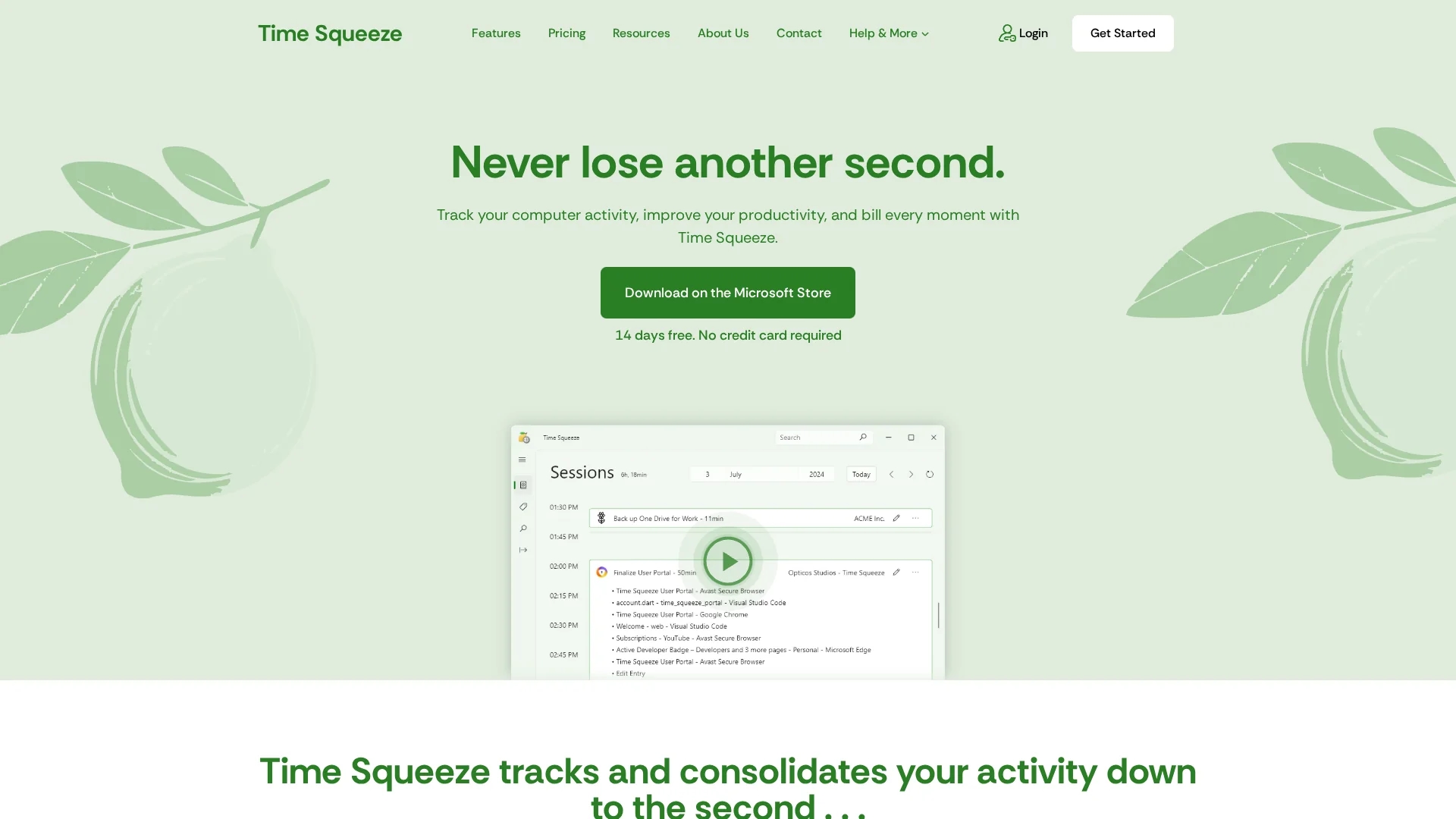
Time Squeeze is a time tracking tool that monitors computer activity, consolidates time across apps, and generates detailed reports for accurate billing and productivity insights.
Disclaimer: Visionary Hub is not affiliated with, endorsed by, or the operator of this tool. All trademarks, logos, and content are the property of their respective owners. Full disclaimer available here
Key Features
Second-by-Second Tracking
Monitors activity continuously for precise time measurement.
Session Grouping
Automatically groups related activities into sessions for clarity.
Flexible Search
Enables detailed filtering and searching of tracked data.
Reporting & Export
Generates comprehensive reports and exports data for billing.
Get Started
Share & Save
Share on Social Media
Why Choose Time Squeeze
Automatic Tracking:
Captures all computer activity without manual timers for accurate time logs.Local Data Storage:
Stores data locally to ensure user privacy and security.Project Integration:
Seamlessly links tracked time with project management tools.
Pricing
Time Squeeze offers a 14-day free trial with no credit card required. For detailed pricing plans, visit their official pricing page linked on the homepage.
About Time Squeeze
Time Squeeze is a time tracking tool that monitors computer activity, consolidates time across apps, and generates detailed reports for accurate billing and productivity insights.
What Time Squeeze Does
Time Squeeze automatically tracks second-by-second computer activity across applications, websites, and files, consolidating this data to provide accurate time logs without manual timers. This helps users capture every moment spent on tasks for precise billing and productivity measurement.
The tool features automatic session grouping, flexible search, and easy reporting with export options. It stores all data locally to protect user privacy and integrates with project management software to associate tracked time with specific projects.
Industries such as freelancing, software development, and billing services benefit from Time Squeeze by optimizing workflow, improving billing accuracy, and gaining insights into time usage patterns.
Pros & Cons
Privacy
All data is stored locally, protecting user information.
Ease of Use
Automatic tracking removes the need for manual input.
Limited Online Sync
No cloud storage may limit remote access to tracked data.
Platform Restriction
Primarily designed for Windows via Microsoft Store.
Frequently Asked Questions
All tracked data is stored locally on your PC and not uploaded online.
No, it works independently but can integrate with project management tools.
Yes, Time Squeeze offers a 14-day free trial with no credit card required.
No, it only detects activity via key presses and mouse clicks, not content.
Yes, plans scale to support any number of users for organizations.
Similar Tools You Might Like
Discover more AI-powered tools that complement your workflow
List Your AI Tool & Reach Thousands of Users
Join 500+ AI innovators already thriving on our platform. Get visibility, feedback, and boost your conversions.
Expand Your Audience
Connect with over 50,000 AI enthusiasts actively looking for tools like yours.
Boost Your Authority
Get verified reviews and ratings to build credibility in the AI marketplace.
Drive Conversions
Our premium placements and targeted audience deliver quality leads and sign-ups.