
Thread Navigator
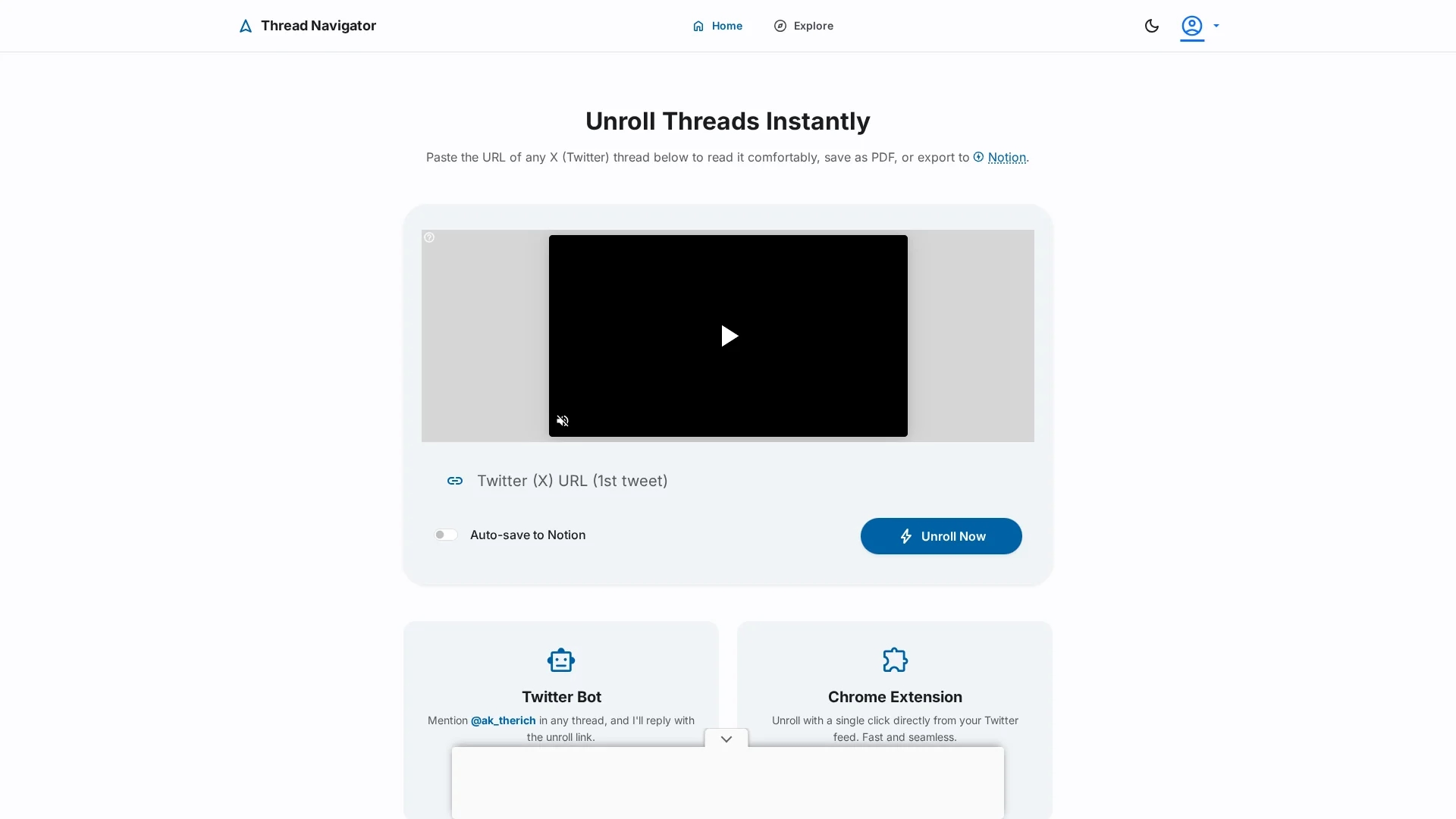
Thread Navigator enables effortless unrolling and organization of Twitter threads with one-click access and seamless saving to Notion via a Chrome extension.
Disclaimer: Visionary Hub is not affiliated with, endorsed by, or the operator of this tool. All trademarks, logos, and content are the property of their respective owners. Full disclaimer available here
Key Features
Thread Unrolling
Unroll multiple Twitter threads effortlessly for better readability.
Chrome Extension
Quickly open and unroll threads directly from Twitter.
Notion Sync
Automatically save unrolled threads to Notion pages.
Premium Plan
Offers enhanced features including Notion saving capabilities.
Get Started
Share & Save
Share on Social Media
Why Choose Thread Navigator
One-Click Unroll:
Instantly unroll Twitter threads with a single click for easy reading.Notion Integration:
Save unrolled threads directly to Notion for organized storage.Chrome Extension:
Access and unroll threads seamlessly from your Twitter feed.
Pricing
Thread Navigator offers a free basic version and a premium monthly subscription for enhanced features like saving unrolled threads to Notion. For detailed pricing, visit the official site.
About Thread Navigator
Thread Navigator enables effortless unrolling and organization of Twitter threads with one-click access and seamless saving to Notion via a Chrome extension.
What Thread Navigator Does
Thread Navigator allows users to unroll multiple Twitter threads instantly by pasting a thread URL or using its Chrome extension. This makes reading long threads more accessible and organized.
Key features include one-click unrolling, a Chrome extension for direct thread access, and integration with the Notion app to save unrolled threads automatically. The tool enhances productivity by centralizing thread storage.
It is useful for content creators, digital organizers, and anyone who frequently reads or archives Twitter threads, improving workflow in social media content management and research.
Pros & Cons
Ease of Use
Simple copy-paste and one-click unrolling streamline thread reading.
Productivity
Integration with Notion centralizes thread storage and access.
Limited Platforms
Primarily designed for Twitter and Notion users only.
Premium Required
Saving to Notion requires a paid subscription.
Frequently Asked Questions
Paste the thread URL into Thread Navigator or use the Chrome extension for one-click unrolling.
Yes, Thread Navigator offers a free basic version with limited features.
Yes, saving to Notion is available with the premium subscription.
The extension is designed for Google Chrome and compatible browsers.
Support is available via the website, including privacy and terms pages.
Similar Tools You Might Like
Discover more AI-powered tools that complement your workflow
List Your AI Tool & Reach Thousands of Users
Join 500+ AI innovators already thriving on our platform. Get visibility, feedback, and boost your conversions.
Expand Your Audience
Connect with over 50,000 AI enthusiasts actively looking for tools like yours.
Boost Your Authority
Get verified reviews and ratings to build credibility in the AI marketplace.
Drive Conversions
Our premium placements and targeted audience deliver quality leads and sign-ups.