TextPhoto
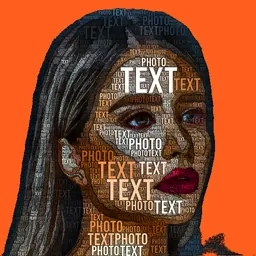
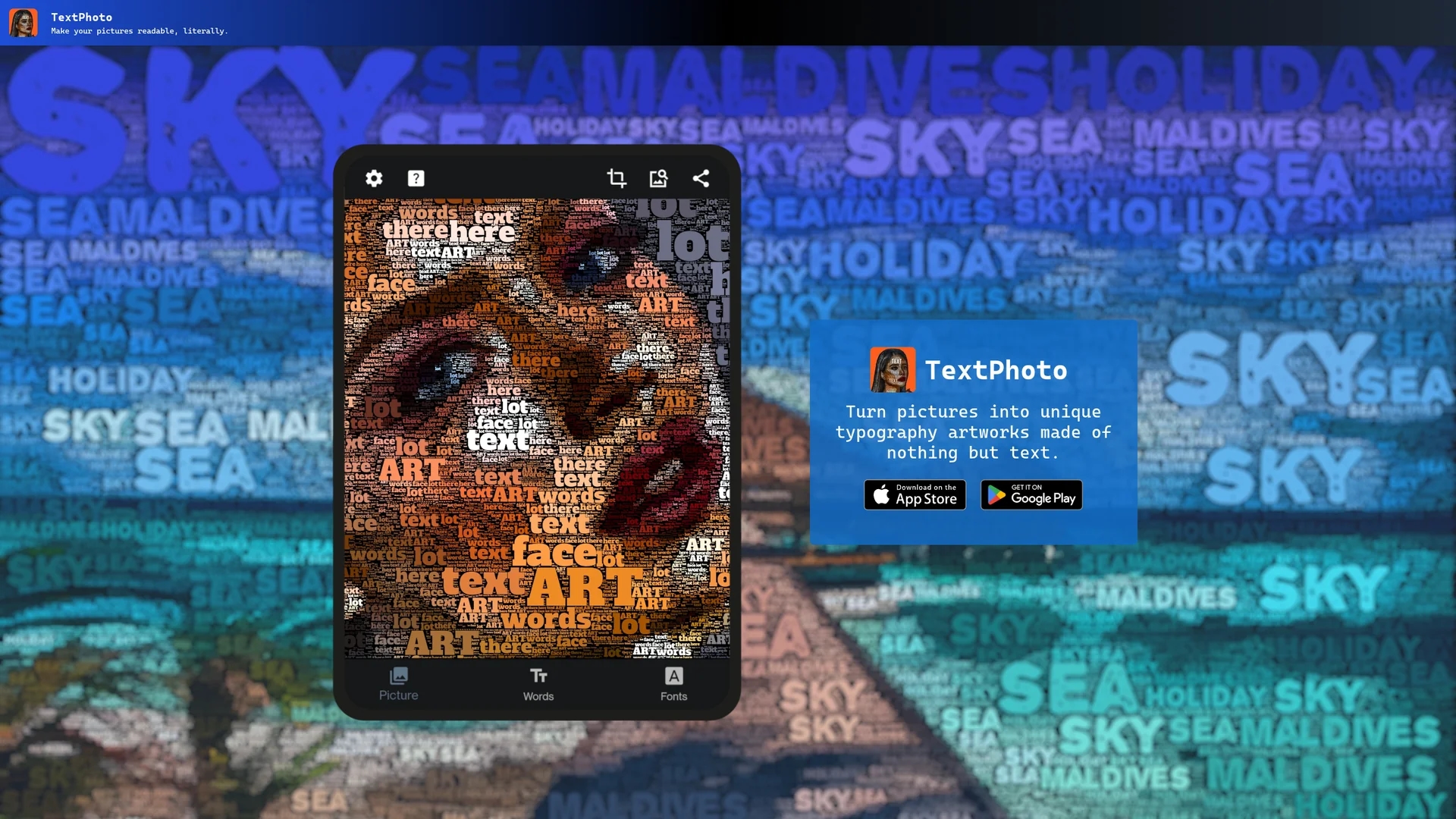
TextPhoto converts your pictures into unique typographic artworks using selected words and fonts, offering customizable parameters and post-processing effects for creative designs.
Disclaimer: Visionary Hub is not affiliated with, endorsed by, or the operator of this tool. All trademarks, logos, and content are the property of their respective owners. Full disclaimer available here
Key Features
Typography Conversion
Transforms images into artworks made entirely of text.
Word Limit
Supports up to 20 input words for detailed customization.
Adjustable Parameters
Control output appearance with customizable settings.
Post-Processing
Apply color enhancement and white balance effects within the app.
Get Started
Share & Save
Share on Social Media
Why Choose TextPhoto
Custom Fonts:
Choose from 1000+ fonts or upload your own TTF font for unique typography.Multiple Languages:
Supports various languages limited only by the selected font.Image Blending:
Use alpha channel support to blend images with partial typography effects.
Pricing
TextPhoto offers a freemium pricing model with free access to core features. For detailed pricing and plans, visit the official website.
About TextPhoto
TextPhoto converts your pictures into unique typographic artworks using selected words and fonts, offering customizable parameters and post-processing effects for creative designs.
What TextPhoto Does
TextPhoto converts your photos into typographic artworks by replacing image pixels with words you select, rendered in your chosen font. This process creates visually striking word cloud-like images that blend text and imagery.
The tool allows you to input up to 20 words, choose from over a thousand open fonts or upload your own TTF font, and adjust parameters to control the final output. Post-processing options like color enhancement and white balance adjustments help refine the artwork without external software.
TextPhoto is ideal for creating personalized art pieces, social media graphics, marketing visuals, and unique typography designs across creative industries.
Pros & Cons
Ease of Use
Simple process to create complex typography art from photos.
Font Flexibility
Extensive font options including custom uploads.
Limited Word Count
Maximum of 20 words may restrict very detailed artworks.
No Direct Signup
No explicit user registration or signup link available.
Frequently Asked Questions
TextPhoto creates unique typographic artwork by converting pictures into words using your selected font.
You can use up to 20 words to create your typography art.
Yes, you can choose from over a thousand fonts or upload your own TTF font.
Yes, it supports multiple languages limited only by the font you select.
Yes, transparent backgrounds allow blending and partial typography effects.
Similar Tools You Might Like
Discover more AI-powered tools that complement your workflow


List Your AI Tool & Reach Thousands of Users
Join 500+ AI innovators already thriving on our platform. Get visibility, feedback, and boost your conversions.
Expand Your Audience
Connect with over 50,000 AI enthusiasts actively looking for tools like yours.
Boost Your Authority
Get verified reviews and ratings to build credibility in the AI marketplace.
Drive Conversions
Our premium placements and targeted audience deliver quality leads and sign-ups.