textbehindimg.com
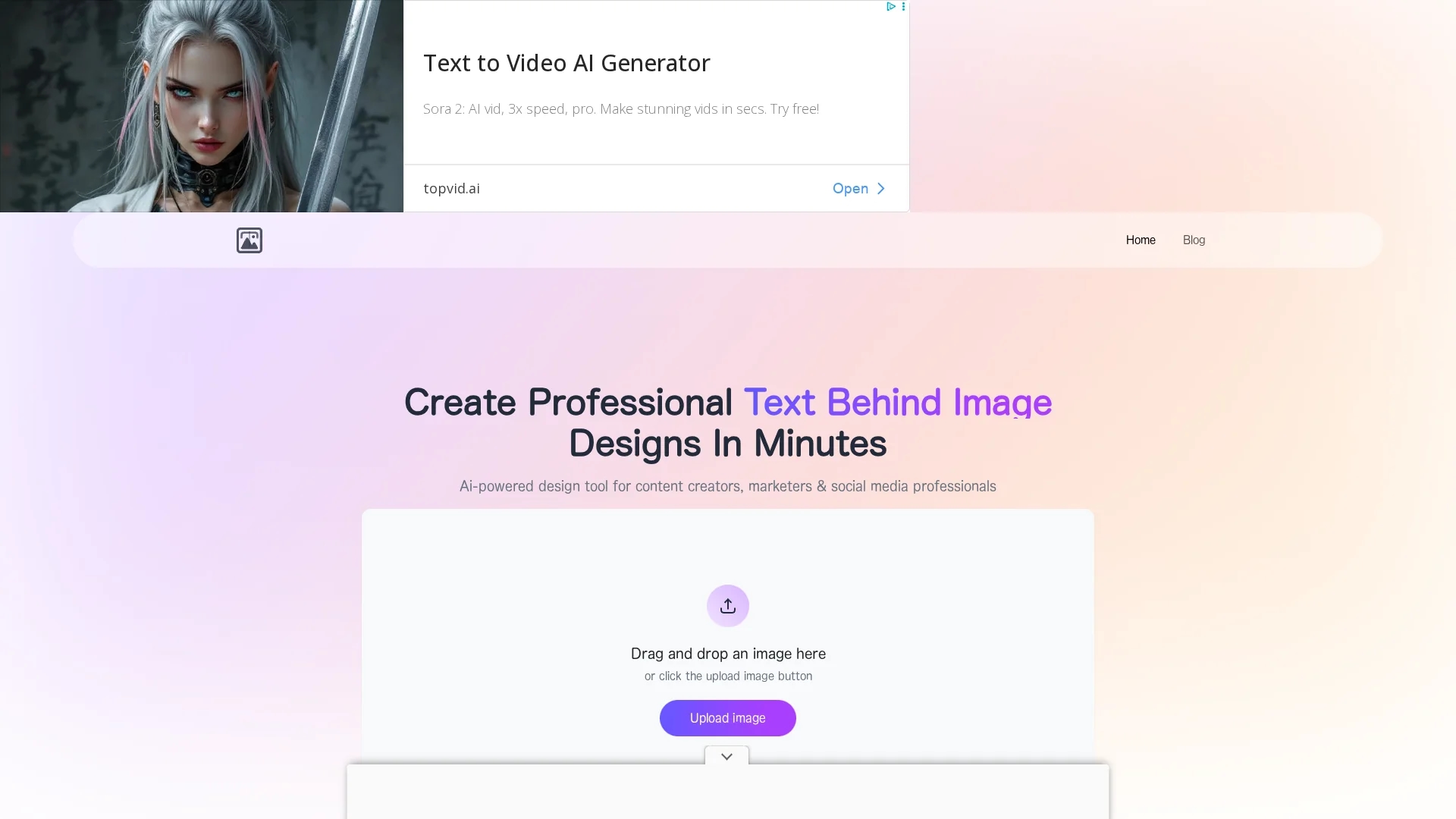
Text Behind Image Tool enables easy integration of customizable text behind images with AI-driven placement, drag-and-drop design, real-time preview, and social media format support.
Disclaimer: Visionary Hub is not affiliated with, endorsed by, or the operator of this tool. All trademarks, logos, and content are the property of their respective owners. Full disclaimer available here
Key Features
Multi-format Support
Accepts JPEG, PNG, and WebP image formats for versatile use.
Drag-and-Drop
User-friendly interface for easy image upload and text positioning.
Real-time Preview
Instantly visualizes design changes before exporting.
Social Media Optimized
Supports platform-specific dimensions for various social networks.
Get Started
Share & Save
Share on Social Media
Why Choose textbehindimg.com
AI Placement:
Automatically suggests optimal text placement based on image analysis.Privacy:
Processes all images locally in the browser with no data transmission.Free Usage:
Offers unlimited designs and downloads without fees or watermarks.
Pricing
This tool is completely free to use with no subscription fees, hidden costs, or usage limits. Users can create unlimited designs and download them without restrictions or watermarks.
About textbehindimg.com
Text Behind Image Tool enables easy integration of customizable text behind images with AI-driven placement, drag-and-drop design, real-time preview, and social media format support.
What textbehindimg.com Does
Text Behind Image Tool enables users to upload images and add customizable text behind them with AI-suggested placement for enhanced visual appeal. This improves engagement by creating professional-quality graphics quickly.
The tool supports JPEG, PNG, and WebP formats and uses AI to detect image subjects and backgrounds for optimal text positioning. Users can style text with over 50 fonts, color options, effects like shadows and gradients, and adjust rotation and spacing. Real-time preview and drag-and-drop interface facilitate easy design adjustments.
It is ideal for creating social media posts, promotional graphics, event invitations, and educational materials, supporting platform-specific dimensions for YouTube, Instagram, Facebook, LinkedIn, and Twitter.
Pros & Cons
No Signup
No registration required to access full features.
Unlimited Downloads
Allows unlimited high-quality exports without restrictions.
No Cloud Save
Currently lacks project saving or cloud storage functionality.
Limited Editing
Focused solely on text-behind-image effects, not full image editing.
Frequently Asked Questions
Yes, it is completely free with no hidden costs or usage limits.
Supports JPEG, JPG, PNG, and WebP formats of any size.
Yes, all processing happens locally in your browser without internet.
Yes, all designs can be used commercially without attribution.
AI analyzes image composition, subjects, and contrast for optimal placement.
Similar Tools You Might Like
Discover more AI-powered tools that complement your workflow
List Your AI Tool & Reach Thousands of Users
Join 500+ AI innovators already thriving on our platform. Get visibility, feedback, and boost your conversions.
Expand Your Audience
Connect with over 50,000 AI enthusiasts actively looking for tools like yours.
Boost Your Authority
Get verified reviews and ratings to build credibility in the AI marketplace.
Drive Conversions
Our premium placements and targeted audience deliver quality leads and sign-ups.