
Text to calendar
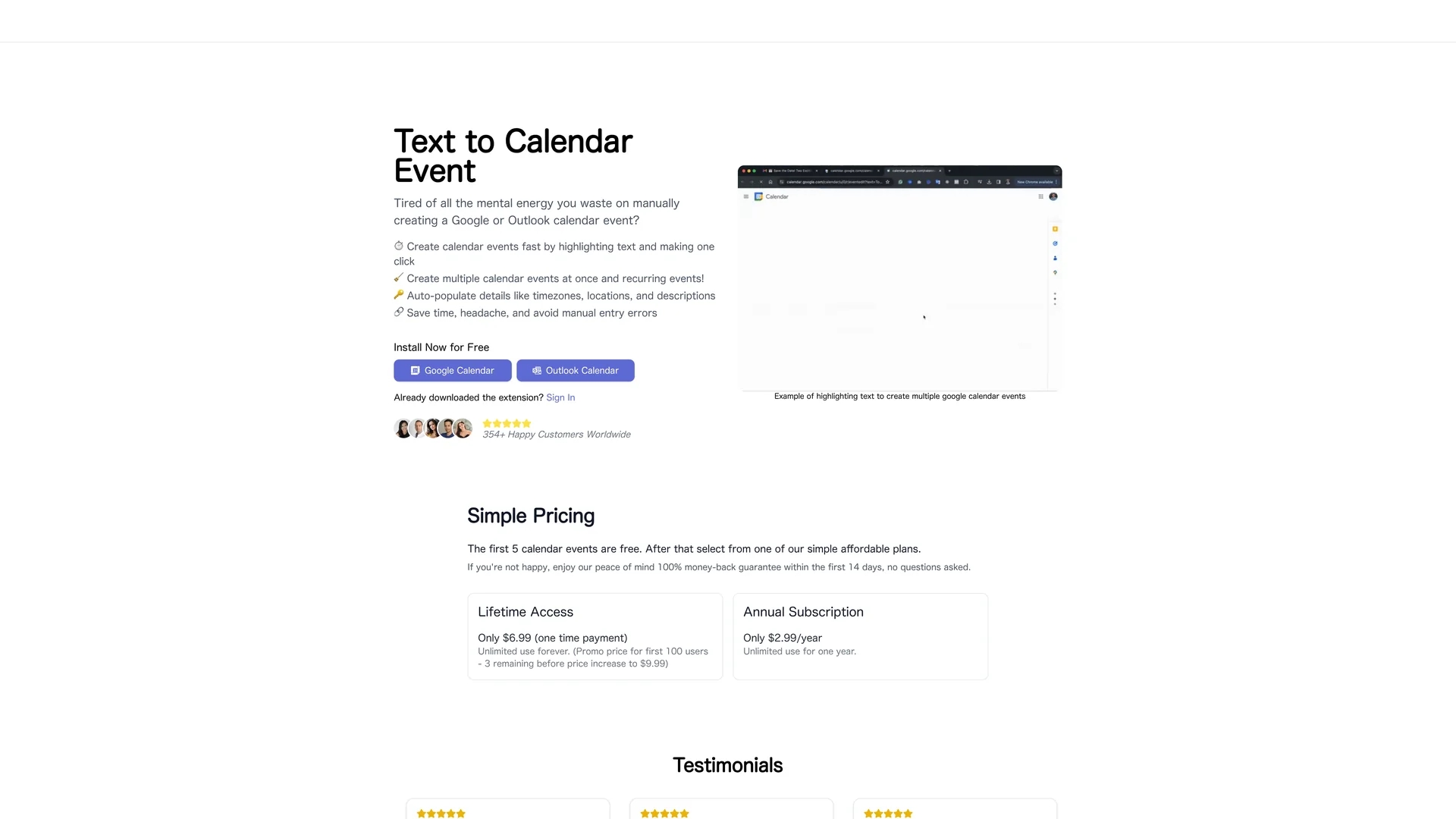
Text Calendar streamlines event creation in Google Calendar and Outlook by generating events from highlighted text with one click, auto-filling details, and supporting recurring events.
Disclaimer: Visionary Hub is not affiliated with, endorsed by, or the operator of this tool. All trademarks, logos, and content are the property of their respective owners. Full disclaimer available here
Key Features
One-click Event
Create calendar events quickly by highlighting text and clicking once.
Bulk Generation
Generate multiple calendar events simultaneously from selected text.
Auto-fill Details
Automatically populates time zones, locations, and descriptions in events.
Recurring Events
Supports creation of repeating appointments to simplify scheduling.
Get Started
Share & Save
Share on Social Media
Why Choose Text to calendar
One-click Creation:
Generate calendar events instantly from highlighted text with a single click.Bulk Events:
Create multiple events at once to save time on scheduling.Auto-population:
Automatically fills event details like time zones and locations to reduce errors.
Pricing
The first 5 calendar events are free. Lifetime access is available for a one-time payment of $6.99 (promo price), increasing to $9.99 later. An annual subscription costs $2.99/year. A 14-day money-back guarantee is offered.
About Text to calendar
Text Calendar streamlines event creation in Google Calendar and Outlook by generating events from highlighted text with one click, auto-filling details, and supporting recurring events.
What Text to calendar Does
Text Calendar automates the creation of calendar events by allowing users to highlight text and generate events instantly in Google Calendar or Outlook. This reduces the time and effort needed for manual event entry.
Key features include one-click event creation, bulk event generation, auto-population of critical details like time zones and locations, and support for recurring events. The tool integrates directly with existing calendar systems to streamline scheduling workflows.
It is useful for professionals managing meetings, recurring appointments, and reminders, improving productivity across industries such as business, education, and content creation.
Pros & Cons
Time-saving
Reduces manual entry by automating event creation from text.
Integration
Works seamlessly with Google Calendar and Outlook platforms.
Limited Platforms
Supports only Google Calendar and Outlook, excluding other calendars.
Extension Required
Requires browser extension installation to function.
Frequently Asked Questions
It supports Google Calendar and Microsoft Outlook calendar platforms.
Free for first 5 events, lifetime access for $6.99, and an annual plan at $2.99/year.
Yes, users must install the browser extension to use Text Calendar.
Yes, it allows creation of recurring calendar events from highlighted text.
Support is available via email at [email protected].
Similar Tools You Might Like
Discover more AI-powered tools that complement your workflow

List Your AI Tool & Reach Thousands of Users
Join 500+ AI innovators already thriving on our platform. Get visibility, feedback, and boost your conversions.
Expand Your Audience
Connect with over 50,000 AI enthusiasts actively looking for tools like yours.
Boost Your Authority
Get verified reviews and ratings to build credibility in the AI marketplace.
Drive Conversions
Our premium placements and targeted audience deliver quality leads and sign-ups.