
Text Assistant
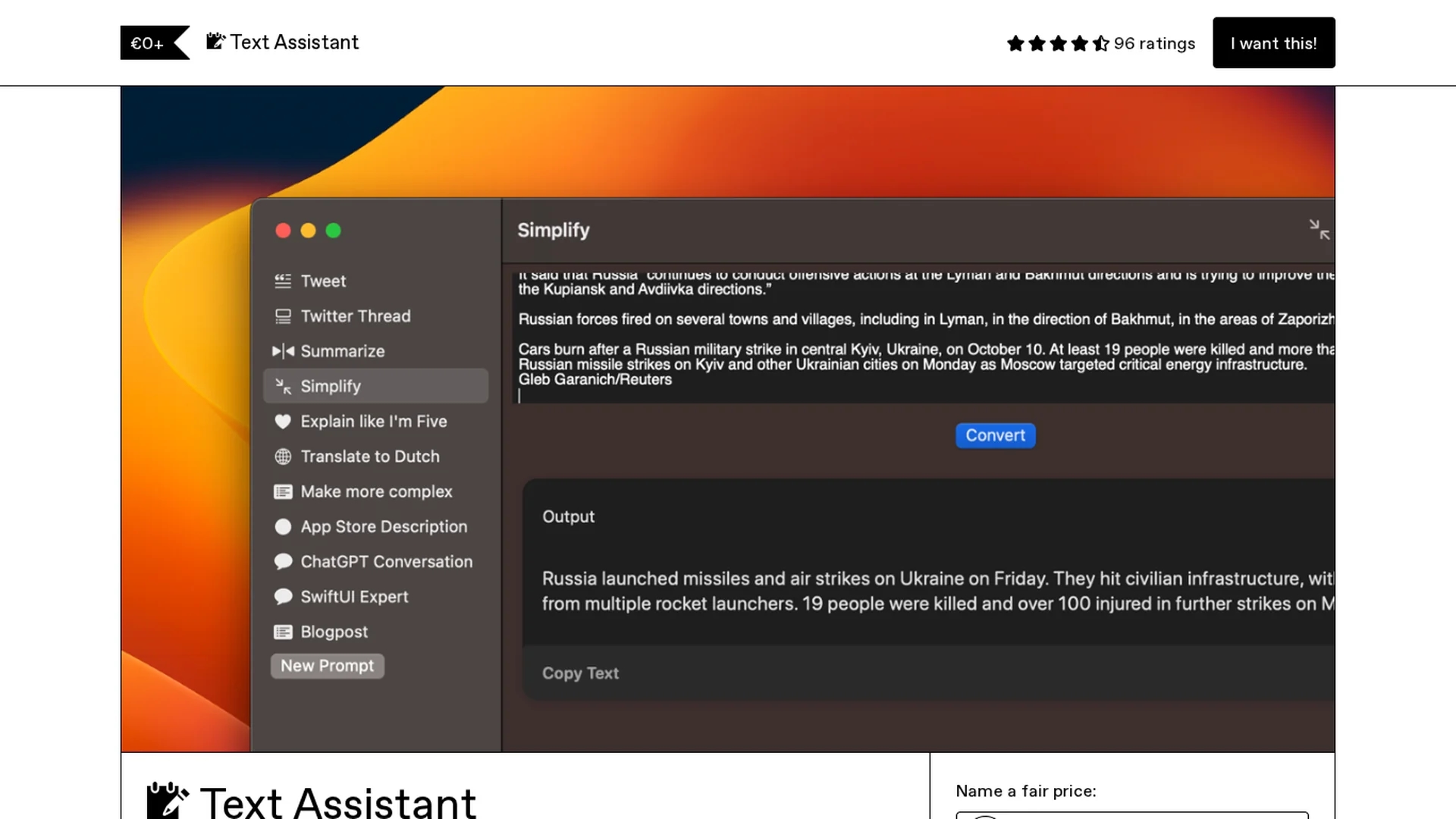
Chrome extension leveraging OpenAI API for writing, proofreading, explaining text, and generating replies directly in your browser.
Disclaimer: Visionary Hub is not affiliated with, endorsed by, or the operator of this tool. All trademarks, logos, and content are the property of their respective owners. Full disclaimer available here
Key Features
Text Explanation
Clarifies complex text passages for better understanding.
Proofreading
Detects and corrects grammar and spelling errors.
Reply Generation
Creates appropriate responses to emails or messages.
Chrome Extension
Easy installation and use within the Chrome browser.
Get Started
Share & Save
Share on Social Media
Why Choose Text Assistant
Integrated Features:
Combines explanation, proofreading, and reply generation in one extension.Browser-Based:
Works directly within Chrome for seamless text assistance.OpenAI Powered:
Utilizes advanced OpenAI language models for accurate results.
Pricing
Text Assistant offers a freemium pricing model. Users must have an OpenAI API key to use the extension. For detailed pricing of API usage, refer to OpenAI's official pricing page.
About Text Assistant
Chrome extension leveraging OpenAI API for writing, proofreading, explaining text, and generating replies directly in your browser.
What Text Assistant Does
Text Assistant provides users with tools to explain text passages, proofread for grammar and spelling errors, and generate replies directly in the browser. This improves writing quality and comprehension efficiently.
The extension works by connecting to the OpenAI API, allowing users to select text and access features such as explanation, proofreading, and reply generation with one click. It requires users to input their own OpenAI API key in the settings.
It is useful for students, writers, editors, and professionals who need quick text assistance while browsing or composing messages, emails, and documents.
Pros & Cons
Ease of Use
Simple setup and one-click access to text tools.
Versatility
Supports multiple text-related functions in one tool.
API Requirement
Requires users to have and enter an OpenAI API key.
Limited User Base
Currently has low user adoption and no ratings.
Frequently Asked Questions
It is a Chrome extension using OpenAI API to assist with writing, proofreading, and text explanation.
Yes, an OpenAI API key is required and must be entered in the extension settings.
Install it from the Chrome Web Store and configure your OpenAI API key.
Yes, it can generate appropriate text replies directly in the browser.
No, the developer declares no data collection or selling to third parties.
Similar Tools You Might Like
Discover more AI-powered tools that complement your workflow


List Your AI Tool & Reach Thousands of Users
Join 500+ AI innovators already thriving on our platform. Get visibility, feedback, and boost your conversions.
Expand Your Audience
Connect with over 50,000 AI enthusiasts actively looking for tools like yours.
Boost Your Authority
Get verified reviews and ratings to build credibility in the AI marketplace.
Drive Conversions
Our premium placements and targeted audience deliver quality leads and sign-ups.