Termdock
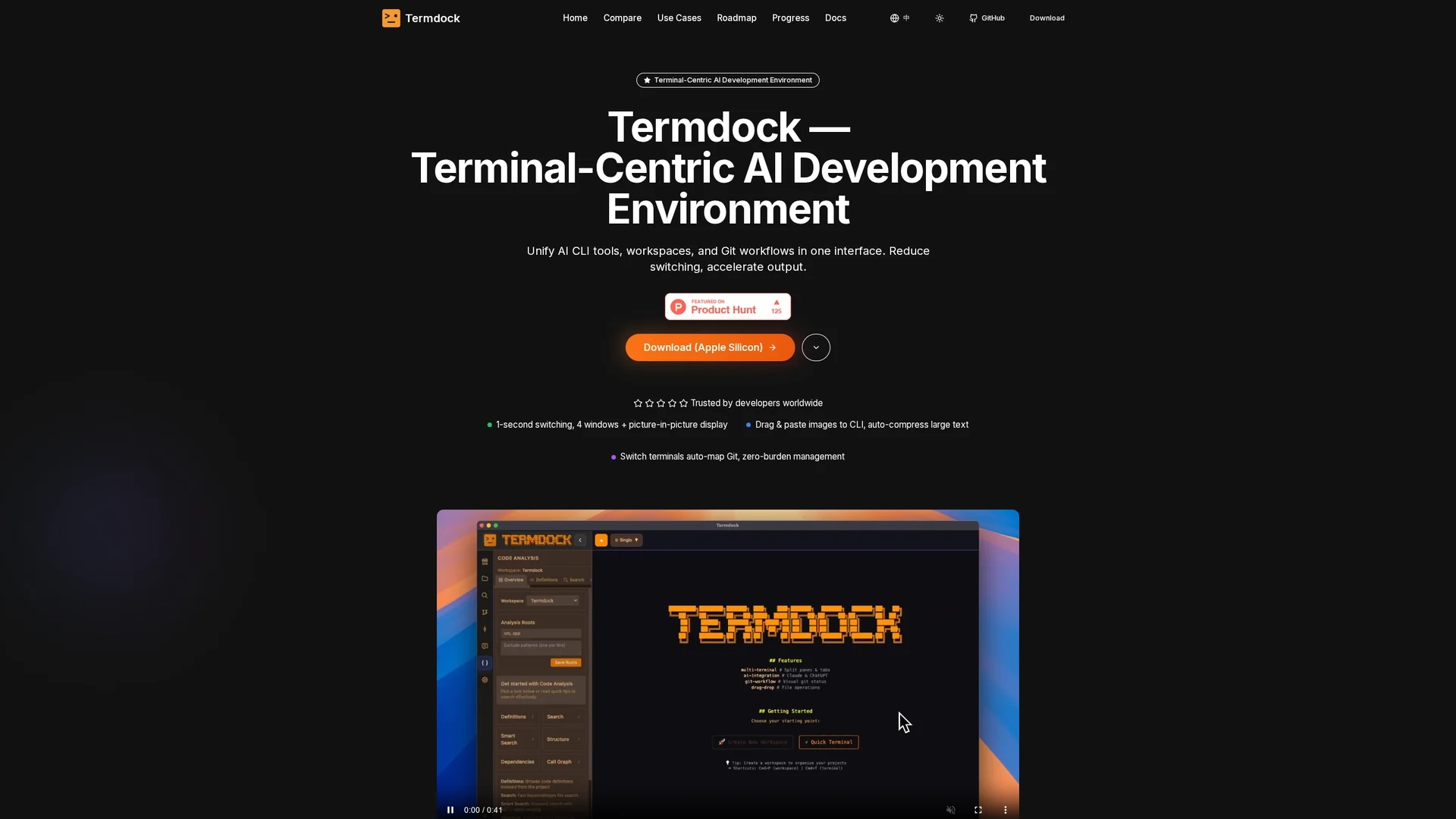
Termdock is a terminal-centric AI development environment featuring multi-workspace, multi-terminal workflows with resizable windows, AST-driven code analysis for 13+ languages, drag-and-drop CLI inputs, unified caching, search, and Git visualizations.
Disclaimer: Visionary Hub is not affiliated with, endorsed by, or the operator of this tool. All trademarks, logos, and content are the property of their respective owners. Full disclaimer available here
Key Features
Resizable Terminals
Supports up to four simultaneous terminal windows with picture-in-picture monitoring.
AST Parsing
Tree-sitter based parsing enables intelligent code analysis and symbol location.
Unified Caching
Dual-layer caching improves analysis speed with 24-hour auto-expiration.
Git Visualizations
Integrated branch, tag, and commit views streamline version control.
Get Started
Share & Save
Share on Social Media
Why Choose Termdock
Multi-Workspace:
Manage multiple projects with seamless cross-repository task switching.AST Analysis:
Deep code insights across 13+ languages reduce file navigation time.Drag & Drop:
Easily input files and images into CLI with auto-compression and detection.
Pricing
Termdock is currently free to use. For detailed pricing or future plans, visit the official website.
About Termdock
Termdock is a terminal-centric AI development environment featuring multi-workspace, multi-terminal workflows with resizable windows, AST-driven code analysis for 13+ languages, drag-and-drop CLI inputs, unified caching, search, and Git visualizations.
What Termdock Does
Termdock provides a consolidated terminal environment that supports multi-workspace and multi-terminal layouts, allowing developers to run services, logs, tests, and containers side-by-side. It enhances productivity by reducing the need to switch between multiple IDEs and terminal windows.
Key features include AST-driven code analysis using Tree-sitter for 13+ languages, enabling one-click symbol references and interactive dependency and call graph exploration. Users can drag and drop or paste files and images directly into the CLI with automatic compression and environment detection. The tool also offers intelligent dual-layer caching and integrated Git visualizations to streamline version control workflows.
Termdock is suitable for debugging distributed microservices, performing large-scale cross-language refactors, and speeding up build-test-debug cycles. It supports industries and teams that require efficient terminal-based development and multi-repository management.
Pros & Cons
Workflow Efficiency
Reduces context switching with consolidated multi-terminal and workspace layouts.
Cross-Language Support
Supports intelligent code analysis for over 13 programming languages.
Platform Limitation
Currently available only for macOS; other platforms are forthcoming.
No Signup URL
No direct user registration link available on the homepage.
Frequently Asked Questions
Termdock supports AST-based code analysis for over 13 languages including TypeScript, Python, and Go.
Yes, Termdock is currently free to use with no pricing plans listed on the official site.
Termdock is currently available for macOS only; other platforms are planned for future release.
Yes, it includes Git visualizations for branches, tags, commits, and common operations within the terminal.
Yes, Termdock supports drag-and-drop and pasting of files and images into the CLI with automatic compression and environment detection.
Similar Tools You Might Like
Discover more AI-powered tools that complement your workflow
List Your AI Tool & Reach Thousands of Users
Join 500+ AI innovators already thriving on our platform. Get visibility, feedback, and boost your conversions.
Expand Your Audience
Connect with over 50,000 AI enthusiasts actively looking for tools like yours.
Boost Your Authority
Get verified reviews and ratings to build credibility in the AI marketplace.
Drive Conversions
Our premium placements and targeted audience deliver quality leads and sign-ups.