TechScreen
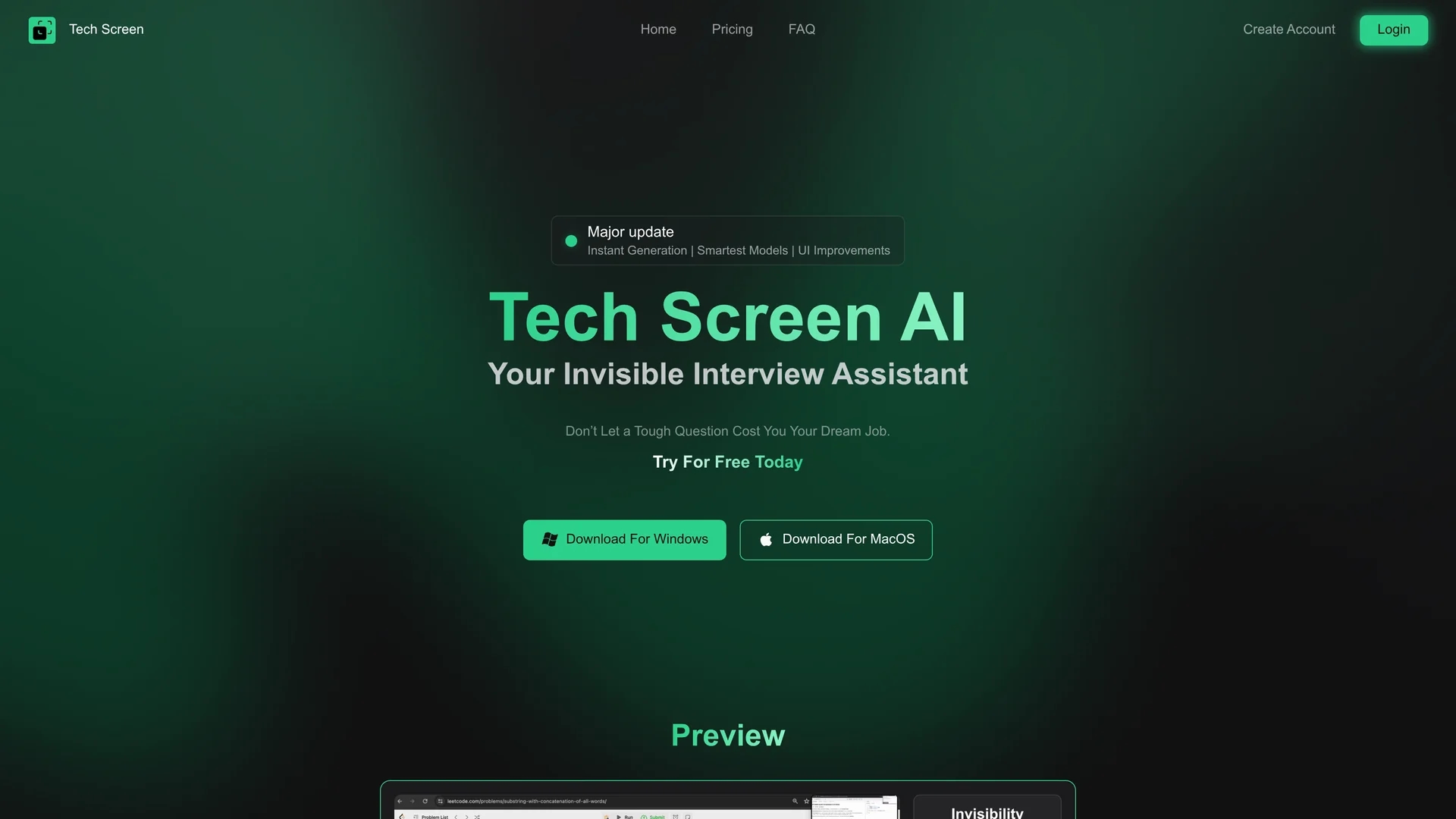
TechScreen is an AI interview assistant providing real-time, invisible support during technical interviews on platforms like Zoom, processing audio and screen content for fast, accurate coding challenge responses.
Disclaimer: Visionary Hub is not affiliated with, endorsed by, or the operator of this tool. All trademarks, logos, and content are the property of their respective owners. Full disclaimer available here
Key Features
Real-Time Assistance
Delivers instant AI responses during live technical interviews.
Video Platform Integration
Works seamlessly with Zoom, Google Meet, Discord, and more.
Fast & Accurate
Ensures precise answers to coding challenges without delays.
Intuitive Shortcuts
Offers easy access to AI help without disrupting workflow.
Get Started
Share & Save
Share on Social Media
Why Choose TechScreen
Invisible Support:
Operates without being detected on screen-sharing or recording software.Multi-Input Processing:
Handles microphone, system audio, and on-screen content for versatile assistance.Multi-Language Support:
Provides accurate help across various programming languages.
Pricing
TechScreen offers a free trial and multiple pricing plans: Free plan at $0, Essential plan at $19, Professional plan at $29, and Expert plan at $49. Pricing details are subject to change; visit the official pricing page for updates.
About TechScreen
TechScreen is an AI interview assistant providing real-time, invisible support during technical interviews on platforms like Zoom, processing audio and screen content for fast, accurate coding challenge responses.
What TechScreen Does
TechScreen provides real-time AI assistance during technical interviews, helping candidates and interviewers by delivering instant, accurate answers to coding questions. It operates invisibly in the background of video calls to avoid distractions.
The tool integrates with popular video platforms like Zoom, Google Meet, and Discord, processing multiple input types such as microphone audio, system sounds, and screen content. It supports various programming languages, ensuring tailored assistance for diverse technical challenges.
TechScreen is useful for software developers, interviewers, and coding assistants aiming to improve interview efficiency and candidate engagement across industries relying on remote technical assessments.
Pros & Cons
Seamless Integration
Operates invisibly on major video call platforms without interrupting sessions.
Comprehensive Input Support
Processes multiple audio and screen inputs for adaptive assistance.
Audio Stability
System audio recording may be unstable on some devices.
Limited Platform Scope
Primarily designed for video call platforms; less suited for other interview formats.
Frequently Asked Questions
Sign up on the website, install the app, and start using it instantly without complex setup.
No, it is completely invisible to screen-sharing software and recordings on supported platforms.
It supports multiple languages including Python, Java, C++, and JavaScript.
Plans include a free tier and paid options from $19 to $49 per month; details are on the pricing page.
It processes computer audio, microphone input, and on-screen content for real-time assistance.
Similar Tools You Might Like
Discover more AI-powered tools that complement your workflow
List Your AI Tool & Reach Thousands of Users
Join 500+ AI innovators already thriving on our platform. Get visibility, feedback, and boost your conversions.
Expand Your Audience
Connect with over 50,000 AI enthusiasts actively looking for tools like yours.
Boost Your Authority
Get verified reviews and ratings to build credibility in the AI marketplace.
Drive Conversions
Our premium placements and targeted audience deliver quality leads and sign-ups.