Taskheat AI Assistant
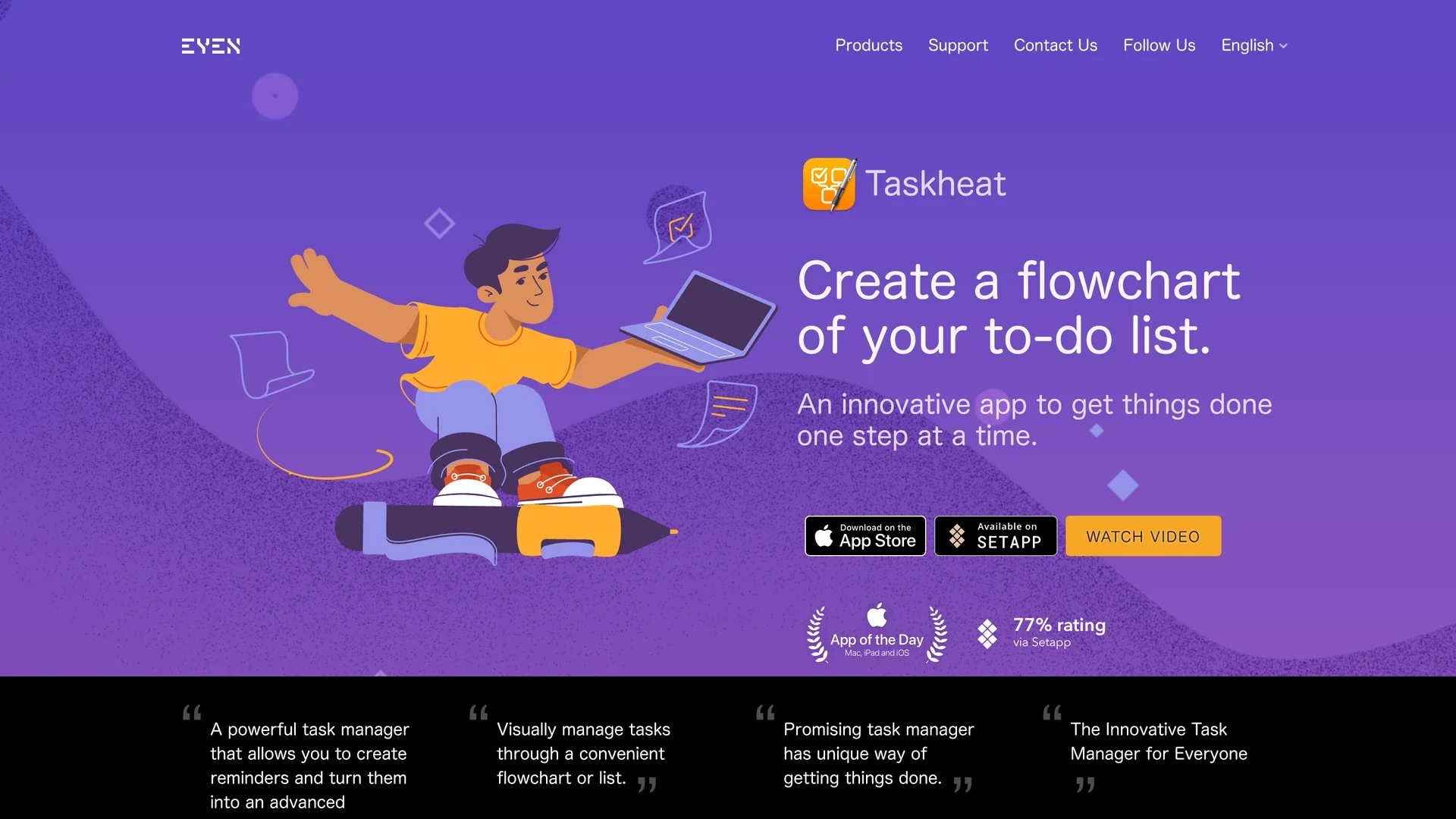
Taskheat is a visual to-do list app for Mac, iPad, and iPhone that creates task flowcharts, manages dependencies, and offers AI-assisted task flow generation with a 14-day free trial.
Disclaimer: Visionary Hub is not affiliated with, endorsed by, or the operator of this tool. All trademarks, logos, and content are the property of their respective owners. Full disclaimer available here
Key Features
Task Linking
Connect tasks to define dependencies and workflow order.
Color-Coded Tags
Assign tags for better task organization and navigation.
Task Delegation
Assign tasks to others without affecting your main list.
Cross-Device Sync
Synchronize tasks seamlessly via iCloud across Apple devices.
Get Started
Share & Save
Share on Social Media
Why Choose Taskheat AI Assistant
Visual Flowcharts:
Easily create and manage task dependencies with intuitive flowchart views.AI Assistance:
Generate task flows automatically to optimize your to-do list.Universal Purchase:
One-time payment covers Mac, iPad, and iPhone versions with free updates.
Pricing
Taskheat offers a 14-day free trial. The full version requires a one-time purchase with pricing varying by region and currency. It is a universal purchase for Mac, iPad, and iPhone with no subscription fees. Check the App Store for exact prices.
About Taskheat AI Assistant
Taskheat is a visual to-do list app for Mac, iPad, and iPhone that creates task flowcharts, manages dependencies, and offers AI-assisted task flow generation with a 14-day free trial.
What Taskheat AI Assistant Does
Taskheat transforms traditional to-do lists into interactive flowcharts, allowing users to visualize and manage task dependencies effectively. It helps users focus on the optimal task order to improve productivity.
The app features task creation, tagging with color codes, reminders, delegation to third parties, and synchronization across Mac, iPad, and iPhone. Its AI Assistant generates task flows based on user input to streamline planning.
Taskheat suits personal task organization, team project management, and event planning, supporting workflows that require clear task relationships and delegation.
Pros & Cons
Intuitive Visualization
Flowchart interface simplifies complex task management.
One-Time Purchase
No subscription required; single payment for all platforms.
Apple Ecosystem
Available only on Mac, iPad, and iPhone devices.
Beta AI Feature
AI Assistant is in beta and may have limited functionality.
Frequently Asked Questions
Taskheat runs natively on Mac, iPad, and iPhone with support for modern Apple features.
No, Taskheat requires a one-time purchase with a 14-day free trial.
Yes, a single purchase covers Mac, iPad, and iPhone versions with free updates.
Tasks are stored locally and synchronized via iCloud requiring an Apple ID.
Taskheat supports English, French, German, Ukrainian, Japanese, Chinese, and Russian.
Similar Tools You Might Like
Discover more AI-powered tools that complement your workflow

List Your AI Tool & Reach Thousands of Users
Join 500+ AI innovators already thriving on our platform. Get visibility, feedback, and boost your conversions.
Expand Your Audience
Connect with over 50,000 AI enthusiasts actively looking for tools like yours.
Boost Your Authority
Get verified reviews and ratings to build credibility in the AI marketplace.
Drive Conversions
Our premium placements and targeted audience deliver quality leads and sign-ups.