
Taim App
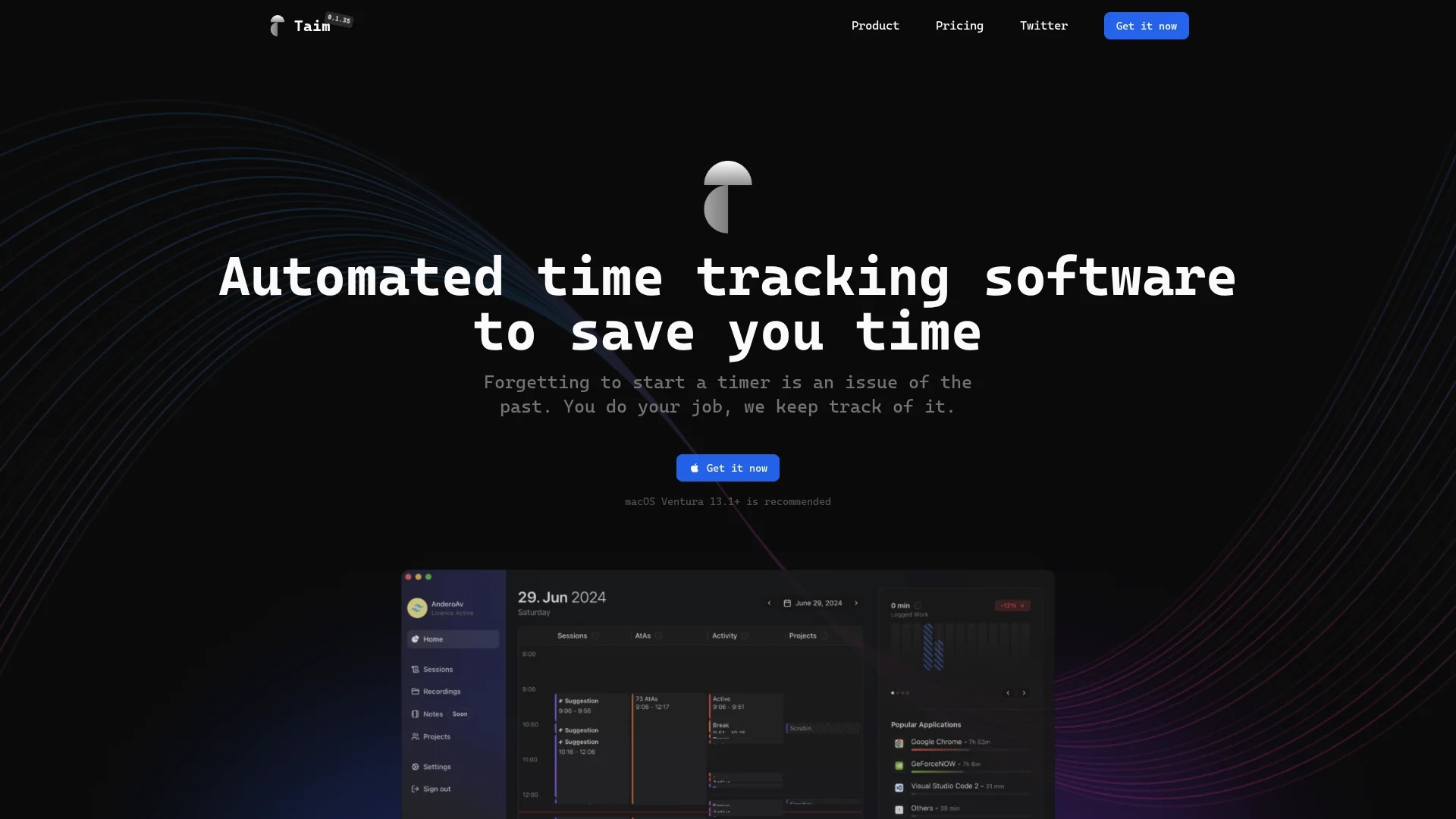
Taim is automated time tracking software for freelancers and professionals, offering manual and automatic tracking, Pomodoro timers, customizable tags, and seamless integration for accurate billing and productivity analysis.
Disclaimer: Visionary Hub is not affiliated with, endorsed by, or the operator of this tool. All trademarks, logos, and content are the property of their respective owners. Full disclaimer available here
Key Features
Automatic Tracking
Tracks app and window usage without manual input.
Session Editing
Allows users to modify session times and details easily.
Analytics Dashboard
Provides insights on projects and sessions for billing accuracy.
Integrations
Supports webhooks to sync with tools like Asana and Jira.
Get Started
Share & Save
Share on Social Media
Why Choose Taim App
Flexible Tracking:
Offers both manual and automatic time tracking for user control.Productivity Tools:
Includes Pomodoro timers and customizable tags to boost focus.Data Privacy:
Stores data locally, ensuring user ownership and security.
Pricing
Taim offers a one-time purchase Individual plan at $39 (discounted from $79) for a single macOS device with all features and 12 months of free updates. Team plans with per-seat pricing and cloud storage are available upon contact.
About Taim App
Taim is automated time tracking software for freelancers and professionals, offering manual and automatic tracking, Pomodoro timers, customizable tags, and seamless integration for accurate billing and productivity analysis.
What Taim App Does
Taim automates the tracking of work hours, allowing users to record time manually or automatically, ensuring accurate billing and reducing administrative errors. It supports focused work sessions with Pomodoro timers and customizable tags to organize tasks effectively.
The software features session editing, detailed analytics, and integration with applications like Asana and Jira through webhooks. Users can export data in XLS, CSV, or PDF formats and control billing status per session for streamlined invoicing.
Taim is ideal for freelancers, small business owners, and professionals managing multiple projects who require precise time tracking, productivity optimization, and secure local data storage.
Pros & Cons
One-Time Payment
Individual plan requires a single purchase with free updates.
Resource Efficient
Designed to use low CPU and storage for smooth operation.
Platform Limitation
Currently recommended for macOS Ventura 13.1+ only.
Team Pricing
Team plans require contacting sales, no fixed pricing shown.
Frequently Asked Questions
Taim supports both manual and automatic time tracking options.
Individual users pay a one-time fee of $39 with 12 months of updates.
Yes, users can modify session durations and details anytime.
Yes, it supports webhooks for integration with Asana, Jira, and more.
Data is stored locally on your device, ensuring full user control.
Similar Tools You Might Like
Discover more AI-powered tools that complement your workflow

List Your AI Tool & Reach Thousands of Users
Join 500+ AI innovators already thriving on our platform. Get visibility, feedback, and boost your conversions.
Expand Your Audience
Connect with over 50,000 AI enthusiasts actively looking for tools like yours.
Boost Your Authority
Get verified reviews and ratings to build credibility in the AI marketplace.
Drive Conversions
Our premium placements and targeted audience deliver quality leads and sign-ups.