
Tablextract
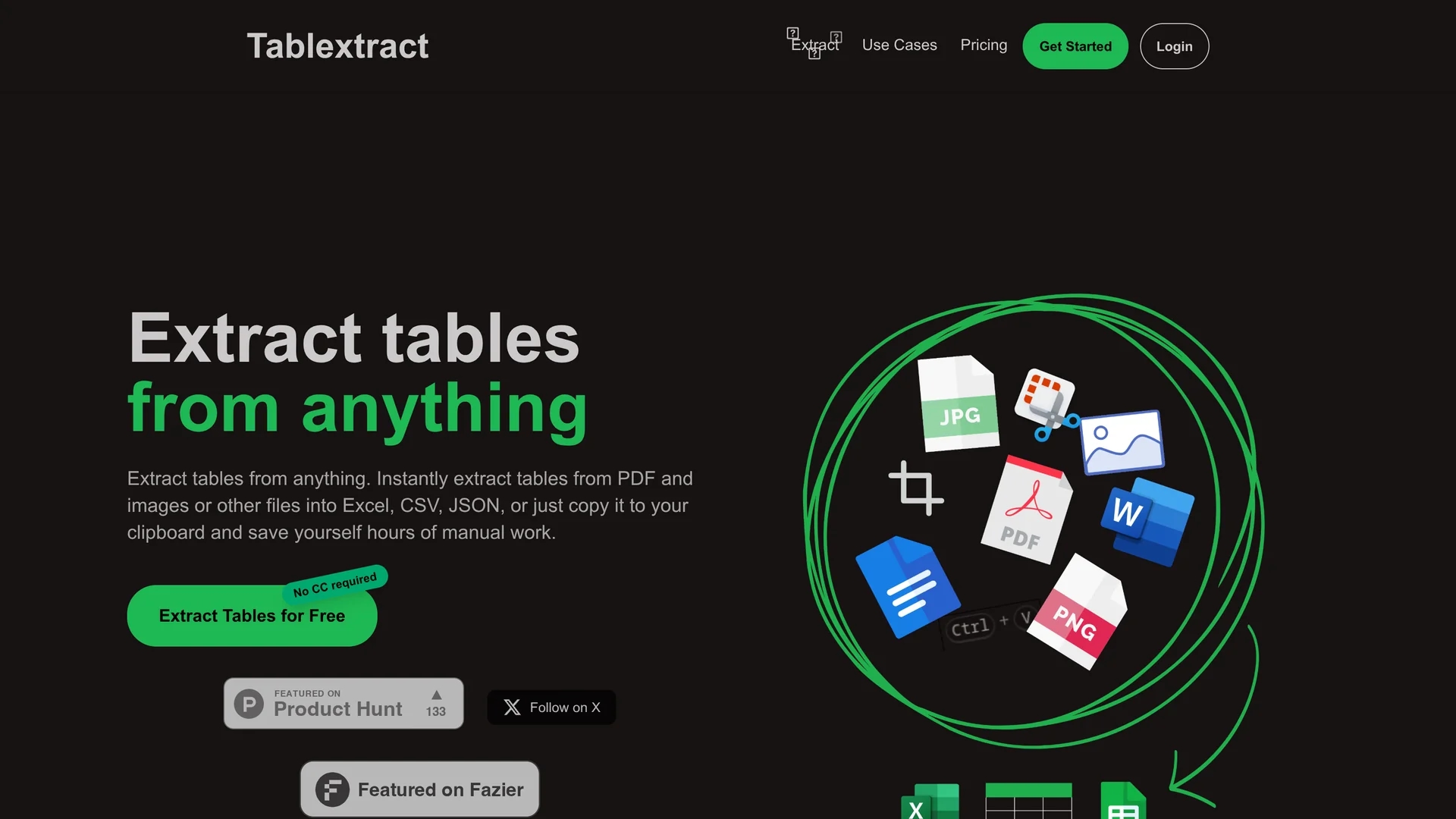
Tablextract converts tables from PDFs, images, and scans into Excel, CSV, or JSON using automatic OCR and table recognition that preserves rows, merged cells, and nested layouts.
Disclaimer: Visionary Hub is not affiliated with, endorsed by, or the operator of this tool. All trademarks, logos, and content are the property of their respective owners. Full disclaimer available here
Key Features
AI Table Recognition
Identifies and extracts tables while preserving structure.
OCR Support
Processes scanned documents and images including handwritten text.
Multiple Input Formats
Accepts PDF, JPG, PNG, spreadsheets via drag-and-drop or clipboard.
Flexible Export Options
Exports data to Excel, CSV, JSON or copies to clipboard.
Get Started
Share & Save
Share on Social Media
Why Choose Tablextract
Accurate Extraction:
Preserves complex table structures including merged and nested cells.Multi-format Support:
Handles PDFs, images, and scanned documents with OCR technology.Selective Extraction:
Allows extraction from specific pages or sections for targeted data.
Pricing
Tablextract offers multiple pricing options: a Free plan, a Monthly plan at $9.99/month (discounted from $19.99), a Yearly plan at $0, and a Lifetime plan at $499.99 (discounted from $999.99).
About Tablextract
Tablextract converts tables from PDFs, images, and scans into Excel, CSV, or JSON using automatic OCR and table recognition that preserves rows, merged cells, and nested layouts.
What Tablextract Does
Tablextract extracts tables from various document types including PDFs, images, and scanned files, converting them into editable Excel, CSV, or JSON formats. This reduces manual data entry and streamlines data processing workflows.
It uses AI-driven OCR technology to recognize text and complex table structures, preserving merged cells, multi-page tables, and nested layouts. Users can selectively extract data from specific pages or sections, ensuring precise output.
Typical use cases include automating invoice processing, extracting data from financial reports, and converting research paper tables for analysis, benefiting finance teams, researchers, and administrative staff.
Pros & Cons
Time-saving
Reduces manual data entry and post-OCR cleanup.
Versatile
Supports various document types and complex table layouts.
Pricing Complexity
Multiple plans with unclear distinctions may confuse users.
Limited Developer Info
No clear developer or company details publicly available.
Frequently Asked Questions
It supports PDFs, images (JPG, PNG), scanned documents, and spreadsheets.
Plans include Free, Monthly at $9.99, Yearly free, and Lifetime at $499.99.
Yes, it preserves merged cells, nested tables, and multi-page layouts.
Yes, selective page or section extraction is supported.
Yes, automatic OCR processes scanned and handwritten text.
Similar Tools You Might Like
Discover more AI-powered tools that complement your workflow
List Your AI Tool & Reach Thousands of Users
Join 500+ AI innovators already thriving on our platform. Get visibility, feedback, and boost your conversions.
Expand Your Audience
Connect with over 50,000 AI enthusiasts actively looking for tools like yours.
Boost Your Authority
Get verified reviews and ratings to build credibility in the AI marketplace.
Drive Conversions
Our premium placements and targeted audience deliver quality leads and sign-ups.