Swif
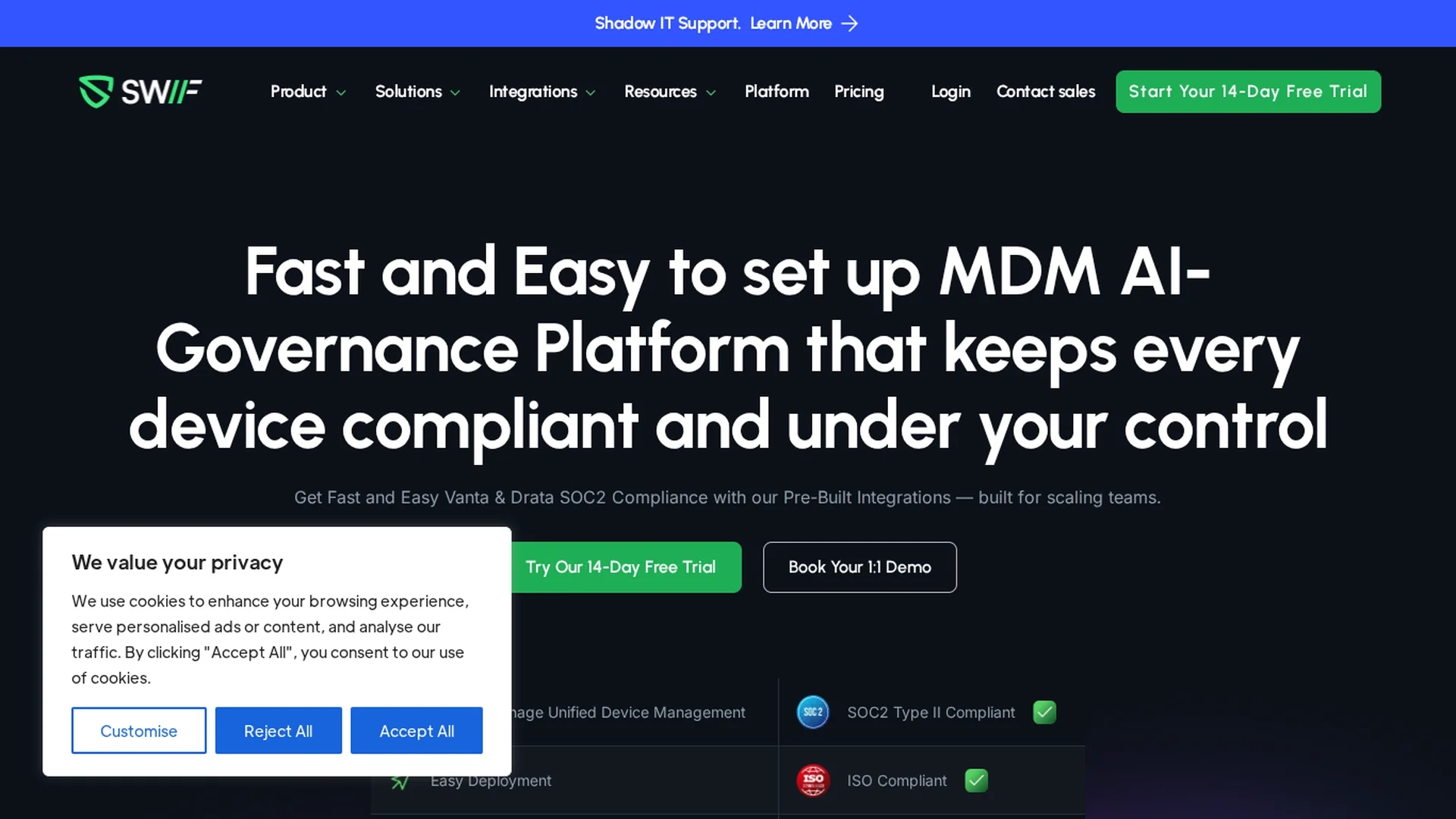
Swif offers AI-powered unified device management for MacOS, Windows, and Linux, automating security, access, and compliance with integrations for SOC2 certification.
Disclaimer: Visionary Hub is not affiliated with, endorsed by, or the operator of this tool. All trademarks, logos, and content are the property of their respective owners. Full disclaimer available here
Key Features
Remote Desktop
Securely manage devices remotely to streamline IT operations.
Smart Groups
Create dynamic groups based on device attributes for policy enforcement.
Multi-OS Support
Supports MacOS, Windows, and Linux platforms for broad coverage.
Automated Provisioning
Simplifies employee onboarding and offboarding with automated workflows.
Get Started
Share & Save
Share on Social Media
Why Choose Swif
Unified Management:
Manage MacOS, Windows, and Linux devices from a single platform.Compliance Automation:
Automate security and compliance reporting to reduce manual workload.SOC2 Integrations:
Seamlessly integrates with Vanta, Drata, and Secureframe for audits.
Pricing
Swif offers simple per-user pricing tiers: Free (up to 5 employees), Growth, and Custom/Enterprise. Annual plans provide approximately 15% savings. Detailed pricing is available on their Pricing page.
About Swif
Swif offers AI-powered unified device management for MacOS, Windows, and Linux, automating security, access, and compliance with integrations for SOC2 certification.
What Swif Does
Swif automates device security, access management, and compliance reporting across multiple operating systems including MacOS, Windows, and Linux. It helps organizations maintain consistent security policies and reduce manual compliance efforts.
The platform features AI-driven smart group configurations, remote desktop capabilities, and seamless integrations with compliance tools like Vanta, Drata, and Secureframe. It supports automated employee provisioning and offboarding, enhancing operational efficiency and minimizing security risks.
Swif is used by IT teams, security auditors, and compliance officers in industries such as fintech, healthtech, and enterprise environments to ensure audit-ready device compliance and secure remote operations.
Pros & Cons
Comprehensive Coverage
Supports multiple operating systems in one unified console.
Integration Ready
Works with major compliance and identity management tools.
Limited Mobile Support
Android support is coming soon but not yet available.
No SSO Provisioning Yet
Automated account provisioning without SSO is planned but not released.
Frequently Asked Questions
Swif supports MacOS, Windows, Linux, iOS/iPadOS, with Android support coming soon.
No, Swif integrates with these tools but does not replace them.
Swif offers Free, Growth, and Custom/Enterprise plans with annual discounts.
All telemetry is encrypted in transit and at rest; data residency options are available.
Not currently, but this feature is planned for future releases.
Similar Tools You Might Like
Discover more AI-powered tools that complement your workflow
List Your AI Tool & Reach Thousands of Users
Join 500+ AI innovators already thriving on our platform. Get visibility, feedback, and boost your conversions.
Expand Your Audience
Connect with over 50,000 AI enthusiasts actively looking for tools like yours.
Boost Your Authority
Get verified reviews and ratings to build credibility in the AI marketplace.
Drive Conversions
Our premium placements and targeted audience deliver quality leads and sign-ups.