Svgtrace.com
SVGTrace is an online tool that converts images into high-quality scalable vector graphics (SVG) with a manual editor for precise layer adjustments, ideal for designers and creators.
Disclaimer: Visionary Hub is not affiliated with, endorsed by, or the operator of this tool. All trademarks, logos, and content are the property of their respective owners. Full disclaimer available here
Key Features
Image to SVG
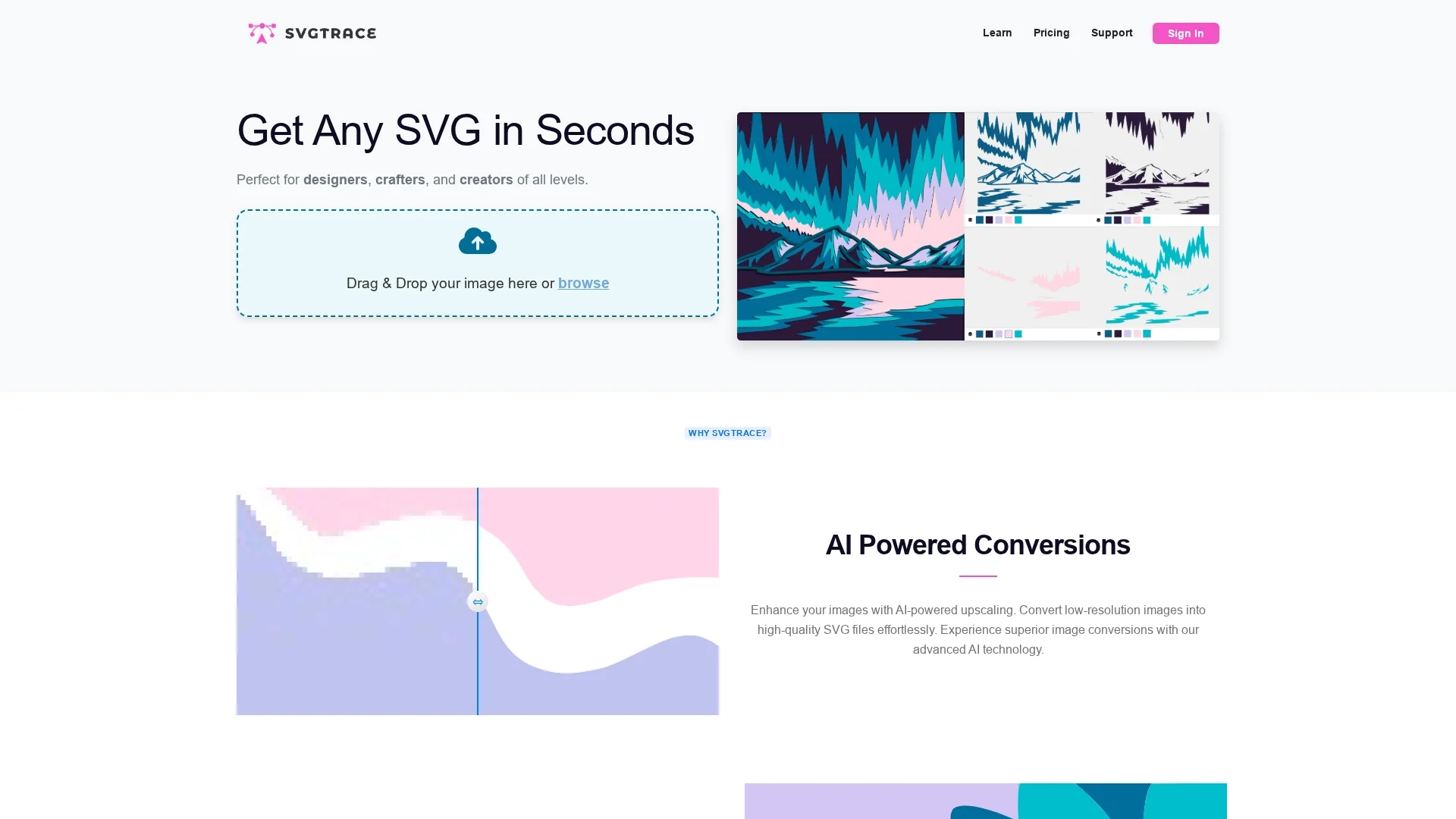
Converts images into scalable vector graphics with AI enhancement.
Layered SVGs
Supports creation of color-layered, multilayer SVG files.
Manual Editor
Enables detailed adjustments including cutting, erasing, and copying layers.
Export Options
Provides multiple file export formats in the Pro version.
Get Started
Share & Save
Share on Social Media
Why Choose Svgtrace.com
AI Upscaling:
Enhances low-resolution images into high-quality SVG files automatically.Manual Editing:
Offers precise control over layers with cutting, erasing, and copying tools.Multilayer Support:
Creates color-layered SVGs suitable for complex craft and design projects.
Pricing
SVGTrace offers a free version with essential SVG conversion features and a Pro version with advanced editing and additional export options. Visit the official site for detailed pricing.
About Svgtrace.com
SVGTrace is an online tool that converts images into high-quality scalable vector graphics (SVG) with a manual editor for precise layer adjustments, ideal for designers and creators.
What Svgtrace.com Does
SVGTrace converts low-resolution images into high-quality scalable vector graphics (SVG), enabling users to create detailed, multilayered designs suitable for crafts, packaging, and digital marketing.
It uses AI-powered upscaling to enhance image quality and provides a manual editor for cutting, erasing, and copying layers, allowing precise control over SVG files.
Ideal for graphic designers, digital creators, and visual artists, SVGTrace supports projects such as 3D mandala plywood cutting and intricate pattern designs.
Pros & Cons
User-Friendly
No prior design experience needed to convert and edit SVGs.
Free Version
Offers essential SVG conversion features at no cost.
Limited Free Features
Advanced editing and export options require Pro subscription.
Developer Info
No developer or company details publicly available.
Frequently Asked Questions
SVGTrace converts low-resolution images into high-quality SVG files suitable for crafts and design.
Yes, the free version offers essential SVG conversion features without cost.
The Pro version includes a built-in editor and more export file options.
No prior design experience is required; the tool is user-friendly for all levels.
Yes, SVGTrace provides a manual editor for cutting, erasing, and copying layers.
Similar Tools You Might Like
Discover more AI-powered tools that complement your workflow
List Your AI Tool & Reach Thousands of Users
Join 500+ AI innovators already thriving on our platform. Get visibility, feedback, and boost your conversions.
Expand Your Audience
Connect with over 50,000 AI enthusiasts actively looking for tools like yours.
Boost Your Authority
Get verified reviews and ratings to build credibility in the AI marketplace.
Drive Conversions
Our premium placements and targeted audience deliver quality leads and sign-ups.