SVGMaker
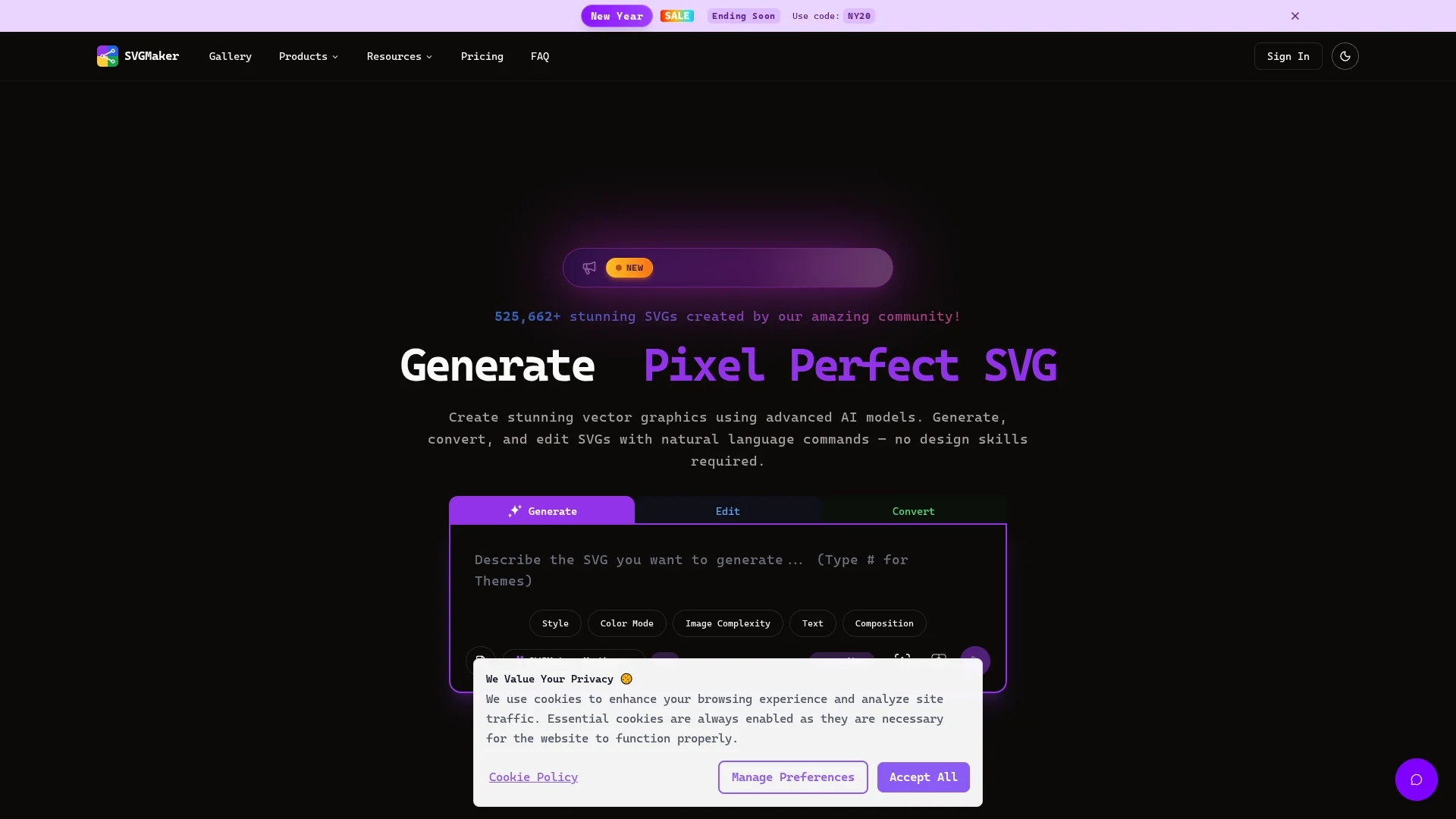
SVGMaker is an AI-powered online tool for generating, editing, and converting scalable SVG graphics from text prompts or raster images, ideal for logos, icons, and web design.
Disclaimer: Visionary Hub is not affiliated with, endorsed by, or the operator of this tool. All trademarks, logos, and content are the property of their respective owners. Full disclaimer available here
Key Features
Text to SVG
Generate scalable vector graphics directly from natural language prompts.
Image Conversion
Convert raster images like PNG and JPG into high-quality SVG files.
Advanced Editor
Edit SVGs with color controls, layering, background removal, and brush tools.
API Access
Programmatically generate and edit SVGs via REST API and MCP server.
Get Started
Share & Save
Share on Social Media
Why Choose SVGMaker
AI-Powered:
Leverages advanced AI models for precise SVG generation and editing.All-in-One:
Combines SVG generation, conversion, and editing in a single online platform.Developer Friendly:
Offers API and MCP server support for seamless integration and automation.
Pricing
SVGMaker offers a freemium pricing model with a Free plan and paid tiers: Standard at $10/month, Enhanced at $20/month, and a custom Enterprise plan. Pricing is subject to change; verify on the official site.
About SVGMaker
SVGMaker is an AI-powered online tool for generating, editing, and converting scalable SVG graphics from text prompts or raster images, ideal for logos, icons, and web design.
What SVGMaker Does
SVGMaker generates high-quality scalable vector graphics (SVGs) from natural language text prompts or raster images like PNG and JPG. Users benefit from quick creation of logos, icons, and web graphics without requiring design expertise.
It features AI-powered text-to-SVG generation, image-to-SVG conversion, and a built-in SVG editor with tools for color adjustment, layering, and background removal. The platform supports multiple AI models and offers developer APIs and MCP server integration for programmatic SVG generation and editing.
SVGMaker is used by designers, developers, and crafters for creating logos, responsive UI elements, print-on-demand art, and vector cut files compatible with machines like Cricut and Silhouette.
Pros & Cons
Ease of Use
No installation or design skills required; fully browser-based.
Versatile Output
Supports multiple export formats including SVG, PDF, EPS, AI, and raster images.
Limited Free Plan
Free tier has usage restrictions and limited features.
Pricing Transparency
Detailed pricing and plan features require visiting the official site.
Frequently Asked Questions
It uses AI models to convert natural language prompts into scalable vector graphics instantly.
There is a Free plan with limitations and paid plans starting at $10/month, plus custom Enterprise options.
Yes, you can upload PNG, JPG, or other raster images to convert them into SVG format.
Yes, SVGMaker provides a REST API and MCP server for programmatic SVG generation and editing.
Yes, the built-in advanced SVG editor allows color changes, layering, background removal, and more.
Similar Tools You Might Like
Discover more AI-powered tools that complement your workflow
List Your AI Tool & Reach Thousands of Users
Join 500+ AI innovators already thriving on our platform. Get visibility, feedback, and boost your conversions.
Expand Your Audience
Connect with over 50,000 AI enthusiasts actively looking for tools like yours.
Boost Your Authority
Get verified reviews and ratings to build credibility in the AI marketplace.
Drive Conversions
Our premium placements and targeted audience deliver quality leads and sign-ups.