
superReply
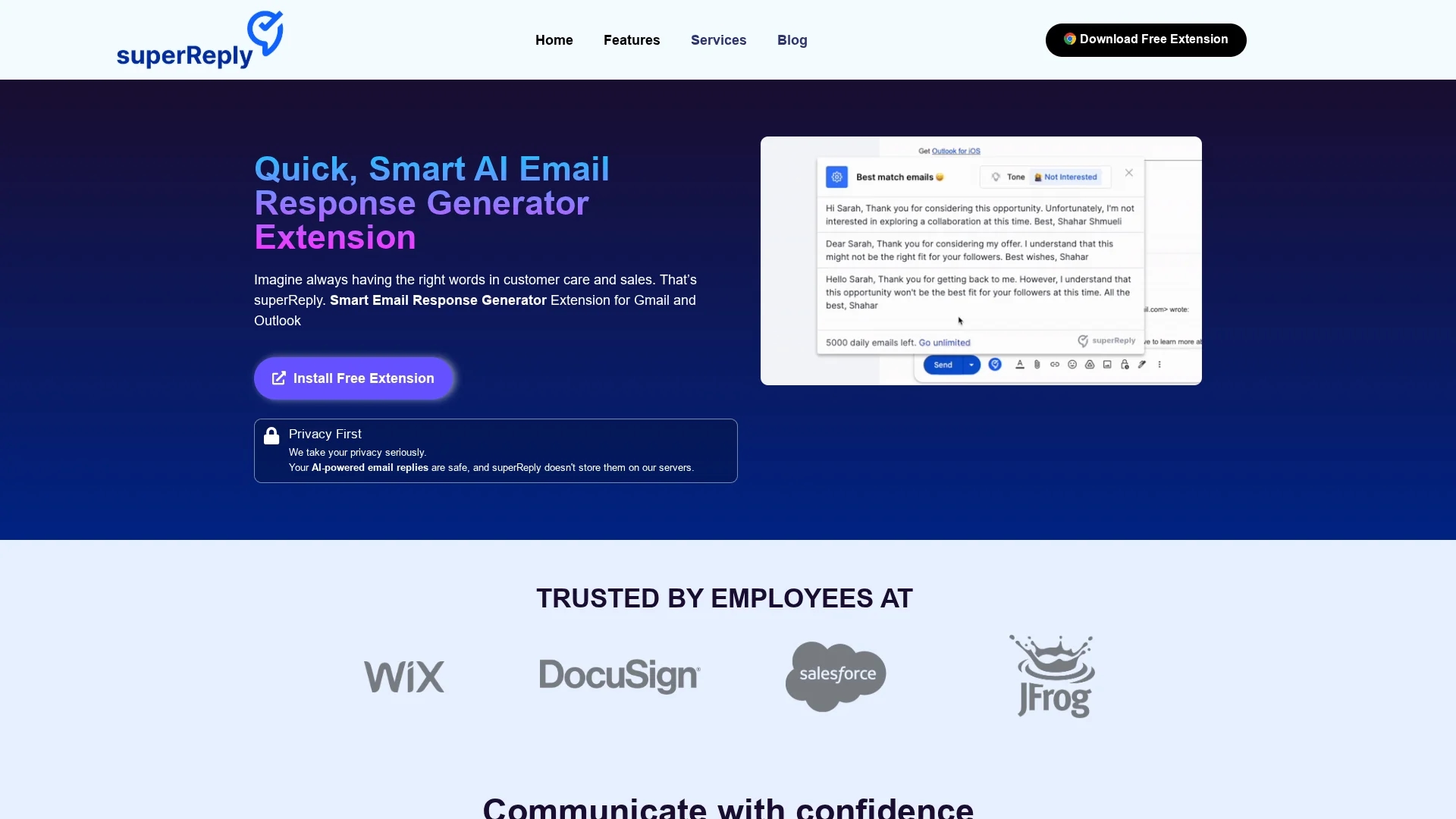
superReply is an AI-powered email response generator extension for Gmail and Outlook that saves time by suggesting personalized, tone-matched replies to improve productivity.
Disclaimer: Visionary Hub is not affiliated with, endorsed by, or the operator of this tool. All trademarks, logos, and content are the property of their respective owners. Full disclaimer available here
Key Features
AI Response Generation
Automatically creates personalized email replies to save time.
Tone Suggestion
Adapts reply tone to fit professional or casual contexts.
Gmail & Outlook Support
Integrates with major email clients for wide usability.
Free Plan
Allows sending up to 3 emails daily at no cost.
Get Started
Share & Save
Share on Social Media
Why Choose superReply
Tone Matching:
Suggests replies that match the original email's tone for personalized communication.Privacy Focus:
Encrypts emails and does not store data on servers, ensuring user privacy.Easy Integration:
Works seamlessly with Gmail and Outlook via a Chrome extension.
Pricing
superReply offers a free plan allowing up to 3 emails per day. Paid plans start at $24.99/month for unlimited emails, with an annual option at $10.70/month.
About superReply
superReply is an AI-powered email response generator extension for Gmail and Outlook that saves time by suggesting personalized, tone-matched replies to improve productivity.
What superReply Does
superReply generates AI-powered email responses for Gmail and Outlook, enabling users to quickly reply with personalized, tone-appropriate messages. This reduces time spent on email communication and improves response quality.
The extension offers three tailored response options per email, leveraging natural language generation and tone matching to fit professional or casual contexts. It integrates directly into email clients via a Chrome extension, ensuring ease of use without complex setup.
Ideal for customer support, sales teams, freelancers, and business professionals, superReply streamlines email workflows and enhances communication effectiveness across industries.
Pros & Cons
Time Saving
Automates email replies, reducing manual effort.
User Control
Users can edit suggested replies before sending.
Limited Free Usage
Free plan restricts to 3 emails per day.
Browser Dependency
Requires Chrome browser for extension use.
Frequently Asked Questions
superReply encrypts emails and does not store any emails or replies on its servers, ensuring user privacy and data security.
Yes, superReply integrates easily with Gmail and Outlook through a Chrome extension without technical skills required.
Yes, the free plan allows sending up to 3 emails per day using superReply.
Paid plans start at $24.99 per month for unlimited emails, with an annual plan reducing the cost to $10.70 per month.
Install the Chrome extension, then access Outlook or Gmail via Chrome. Click the superReply icon to generate responses.
Similar Tools You Might Like
Discover more AI-powered tools that complement your workflow
List Your AI Tool & Reach Thousands of Users
Join 500+ AI innovators already thriving on our platform. Get visibility, feedback, and boost your conversions.
Expand Your Audience
Connect with over 50,000 AI enthusiasts actively looking for tools like yours.
Boost Your Authority
Get verified reviews and ratings to build credibility in the AI marketplace.
Drive Conversions
Our premium placements and targeted audience deliver quality leads and sign-ups.