
RenderCut
SubtitleO is an AI-powered tool that automatically generates accurate, customizable subtitles for videos in multiple languages, enhancing accessibility and viewer engagement.
Disclaimer: Visionary Hub is not affiliated with, endorsed by, or the operator of this tool. All trademarks, logos, and content are the property of their respective owners. Full disclaimer available here
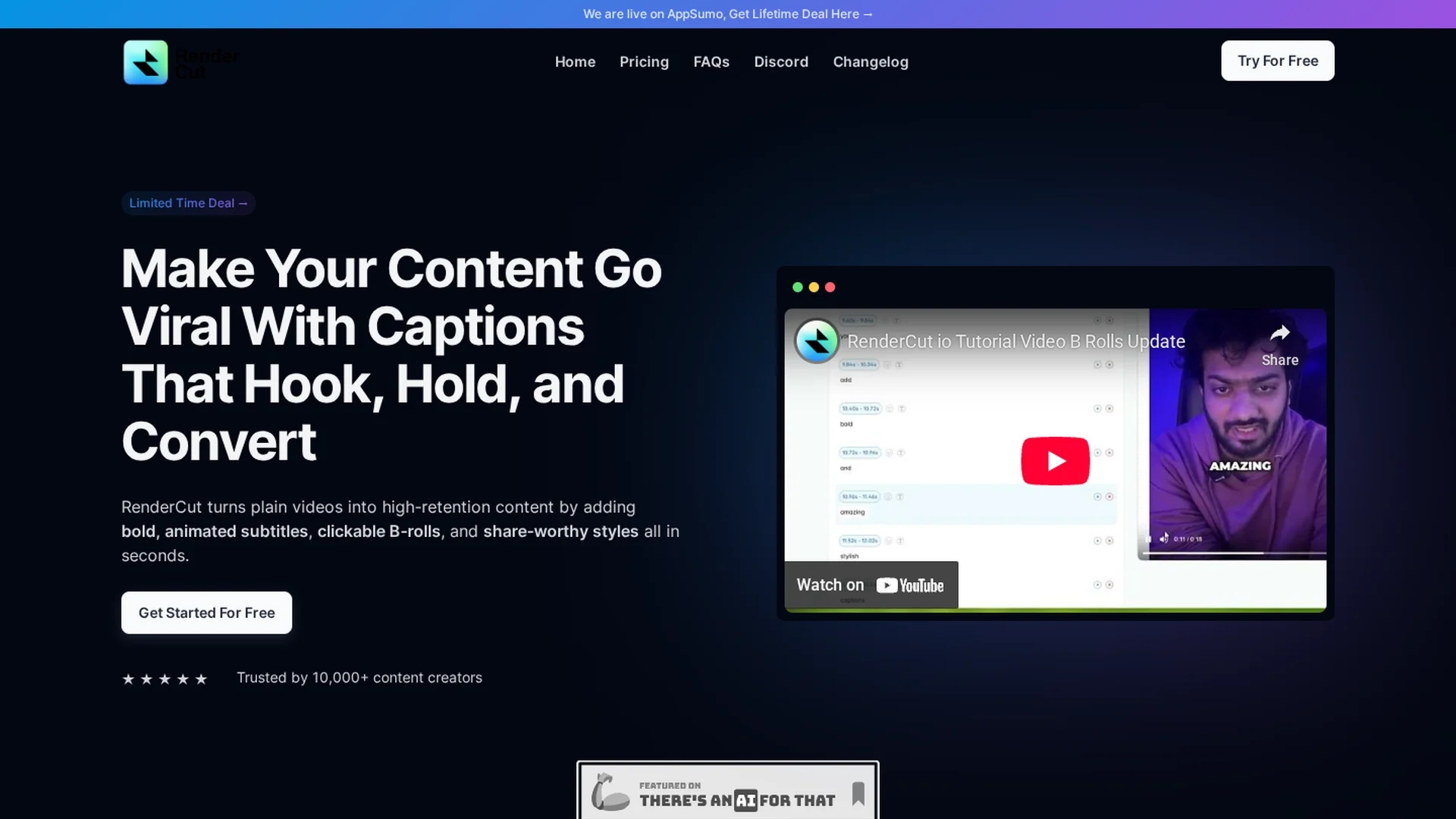
Key Features
Auto Subtitle Generation
Automatically creates subtitles with AI speech recognition.
Custom Caption Styles
Customize font size, color, and background for captions.
Multilingual Capability
Supports subtitles in various languages and accents.
Manual Editing
Allows users to edit and fine-tune subtitles easily.
Get Started
Share & Save
Share on Social Media
Why Choose RenderCut
Accurate Subtitles:
AI delivers precise, well-timed captions for clear video communication.Customization:
Adjust fonts, colors, and backgrounds to match your branding.Multilingual Support:
Supports multiple languages and accents for global reach.
Pricing
SubtitleO offers a freemium pricing model with a free plan and paid plans starting at $10 per month or $100 annually. Paid plans include more video uploads, longer video processing, and advanced features.
About RenderCut
SubtitleO is an AI-powered tool that automatically generates accurate, customizable subtitles for videos in multiple languages, enhancing accessibility and viewer engagement.
What RenderCut Does
SubtitleO automatically generates accurate subtitles for videos using AI-powered speech recognition, improving accessibility and viewer engagement. It reduces manual transcription effort and speeds up video editing workflows.
The tool offers customizable caption appearance including font size, color, and background, and supports multiple languages and accents to reach a global audience. Users can edit subtitles manually to ensure precision and style alignment.
Ideal for content creators, marketers, and educators, SubtitleO enhances social media videos, tutorials, and marketing content by making them accessible and engaging across different languages and platforms.
Pros & Cons
Ease of Use
User-friendly interface simplifies subtitle creation.
Enhanced Accessibility
Improves video reach with accurate, readable captions.
Limited Free Plan
Free tier has restrictions on video uploads and features.
Dependent on Audio Quality
Subtitle accuracy may vary with background noise or accents.
Frequently Asked Questions
AI technology provides highly accurate subtitles with occasional errors due to accents or background noise.
Yes, subtitles can be manually edited to ensure accuracy and timing.
Yes, it works on both Mac and PC via any web browser.
Yes, you can customize font size, color, and background styles.
Generation time depends on video length and audio complexity but is generally fast.
Similar Tools You Might Like
Discover more AI-powered tools that complement your workflow

List Your AI Tool & Reach Thousands of Users
Join 500+ AI innovators already thriving on our platform. Get visibility, feedback, and boost your conversions.
Expand Your Audience
Connect with over 50,000 AI enthusiasts actively looking for tools like yours.
Boost Your Authority
Get verified reviews and ratings to build credibility in the AI marketplace.
Drive Conversions
Our premium placements and targeted audience deliver quality leads and sign-ups.