
StreamLadder
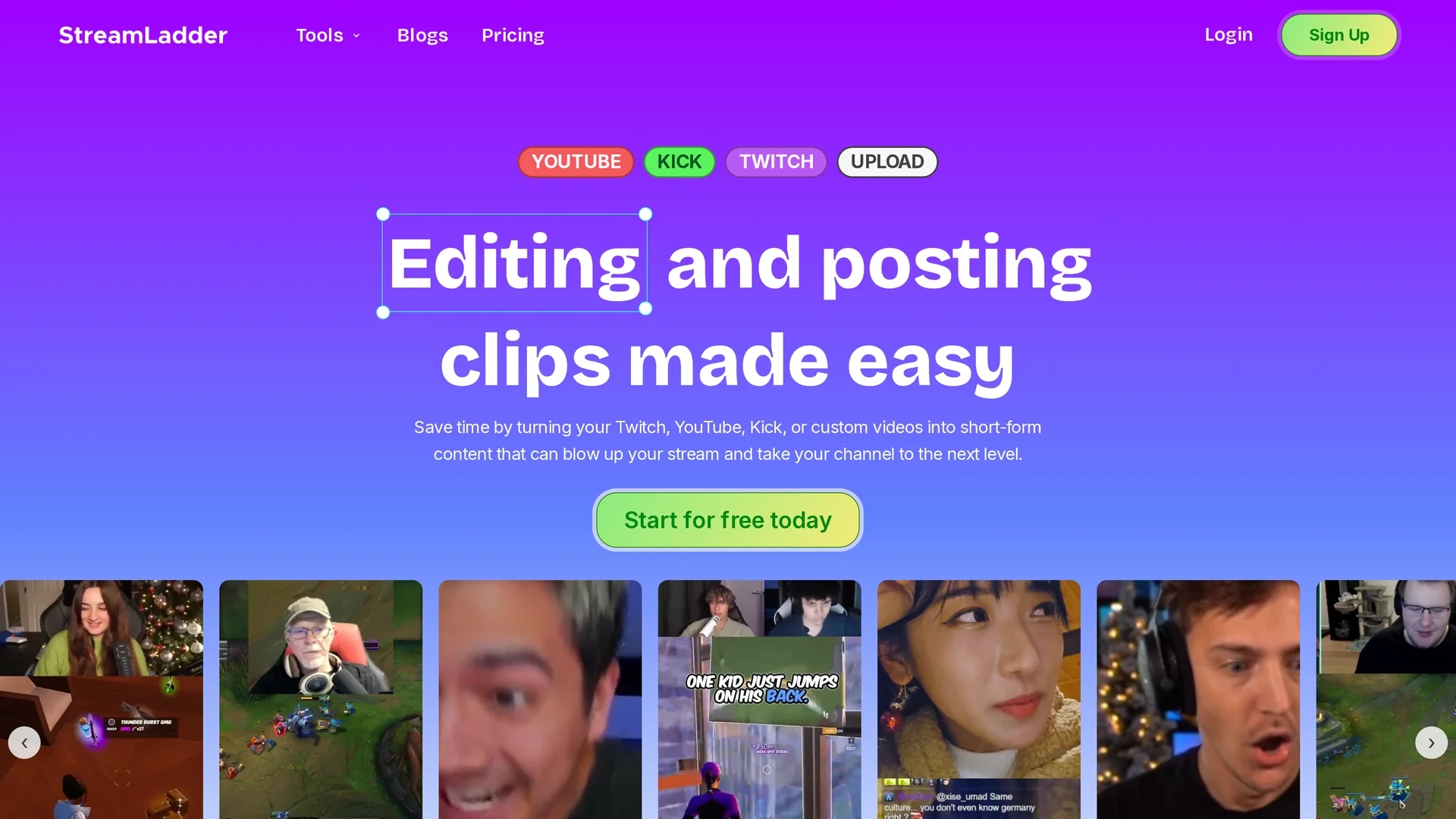
Streamladder is a video editing tool for Twitch, YouTube, and TikTok that enables users to trim, split, and combine clips with customizable templates and integrated sharing options.
Disclaimer: Visionary Hub is not affiliated with, endorsed by, or the operator of this tool. All trademarks, logos, and content are the property of their respective owners. Full disclaimer available here
Key Features
Trim & Split
Easily cut and segment video clips for precise editing.
Custom Templates
Apply templates and effects to maintain consistent branding.
Multi-Format Support
Supports various video formats and resolutions for flexibility.
Social Sharing
Integrated tools to publish and schedule clips on social platforms.
Get Started
Share & Save
Share on Social Media
Why Choose StreamLadder
Multi-Platform Support:
Edit and export clips tailored for Twitch, YouTube, TikTok, and more.AI Assistance:
Leverages AI tools like ClipGPT for automatic clip creation and analysis.Integrated Sharing:
Schedule and post videos directly to social media from the platform.
Pricing
Streamladder offers a Free plan at €0, Silver plan at €9, Gold plan at €15, and Gold + AI Clipping plan at €27. Pricing details and updates are available on their plans page.
About StreamLadder
Streamladder is a video editing tool for Twitch, YouTube, and TikTok that enables users to trim, split, and combine clips with customizable templates and integrated sharing options.
What StreamLadder Does
Streamladder allows users to upload or import clips from Twitch, YouTube, Kick, or local devices and edit them by trimming, splitting, cropping, and combining segments. This helps creators produce engaging short-form videos optimized for platforms like TikTok, YouTube Shorts, and Instagram Reels.
The tool provides customizable templates, captions, stickers, sound effects, and zoom features to enhance videos visually and maintain brand consistency. It also offers AI-powered features such as ClipGPT for automatic clip detection and virality scoring, plus a Content Publisher to schedule and post videos directly to social media channels.
Streamladder is used by streamers, social media managers, and digital marketers to save time editing and increase audience engagement by producing professional-looking clips quickly and efficiently.
Pros & Cons
User-Friendly
Intuitive interface suitable for both novice and experienced editors.
Comprehensive Tools
Includes AI-powered clip generation and scheduling features.
Limited Developer Info
No explicit developer or company details available publicly.
Pricing Transparency
Pricing details require visiting the plans page for full information.
Frequently Asked Questions
Streamladder supports Twitch, YouTube, TikTok, Kick, and local video uploads for editing.
Yes, there is a free plan with basic features and no watermarks.
Yes, the Content Publisher tool allows scheduling and posting to TikTok, Instagram Reels, and YouTube Shorts.
It includes AI clipping, virality scoring, hashtag and title generation via ClipGPT.
Sign up at https://app.streamladder.com/ by clicking 'Start for free today' with no account needed for basic use.
Similar Tools You Might Like
Discover more AI-powered tools that complement your workflow


List Your AI Tool & Reach Thousands of Users
Join 500+ AI innovators already thriving on our platform. Get visibility, feedback, and boost your conversions.
Expand Your Audience
Connect with over 50,000 AI enthusiasts actively looking for tools like yours.
Boost Your Authority
Get verified reviews and ratings to build credibility in the AI marketplace.
Drive Conversions
Our premium placements and targeted audience deliver quality leads and sign-ups.