Statementsheet
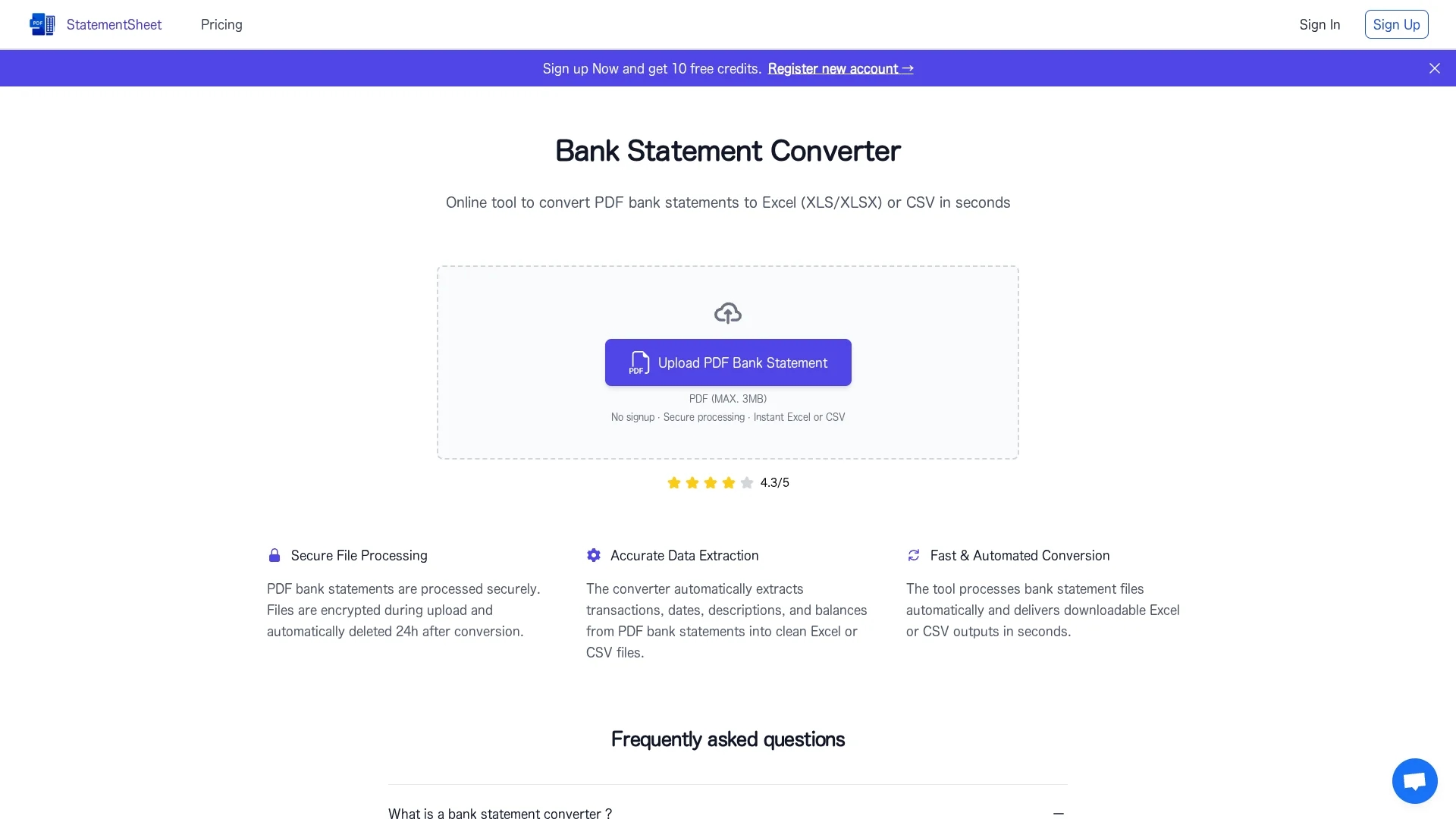
Statementsheet converts bank statements from PDF to Excel or CSV using OCR and advanced algorithms, ensuring secure, accurate, and user-friendly financial data extraction.
Disclaimer: Visionary Hub is not affiliated with, endorsed by, or the operator of this tool. All trademarks, logos, and content are the property of their respective owners. Full disclaimer available here
Key Features
PDF to Excel
Converts bank statements into editable Excel spreadsheets.
PDF to CSV
Exports financial data into CSV format for integration.
OCR Technology
Extracts data accurately from scanned or digital PDFs.
SSL Encryption
Secures data transfer and storage with encryption.
Get Started
Share & Save
Share on Social Media
Why Choose Statementsheet
Accurate Extraction:
Utilizes OCR and advanced algorithms for precise data conversion.Data Security:
Employs SSL encryption and deletes files every 24 hours.User-Friendly:
Offers an intuitive drag-and-drop interface for easy use.
Pricing
Statementsheet offers a freemium pricing model with a free tier and paid plans: Basic at $20/mo, Essential at $50/mo, and Professional at $80/mo. Pricing is subject to change; visit the pricing page for details.
About Statementsheet
Statementsheet converts bank statements from PDF to Excel or CSV using OCR and advanced algorithms, ensuring secure, accurate, and user-friendly financial data extraction.
What Statementsheet Does
Statementsheet converts PDF bank statements into Excel and CSV files, enabling users to analyze financial data efficiently without manual entry.
It uses OCR technology and advanced algorithms to extract and format transaction data accurately, supporting thousands of banks worldwide.
This tool is ideal for financial analysts, bookkeepers, and small business owners who require streamlined financial reporting and budgeting.
Pros & Cons
Wide Bank Support
Compatible with thousands of banks worldwide.
Scalable Service
Handles specific conversion needs with rapid response.
File Size Limit
Supports PDFs up to 3MB only, limiting large files.
Limited Free Use
Free tier has restrictions requiring paid upgrade.
Frequently Asked Questions
It converts PDF bank statements into Excel (XLS) and CSV formats.
Yes, files are encrypted with SSL and deleted from servers every 24 hours.
Yes, OCR technology enables conversion of scanned or digitized PDFs.
Plans include Basic ($20/mo), Essential ($50/mo), and Professional ($80/mo), plus a free tier.
You can register at https://statementsheet.com/en/register/ to start using the tool.
Similar Tools You Might Like
Discover more AI-powered tools that complement your workflow
List Your AI Tool & Reach Thousands of Users
Join 500+ AI innovators already thriving on our platform. Get visibility, feedback, and boost your conversions.
Expand Your Audience
Connect with over 50,000 AI enthusiasts actively looking for tools like yours.
Boost Your Authority
Get verified reviews and ratings to build credibility in the AI marketplace.
Drive Conversions
Our premium placements and targeted audience deliver quality leads and sign-ups.