
Sprite Fusion
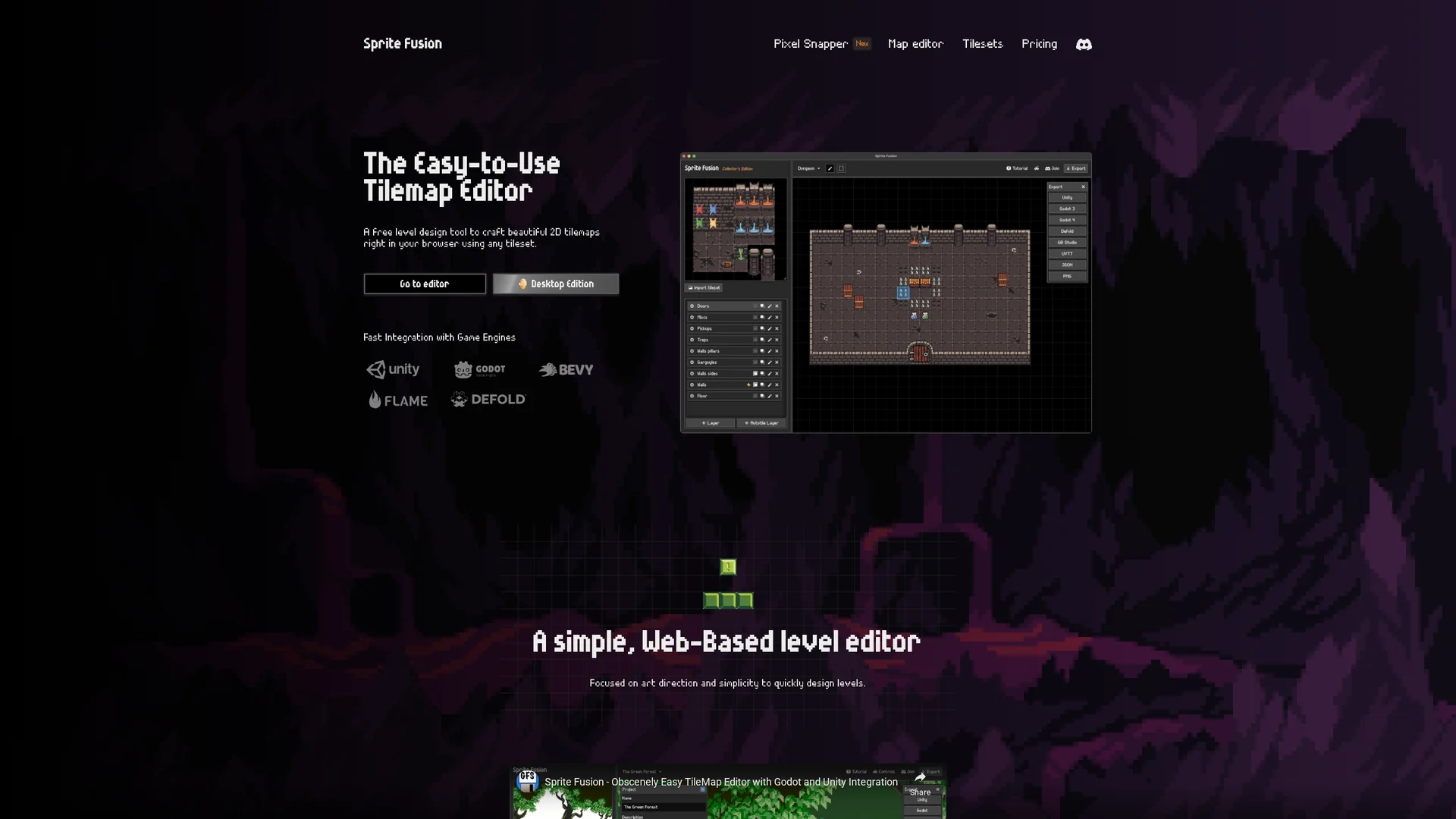
Sprite Fusion is a free, browser-based 2D game design editor for creating tilemaps with fast export to Unity, Godot, and other engines, focusing on simplicity and art direction.
Disclaimer: Visionary Hub is not affiliated with, endorsed by, or the operator of this tool. All trademarks, logos, and content are the property of their respective owners. Full disclaimer available here
Key Features
Drag-and-Drop Import
Load tilesets easily via drag-and-drop or clipboard paste.
Auto-Tiling
Automatically place tiles based on neighbors for terrain.
Multi-Engine Export
Export maps as native Unity, Godot, Defold packages.
Collision Support
Set layers as colliders to define game physics boundaries.
Get Started
Share & Save
Share on Social Media
Why Choose Sprite Fusion
Free Web Editor:
Use the full-featured editor online without any cost or login.Engine Integration:
Export tilemaps directly to Unity, Godot, and Defold formats.Easy Import:
Drag-and-drop or paste tilesets for quick level creation.
Pricing
Sprite Fusion offers a free web edition with unlimited projects and no login required. A Collector's Edition desktop app is available for a one-time purchase of $14.99, providing offline use and faster exports.
About Sprite Fusion
Sprite Fusion is a free, browser-based 2D game design editor for creating tilemaps with fast export to Unity, Godot, and other engines, focusing on simplicity and art direction.
What Sprite Fusion Does
Sprite Fusion allows users to design 2D tilemaps directly in their web browser, enabling quick creation of game levels without software installation. It benefits users by simplifying the level design process and supporting multiple game engines.
Key features include drag-and-drop or clipboard paste tileset import, an intuitive tile map editor with single or multiple tile selection, auto-tiling for terrain design, and collision layer support. Users can export maps as native packages for Unity, Godot, Defold, or as JSON files for custom workflows.
This tool is suitable for game designers, indie developers, and artists working on platformers, RPGs, or retro-style games. It also supports Virtual Tabletop exports for platforms like Foundry VTT and Roll20.
Pros & Cons
No Installation
Runs fully in browser, no download or gaming PC needed.
Free Usage
Web edition is free with unlimited projects and no login.
Limited Export Size
Free web export limited to 4.5MB map file size.
Desktop Version Paid
Offline desktop app requires one-time purchase.
Frequently Asked Questions
Yes, the web edition is free with unlimited projects and no login required.
It exports tilemaps natively to Unity, Godot, Defold, and supports JSON export.
Yes, it runs in modern browsers on laptops and desktops without needing gaming hardware.
Yes, a Collector's Edition desktop app is available for a one-time purchase.
Import tilesets via drag-and-drop or clipboard paste directly into the editor.
Similar Tools You Might Like
Discover more AI-powered tools that complement your workflow
List Your AI Tool & Reach Thousands of Users
Join 500+ AI innovators already thriving on our platform. Get visibility, feedback, and boost your conversions.
Expand Your Audience
Connect with over 50,000 AI enthusiasts actively looking for tools like yours.
Boost Your Authority
Get verified reviews and ratings to build credibility in the AI marketplace.
Drive Conversions
Our premium placements and targeted audience deliver quality leads and sign-ups.