
Spikes Studio
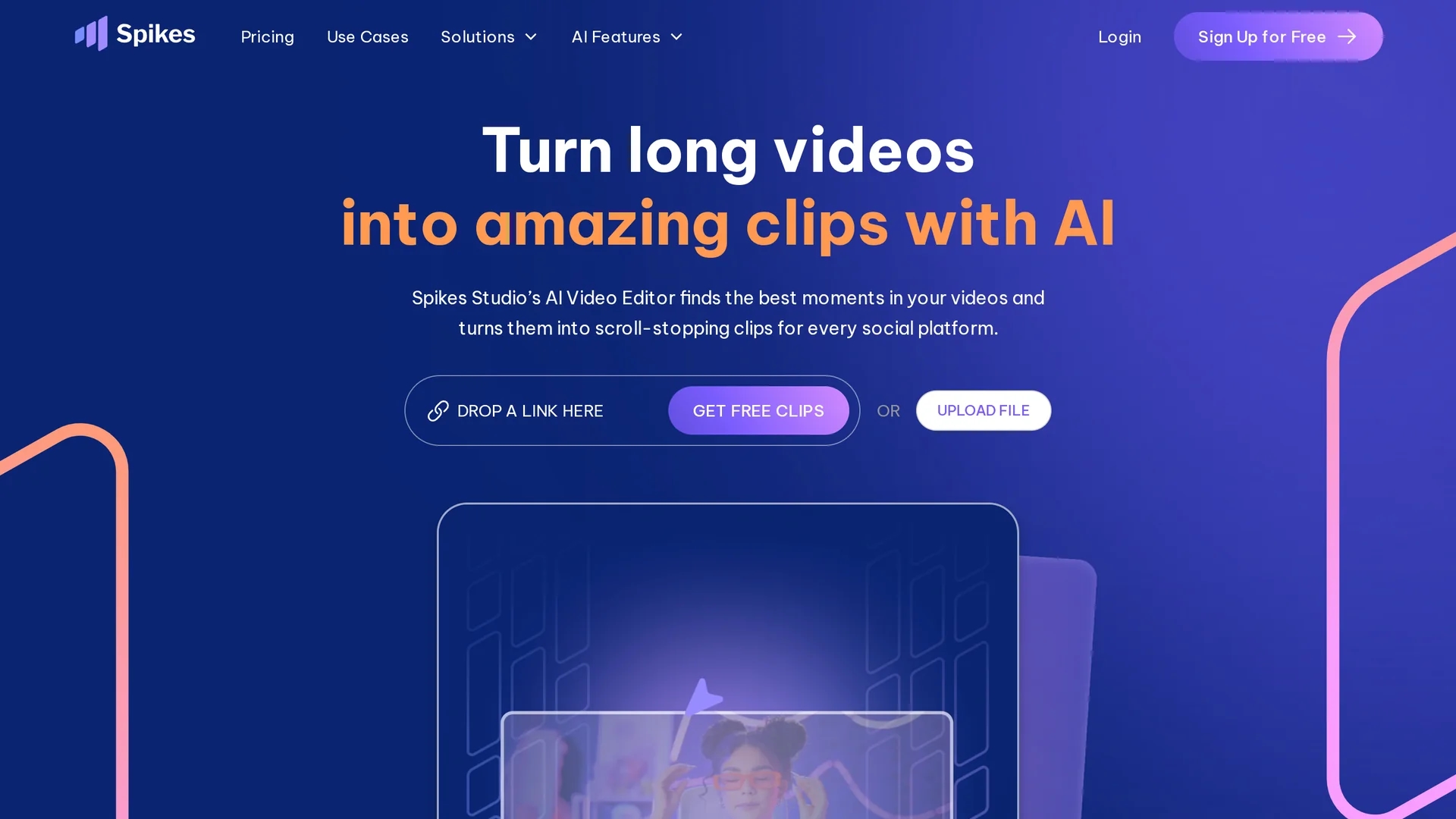
AI-powered video editing platform that detects highlights in long-form recordings and auto-generates platform-ready short clips with captions, multi-format exports, scheduling, and analytics to scale social media content production.
Disclaimer: Visionary Hub is not affiliated with, endorsed by, or the operator of this tool. All trademarks, logos, and content are the property of their respective owners. Full disclaimer available here
Key Features
AI-Powered Clip Detection
Automatically finds and extracts high-engagement moments from long videos.
Animated Auto-Captions
Generates customizable captions in 99+ languages for accessibility and reach.
Multi-Platform Optimization
Auto-resizes and formats clips for TikTok, Reels, Shorts, and other feeds.
Social Scheduler & Publishing
Direct posting and batch scheduling with AI-suggested titles and hashtags.
Real-Time Analytics
Tracks clip performance and suggests improvements based on engagement trends.
Team Collaboration
Workspaces, client folders, and drag-and-drop project management for teams.
B-Roll & Effects
AI-suggested B-roll, transitions, music, emojis, and SFX for polished clips.
Get Started
Share & Save
Share on Social Media
Why Choose Spikes Studio
All-in-one workflow:
Upload, edit, schedule, and analyze clips from one dashboard to reduce tool switching.Superior AI automation:
In-house AI detects highlights and scores virality faster than basic trimmers.Cost-effective scaling:
Low per-minute pricing on Pro+ lowers costs for high-volume clip production.Broad platform support:
Native integrations enable direct posting and scheduling across major social platforms.
Pricing
Basic (Free): $0/month — 30 minutes/month, 720p exports, auto-captions, watermark. Pro+: $14.09/month — 300 minutes/month, 1080p, no watermark, animated captions, scheduler. Enterprise: $56.34/month — 1200 minutes/month, unlimited storage, custom templates, priority support. API plans listed separately (Pro $3,360/mo). Pricing from official site March 2026.
About Spikes Studio
AI-powered video editing platform that detects highlights in long-form recordings and auto-generates platform-ready short clips with captions, multi-format exports, scheduling, and analytics to scale social media content production.
What Spikes Studio Does
Spikes Studio ingests long-form videos (podcasts, streams, webinars) and uses AI-powered clip detection to identify highlights, apply edits like captions, zooms, B-roll, transitions, and branding, then export multi-format short clips optimized for TikTok, Instagram Reels, YouTube Shorts, and other platforms.
The platform includes animated auto-captions, multi-platform scheduling and direct publishing, team workspaces, performance analytics, and bulk processing. Workflows support drag-and-drop uploads, edit reviews, and scheduled publishing, making it suitable for creators, agencies, and businesses automating social clip production.
Pros & Cons
Effort saving
AI automates detection, editing, and polishing of key moments.
Social toolkit
Includes scheduling, analytics, and multi-platform publishing in one product.
Team-ready
Workspaces and bulk processing support agencies and multi-client workflows.
Free tier
Basic plan offers core AI features for testing at no cost.
Watermark
Free tier exports include a watermark requiring upgrade to remove.
Editing depth
Less granular controls than professional non-linear editors (NLEs).
Beta integrations
Some cloud storage and API integrations remain in closed beta.
Frequently Asked Questions
Spikes Studio provides a Basic free plan with 30 minutes of video per month, 720p exports, auto-captions, and watermarked outputs for testing core features.
Spikes Studio supports TikTok, Instagram Reels, YouTube Shorts, Twitch, and Facebook with direct posting and built-in scheduling for cross-platform publishing.
Spikes Studio offers mobile support via Spikes GO! to allow on-the-go uploads, quick edits, and publishing from smartphones.
Spikes Studio limits processing by plan: Pro+ includes 300 minutes/month and Enterprise includes 1200 minutes/month, per official plan details.
Similar Tools You Might Like
Discover more AI-powered tools that complement your workflow



List Your AI Tool & Reach Thousands of Users
Join 500+ AI innovators already thriving on our platform. Get visibility, feedback, and boost your conversions.
Expand Your Audience
Connect with over 50,000 AI enthusiasts actively looking for tools like yours.
Boost Your Authority
Get verified reviews and ratings to build credibility in the AI marketplace.
Drive Conversions
Our premium placements and targeted audience deliver quality leads and sign-ups.