
Spatial Media Toolkit
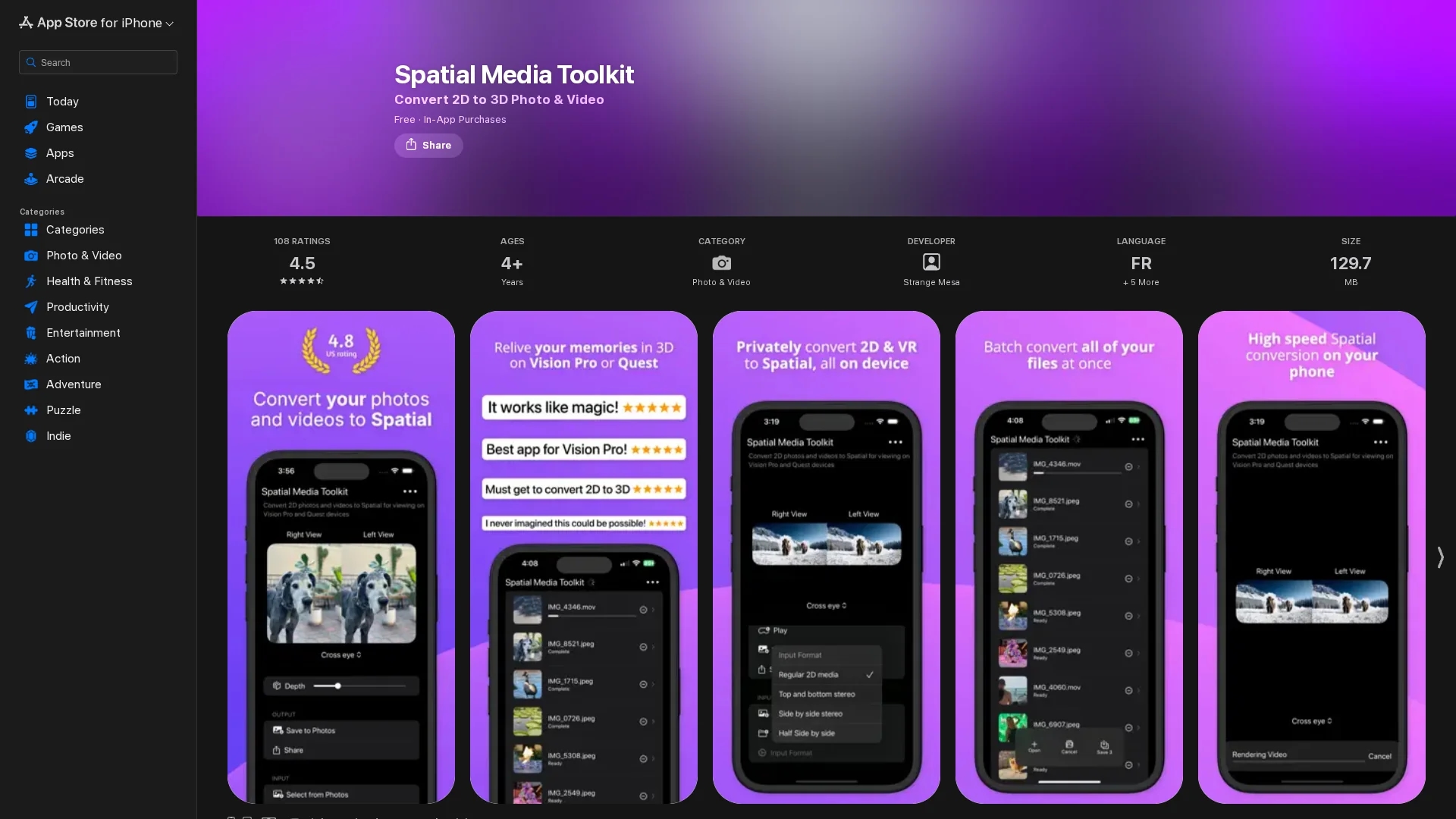
Spatial Media Toolkit uses AI to convert standard photos and videos into immersive 3D spatial media, enhancing visual memories and enabling interactive sharing.
Disclaimer: Visionary Hub is not affiliated with, endorsed by, or the operator of this tool. All trademarks, logos, and content are the property of their respective owners. Full disclaimer available here
Key Features
2D to 3D Conversion
Transforms standard media into immersive spatial formats.
Batch Processing
Enables conversion of multiple photos and videos at once.
Depth Adjustment
Allows users to control the amount of spatial depth added.
Save & Export
Saves transformed media to Photos or Files for easy access.
Get Started
Share & Save
Share on Social Media
Why Choose Spatial Media Toolkit
AI Depth Creation:
Uses advanced AI to add realistic depth to photos and videos.Batch Conversion:
Processes entire photo libraries for seamless spatial media creation.Multi-Platform Support:
Compatible with iPhone, iPad, Mac, and Apple Vision devices.
Pricing
Spatial Media Toolkit is free to download with in-app purchases available for the Pro version, priced between $4.99 and $59.99. Pricing varies by plan and includes options for lifetime access.
About Spatial Media Toolkit
Spatial Media Toolkit uses AI to convert standard photos and videos into immersive 3D spatial media, enhancing visual memories and enabling interactive sharing.
What Spatial Media Toolkit Does
Spatial Media Toolkit converts ordinary 2D photos and videos into immersive 3D spatial media, allowing users to relive memories with enhanced depth and interactivity. This transformation enriches visual content for more engaging sharing and viewing experiences.
The tool employs advanced AI algorithms to create depth maps and spatial effects, supports batch processing of entire photo libraries, and offers options to save converted media directly to users' libraries. It also allows trimming videos before conversion and exporting in various spatial formats compatible with VR devices.
Use cases include enhancing vacation photos, family event videos, and social media content. It is suitable for industries like digital media, content creation, and interactive design.
Pros & Cons
User-Friendly
Simple interface for converting and managing spatial media.
Cross-Device
Works on multiple Apple platforms including Vision Pro.
Video Bugs
Some videos may fail to save correctly or play after conversion.
Rendering Limits
Long videos may require splitting due to app suspension issues.
Frequently Asked Questions
It supports iPhone, iPad, Mac, and Apple Vision devices running iOS 18 or later.
Yes, Pro versions are available via in-app purchases ranging from $4.99 to $59.99.
Yes, batch processing allows conversion of multiple photos and videos simultaneously.
Users can save transformed photos and videos directly to their Photos or Files libraries.
Yes, users can trim videos to convert only selected sections.
Similar Tools You Might Like
Discover more AI-powered tools that complement your workflow


List Your AI Tool & Reach Thousands of Users
Join 500+ AI innovators already thriving on our platform. Get visibility, feedback, and boost your conversions.
Expand Your Audience
Connect with over 50,000 AI enthusiasts actively looking for tools like yours.
Boost Your Authority
Get verified reviews and ratings to build credibility in the AI marketplace.
Drive Conversions
Our premium placements and targeted audience deliver quality leads and sign-ups.