
Smartrazor
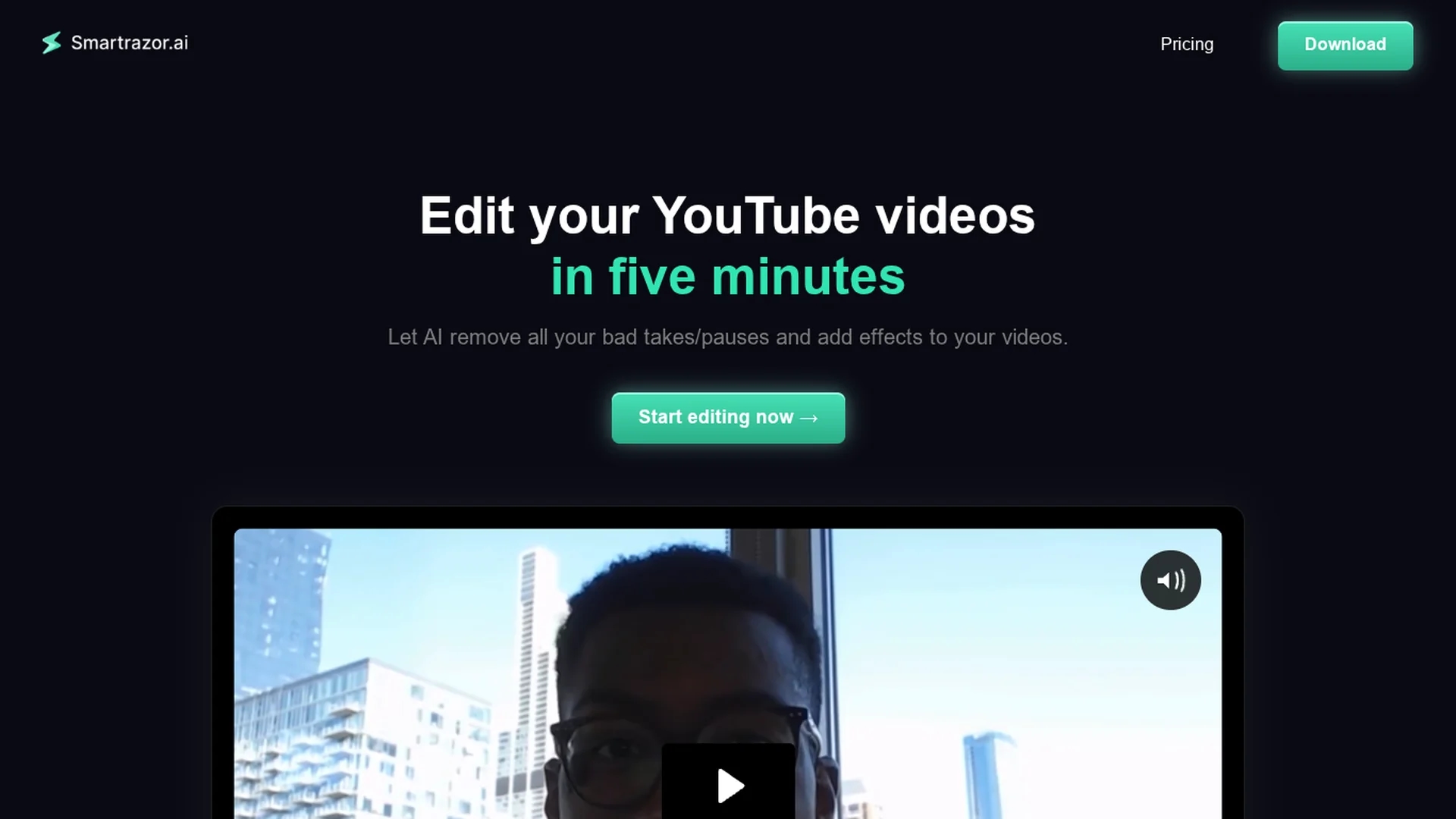
Smartrazor is an AI-driven video editing tool that automates editing, enabling creators to quickly produce engaging YouTube videos with a text-based interface and browser support.
Disclaimer: Visionary Hub is not affiliated with, endorsed by, or the operator of this tool. All trademarks, logos, and content are the property of their respective owners. Full disclaimer available here
Key Features
AI Editing
Automatically cuts mistakes and pauses from videos.
Text Interface
Edit videos via transcript without manual playback.
Browser Compatibility
Supports editing directly in web browsers.
Caption & Zoom
Adds animated captions and engaging zoom effects.
Get Started
Share & Save
Share on Social Media
Why Choose Smartrazor
Time-saving:
Automates editing to reduce video production time significantly.Text-based Editing:
Enables quick adjustments without watching full footage.High-volume Support:
Handles large upload volumes suitable for frequent creators.
Pricing
Smartrazor offers three subscription plans: Lite at $9/month for beginners with 80 upload minutes; Standard at $29/month for creators with 240 upload minutes and extra features; Team at $79/month for agencies with 960 upload minutes. Free trials are available.
About Smartrazor
Smartrazor is an AI-driven video editing tool that automates editing, enabling creators to quickly produce engaging YouTube videos with a text-based interface and browser support.
What Smartrazor Does
Smartrazor automates the video editing process by removing mistakes, pauses, and bad takes from raw footage, allowing creators to produce polished YouTube videos quickly. It saves time and effort by streamlining editing workflows.
The tool uses AI to intelligently process videos and offers a text-based editing interface for fast adjustments without watching entire clips. It supports browser-based editing and high-volume uploads, with features like animated captions and zoom effects.
Ideal for YouTube creators, entrepreneurs, and digital marketers, Smartrazor helps maintain consistent content output and enhances viewer engagement through efficient editing automation.
Pros & Cons
Efficiency
Significantly reduces time spent on video editing tasks.
User-friendly
Intuitive text-based editing simplifies adjustments.
Language Support
Currently supports only English reliably.
AI Accuracy
AI edits may require manual corrections occasionally.
Frequently Asked Questions
It automates 100% of editing by cutting mistakes and adding captions, designed specifically for long-form YouTube videos.
Content creators and entrepreneurs seeking to save time and costs on video editing.
Currently, it reliably supports only English.
Exports directly to YouTube, full video downloads, or individual clips to local devices.
Yes, free trials are offered for all subscription plans.
Similar Tools You Might Like
Discover more AI-powered tools that complement your workflow


List Your AI Tool & Reach Thousands of Users
Join 500+ AI innovators already thriving on our platform. Get visibility, feedback, and boost your conversions.
Expand Your Audience
Connect with over 50,000 AI enthusiasts actively looking for tools like yours.
Boost Your Authority
Get verified reviews and ratings to build credibility in the AI marketplace.
Drive Conversions
Our premium placements and targeted audience deliver quality leads and sign-ups.