
Smart Paste
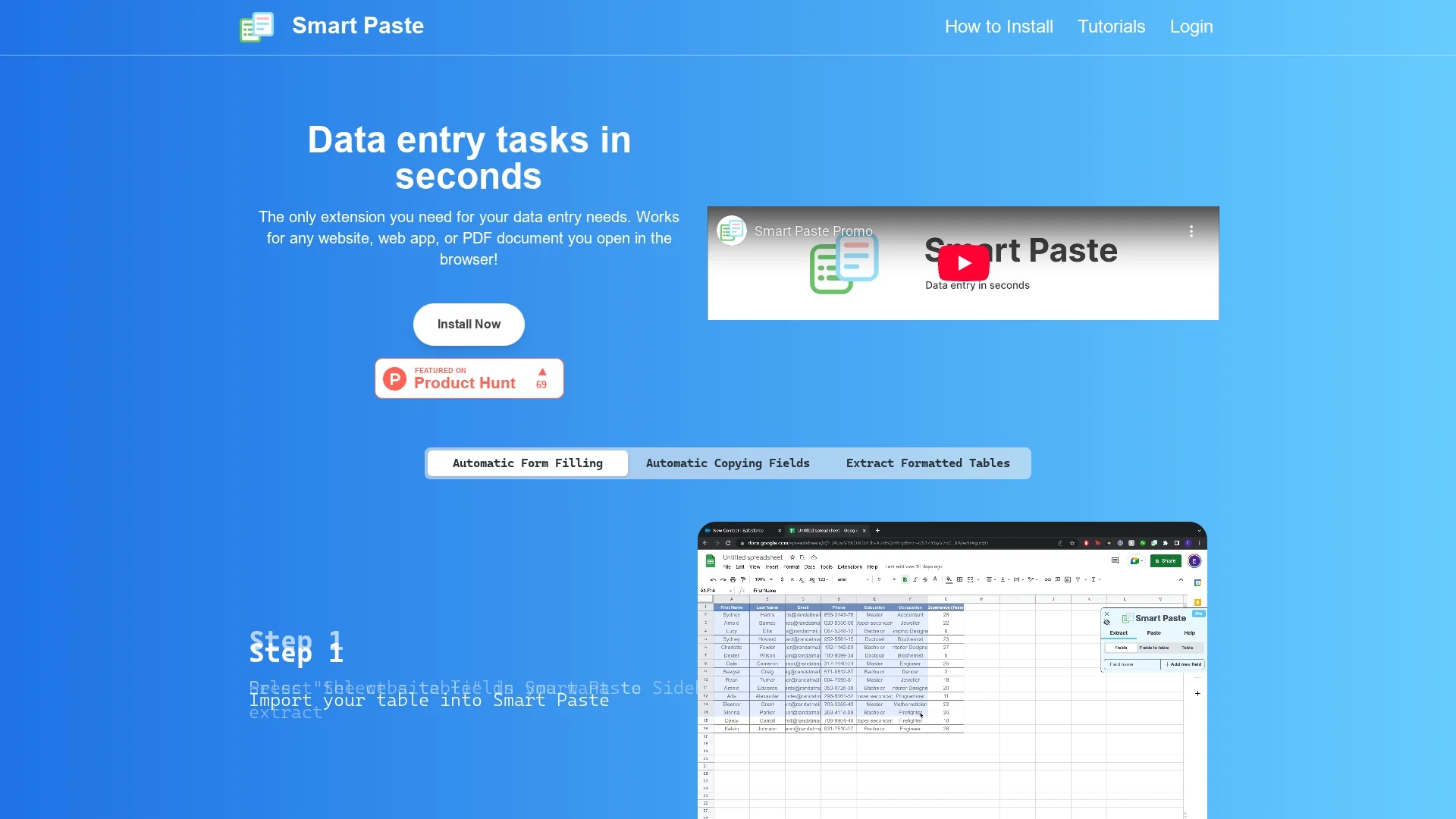
Smart Paste is a Chrome extension that automates data entry by extracting tables and fields from websites, web apps, and PDFs, enabling fast, accurate pasting into spreadsheets while ensuring local data security.
Disclaimer: Visionary Hub is not affiliated with, endorsed by, or the operator of this tool. All trademarks, logos, and content are the property of their respective owners. Full disclaimer available here
Key Features
Automatic Form Filling
Fills input boxes, radio buttons, and checkboxes from extracted data.
Table Extraction
Extracts formatted tables from websites and PDFs for spreadsheet use.
Field Copying
Automates copying of common fields like names and occupations.
Hotkey Automation
Supports hotkeys to speed up repetitive data entry workflows.
Get Started
Share & Save
Share on Social Media
Why Choose Smart Paste
Local Processing:
All data processing occurs on your computer, ensuring maximum security.Cross-Platform:
Works seamlessly with websites, web apps, and PDF documents.Time Saving:
Automates repetitive data entry tasks to reduce manual effort.
Pricing
Smart Paste offers a Freemium pricing model. The Free Plan (Beta) allows 50 interactions per week for websites and PDFs at no cost. The Pro Plan (Beta Pricing) costs $3.99/month with unlimited copy-paste and dedicated email support. Group plans are available with custom pricing.
About Smart Paste
Smart Paste is a Chrome extension that automates data entry by extracting tables and fields from websites, web apps, and PDFs, enabling fast, accurate pasting into spreadsheets while ensuring local data security.
What Smart Paste Does
Smart Paste automates the extraction and transfer of data from websites, web applications, and PDF documents directly into spreadsheets. It eliminates manual copying and pasting by enabling users to select tables or fields and paste them in a structured format.
The tool features automatic form filling, copying of common fields like names and occupations, and suggests table columns for input to streamline data entry. It uses hotkeys and browser integration to speed up repetitive tasks while ensuring all processing occurs locally for data security.
Smart Paste is useful across industries requiring frequent data entry, such as administrative work, research, sales, and recruitment, improving accuracy and efficiency in handling structured data.
Pros & Cons
Ease of Use
Simple interface with step-by-step process for data extraction and pasting.
Data Security
Processes all data locally, preventing exposure to external servers.
Limited Pricing Info
Detailed pricing available only after signup or by contacting support.
Browser Restriction
Available only as a Chrome extension, limiting use on other browsers.
Frequently Asked Questions
It extracts common fields like names and occupations, plus tables from websites and PDFs.
All data processing is performed locally on your computer for security.
It can fill input boxes, radio buttons, checkboxes, and similar form elements.
Yes, the Free Plan offers 50 interactions per week for websites and PDFs at no cost.
Yes, it transfers extracted data directly into Excel or Google Sheets spreadsheets.
Similar Tools You Might Like
Discover more AI-powered tools that complement your workflow

List Your AI Tool & Reach Thousands of Users
Join 500+ AI innovators already thriving on our platform. Get visibility, feedback, and boost your conversions.
Expand Your Audience
Connect with over 50,000 AI enthusiasts actively looking for tools like yours.
Boost Your Authority
Get verified reviews and ratings to build credibility in the AI marketplace.
Drive Conversions
Our premium placements and targeted audience deliver quality leads and sign-ups.