
Smallppt
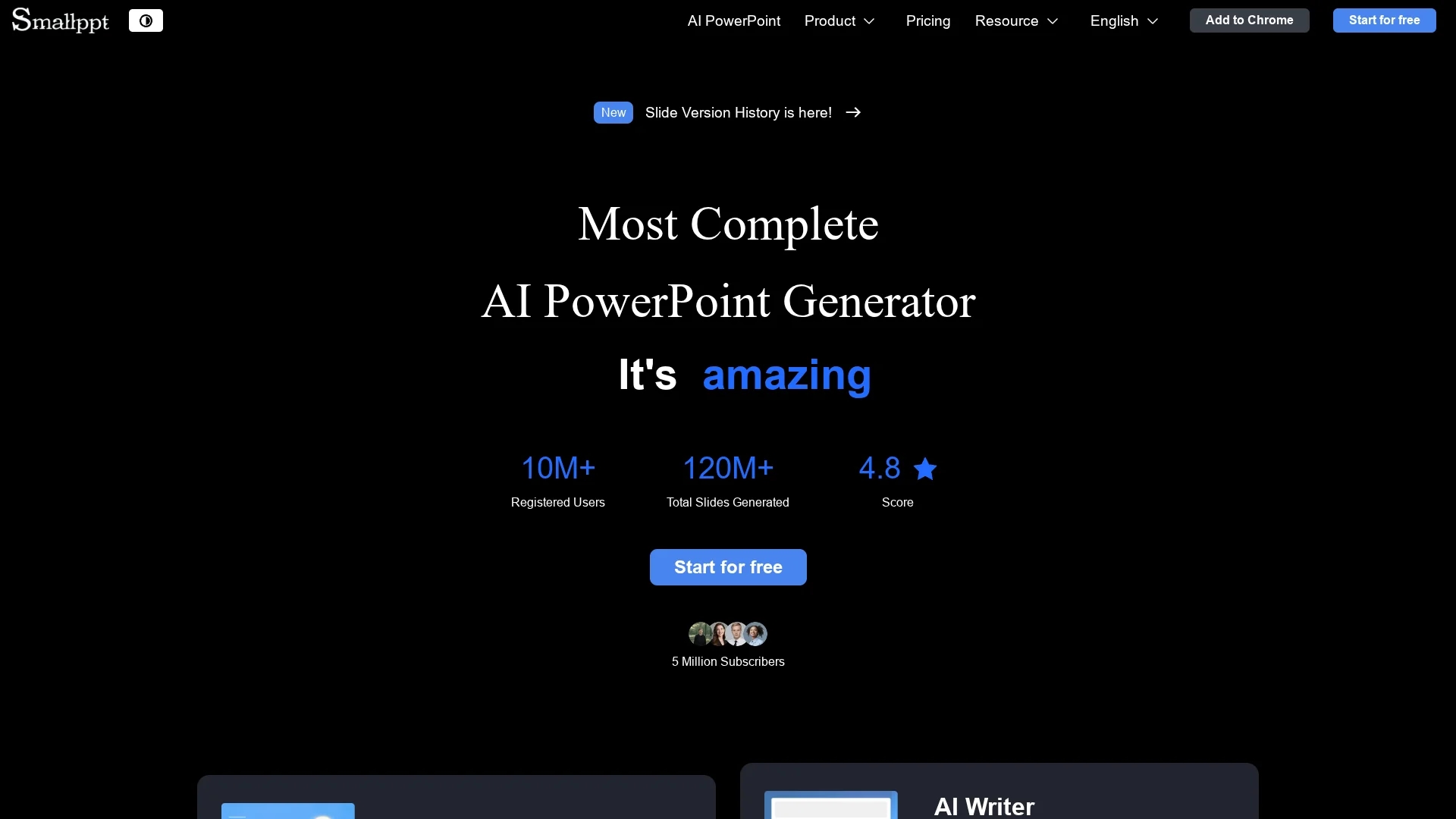
Smallppt is an AI presentation tool that rapidly creates visually appealing slides and mind maps with one-click document uploads, summarization, interactive modes, and collaboration features.
Disclaimer: Visionary Hub is not affiliated with, endorsed by, or the operator of this tool. All trademarks, logos, and content are the property of their respective owners. Full disclaimer available here
Key Features
Slide Generation
AI creates structured, visually appealing slides quickly from user input.
Document Uploads
One-click upload supports various formats including PDFs and online links.
Summarization
Automatically extracts key points to summarize content into slides.
Interactive Modes
Engage audiences with interactive presentation options and templates.
Get Started
Share & Save
Share on Social Media
Why Choose Smallppt
Fast Creation:
Generate professional slides and mind maps in seconds with AI automation.Multi-format Support:
Upload documents, links, PDFs, and audio for instant slide generation.Collaboration:
Work with teams in real time to edit, comment, and share presentations.
Pricing
Smallppt offers a freemium pricing model with a free plan and paid plans including Pro at $19.99/month and Unlimited at $29.99/month. Annual plans and a lifetime option are also available. Visit the pricing page for details.
About Smallppt
Smallppt is an AI presentation tool that rapidly creates visually appealing slides and mind maps with one-click document uploads, summarization, interactive modes, and collaboration features.
What Smallppt Does
Smallppt automates the creation of presentations and mind maps, allowing users to generate professional slides quickly. It reduces the time and effort needed to prepare visual content for meetings, classes, or marketing campaigns.
The tool features one-click uploads of documents, links, PDFs, and audio, extracting key content and summarizing it into structured slides. It offers a large library of templates and interactive modes for engaging presentations. Collaboration features enable real-time editing, commenting, and sharing among team members.
Smallppt is suitable for industries like marketing, education, and business, helping educators create lesson summaries, marketers showcase campaigns, and teams collaborate efficiently on presentations.
Pros & Cons
Efficiency
Significantly reduces time spent creating presentations and mind maps.
Versatility
Supports multiple file types and collaborative workflows.
Platform Limitations
Best performance recommended on PC; some features may be limited on mobile.
Pricing Complexity
Multiple plans with varying features may require careful selection.
Frequently Asked Questions
Smallppt supports PDFs, online links, audio files, and other common document formats.
Yes, Smallppt offers a free plan with limitations and several paid plans with additional features.
Yes, Smallppt enables real-time editing, commenting, and sharing among team members.
Yes, it is designed for professionals in marketing, education, and business sectors.
Smallppt supports Windows, Mac, Chrome, and iOS platforms.
Similar Tools You Might Like
Discover more AI-powered tools that complement your workflow
List Your AI Tool & Reach Thousands of Users
Join 500+ AI innovators already thriving on our platform. Get visibility, feedback, and boost your conversions.
Expand Your Audience
Connect with over 50,000 AI enthusiasts actively looking for tools like yours.
Boost Your Authority
Get verified reviews and ratings to build credibility in the AI marketplace.
Drive Conversions
Our premium placements and targeted audience deliver quality leads and sign-ups.