SlideNotes
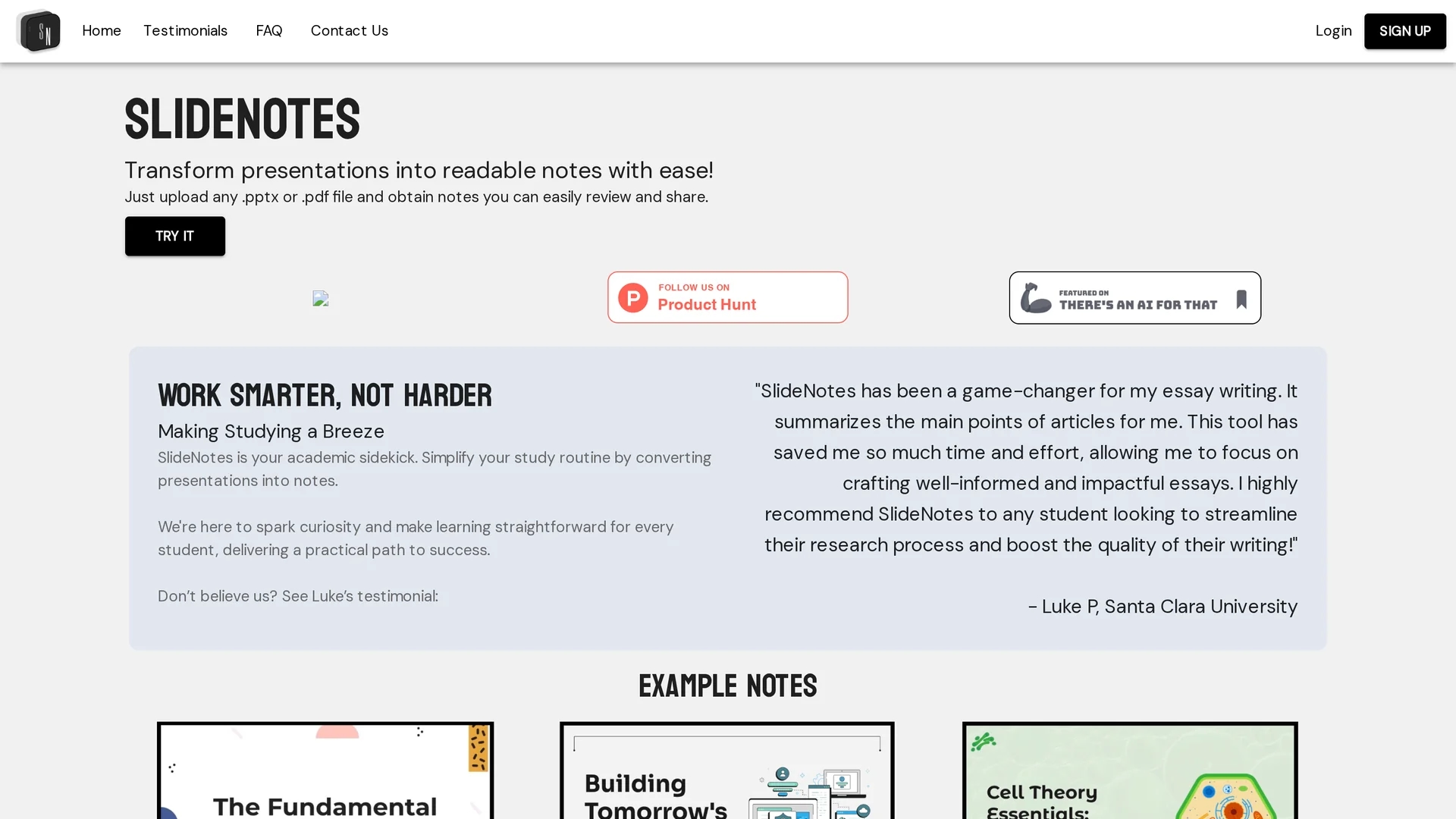
SlideNotes uses AI to convert .pptx and .pdf presentations into custom, concise notes for easy review and sharing.
Disclaimer: Visionary Hub is not affiliated with, endorsed by, or the operator of this tool. All trademarks, logos, and content are the property of their respective owners. Full disclaimer available here
Key Features
Custom Notes
Generates personalized notes tailored to uploaded presentations.
File Support
Accepts .pptx and .pdf files for broad compatibility.
Easy Sharing
Produces notes that are simple to review and share.
Productivity Boost
Streamlines study and meeting workflows efficiently.
Get Started
Share & Save
Share on Social Media
Why Choose SlideNotes
AI-Powered:
Uses AI to accurately extract and summarize presentation content.Time-Saving:
Quickly converts slides into notes, reducing manual effort.Versatile:
Supports both .pptx and .pdf file formats for flexibility.
Pricing
SlideNotes offers a free plan. For detailed pricing and plans, visit the official website.
About SlideNotes
SlideNotes uses AI to convert .pptx and .pdf presentations into custom, concise notes for easy review and sharing.
What SlideNotes Does
SlideNotes transforms presentation slides into concise, custom notes using artificial intelligence, helping users review and share information more effectively.
The tool processes uploaded .pptx and .pdf files, extracting and summarizing key content to generate readable notes that adapt to different study or professional needs.
It is useful for students preparing for exams, professionals summarizing meetings, and anyone needing to convert complex slides into actionable insights.
Pros & Cons
User-Friendly
Simple upload process with quick note generation.
Free Plan
Offers a free usage option accessible to all users.
Limited Pricing Info
Detailed pricing beyond free plan is not publicly available.
Developer Info
No clear developer or company information provided.
Frequently Asked Questions
SlideNotes supports .pptx and .pdf file formats for presentation uploads.
It uses AI to analyze presentations and generate custom notes.
Yes, SlideNotes offers a free plan for users.
Yes, notes are created to be easily reviewed and shared.
You can register at https://slidenotes.dev.
Similar Tools You Might Like
Discover more AI-powered tools that complement your workflow

List Your AI Tool & Reach Thousands of Users
Join 500+ AI innovators already thriving on our platform. Get visibility, feedback, and boost your conversions.
Expand Your Audience
Connect with over 50,000 AI enthusiasts actively looking for tools like yours.
Boost Your Authority
Get verified reviews and ratings to build credibility in the AI marketplace.
Drive Conversions
Our premium placements and targeted audience deliver quality leads and sign-ups.