
Slick
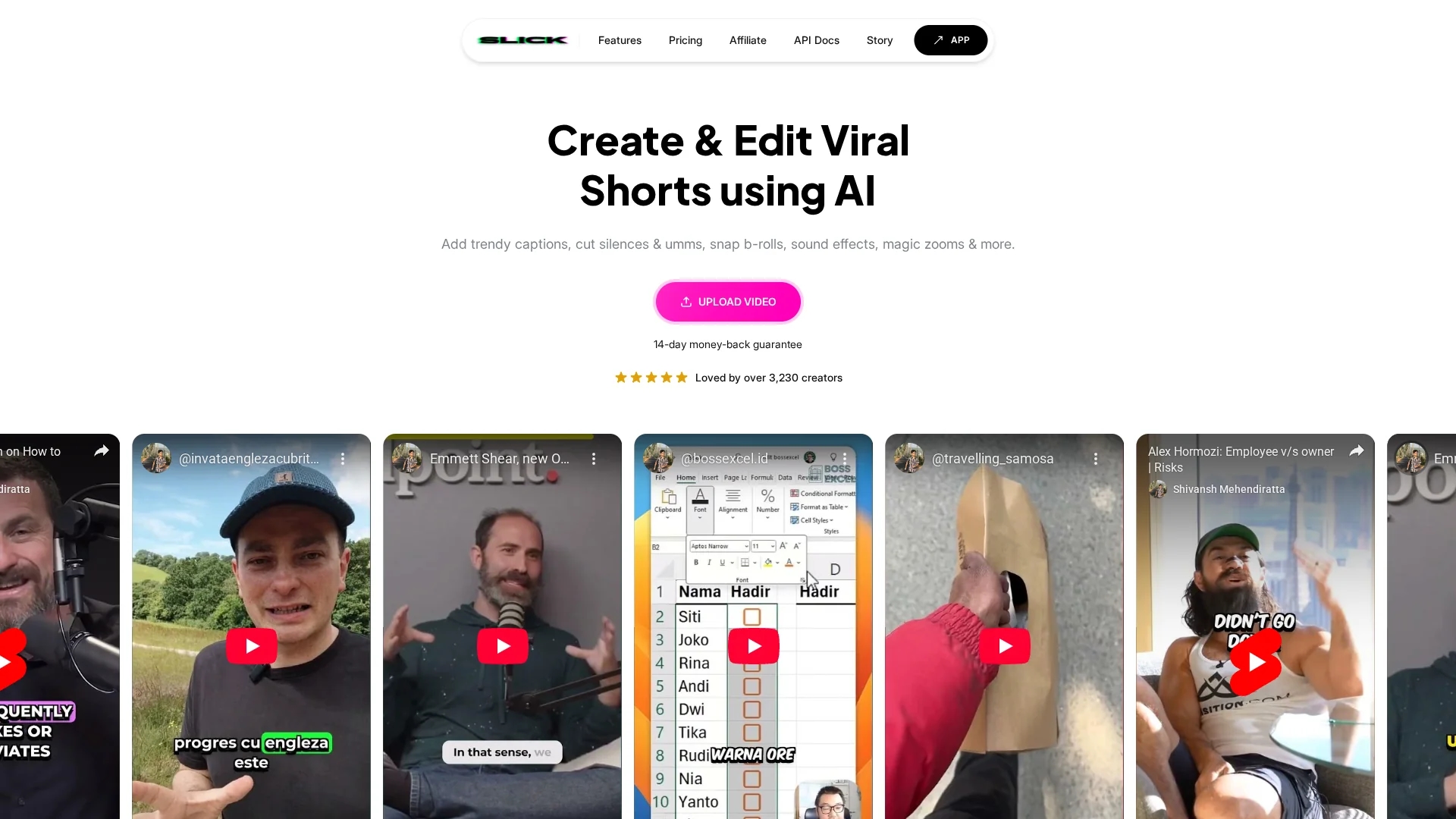
Enhance your video editing with Slick Video AI Editor's AI-generated captions, b-rolls, sound effects, and multi-language support for polished short videos.
Disclaimer: Visionary Hub is not affiliated with, endorsed by, or the operator of this tool. All trademarks, logos, and content are the property of their respective owners. Full disclaimer available here
Key Features
Trendy Captions
AI generates customizable, up-to-date caption styles weekly.
Filler Removal
One-click removal of umms, silences, and filler words.
B-roll Addition
Adds relevant b-roll clips automatically to enhance videos.
Clip Editing
Easily trim, extend, and adjust clip durations for polish.
Get Started
Share & Save
Share on Social Media
Why Choose Slick
AI Automation:
Automates captions, filler removal, and b-roll insertion for efficient editing.Multi-language:
Supports over 30 languages for global video content creation.Custom Music:
Allows adding personalized background music and sound effects.
Pricing
Slick offers a free trial and multiple paid plans: Free plan ($0 forever), Pro plan ($19/month), Premium plan ($29/month), and Ultra plan ($79/month). Pricing is subject to change; verify on the official pricing page.
About Slick
Enhance your video editing with Slick Video AI Editor's AI-generated captions, b-rolls, sound effects, and multi-language support for polished short videos.
What Slick Does
Slick Video AI Editor automates video editing by generating trendy captions, removing filler words and silences, adding b-roll footage, and supporting multiple languages. It helps users quickly produce polished short videos optimized for social media engagement.
The tool features AI-driven caption styling updated weekly, one-click filler word removal, customizable background music, and precise clip trimming and extending. It supports various aspect ratios and up to 4K video resolution, enhancing video quality and versatility.
Typical use cases include creating social media ads, tutorial videos, and product demos. Marketing specialists and content creators benefit from streamlined workflows and enhanced video appeal across platforms like TikTok, Instagram, and YouTube.
Pros & Cons
User-Friendly
Intuitive interface simplifies video editing for all skill levels.
Versatile
Supports multiple languages and aspect ratios up to 4K.
Pricing Complexity
Multiple plans may require careful selection based on needs.
Limited Developer Info
No clear developer or company details publicly available.
Frequently Asked Questions
Yes, Slick offers a free trial allowing users to test features before upgrading.
Plans include Free, Pro ($19/mo), Premium ($29/mo), and Ultra ($79/mo), subject to change.
Yes, it supports over 30 languages including English, French, Spanish, and Hindi.
Yes, Slick removes umms, silences, and filler words with one click.
Yes, API documentation is accessible via the official Slick website.
Similar Tools You Might Like
Discover more AI-powered tools that complement your workflow


List Your AI Tool & Reach Thousands of Users
Join 500+ AI innovators already thriving on our platform. Get visibility, feedback, and boost your conversions.
Expand Your Audience
Connect with over 50,000 AI enthusiasts actively looking for tools like yours.
Boost Your Authority
Get verified reviews and ratings to build credibility in the AI marketplace.
Drive Conversions
Our premium placements and targeted audience deliver quality leads and sign-ups.