
Sketch2scheme
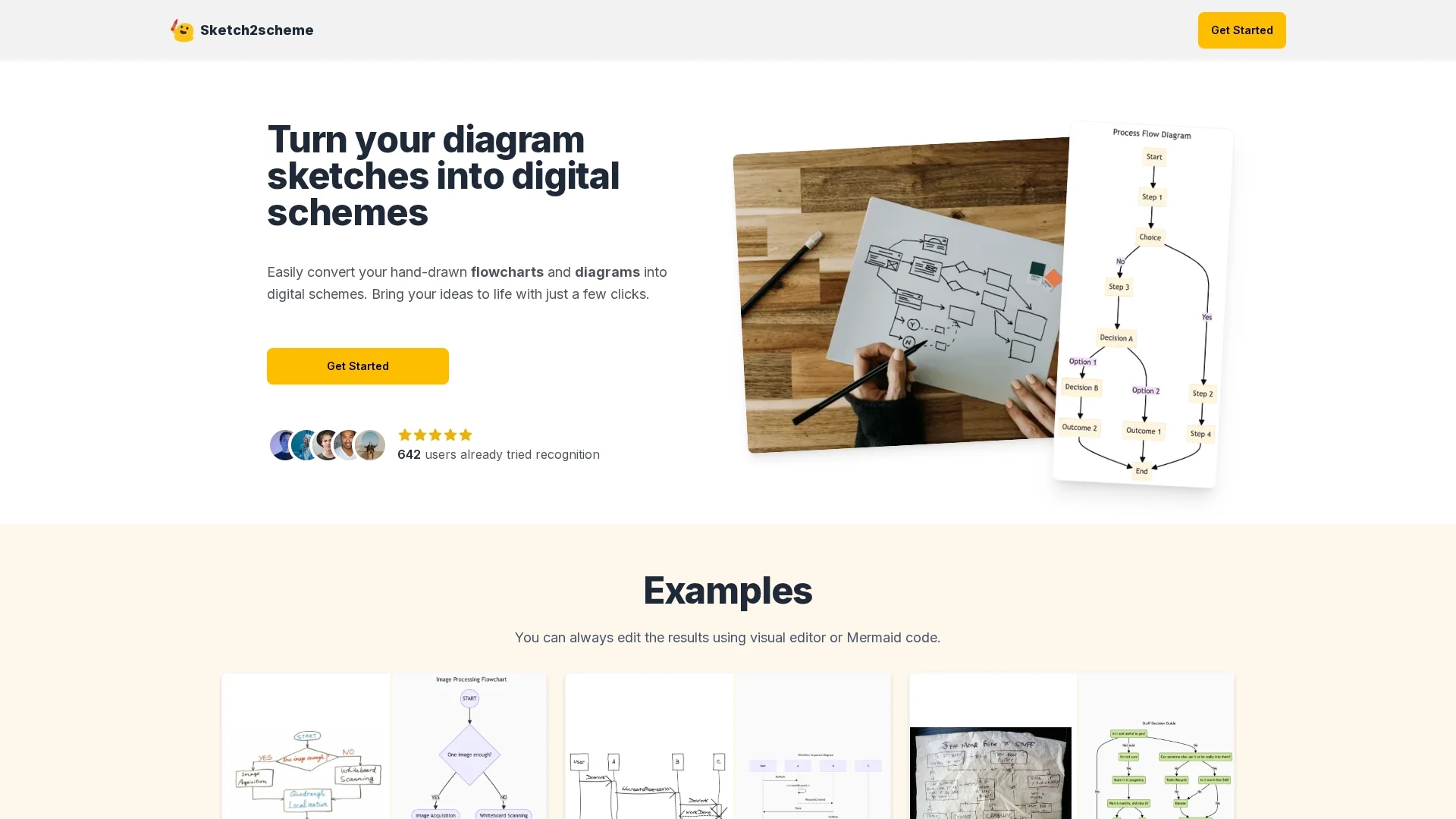
Sketch2Scheme converts hand-drawn sketches into digital diagrams using AI-powered recognition and alignment, supporting multiple export formats and an intuitive visual editor.
Disclaimer: Visionary Hub is not affiliated with, endorsed by, or the operator of this tool. All trademarks, logos, and content are the property of their respective owners. Full disclaimer available here
Key Features
Sketch Recognition
AI-powered detection of diagram elements from hand-drawn sketches.
Auto Alignment
Automatically arranges and aligns diagram components neatly.
Format Export
Exports diagrams in PNG, SVG, and PDF for versatile use.
Diagram Editing
Visual editor allows customization and annotation of diagrams.
Get Started
Share & Save
Share on Social Media
Why Choose Sketch2scheme
AI Recognition:
Automatically identifies nodes, connections, and text in sketches.Multiple Exports:
Supports PNG, SVG, and PDF export formats for compatibility.Visual Editor:
Enables easy editing and annotation of digital diagrams.
Pricing
Sketch2Scheme offers a subscription pricing model with a Basic plan at $3.99 and a Regular Add plan at $5.99 per purchase. An Agency plan with raised limits and API access is available upon contact. Pricing is subject to change; verify on the official site.
About Sketch2scheme
Sketch2Scheme converts hand-drawn sketches into digital diagrams using AI-powered recognition and alignment, supporting multiple export formats and an intuitive visual editor.
What Sketch2scheme Does
Sketch2Scheme converts hand-drawn flowcharts and diagrams into digital formats, saving users time and effort in recreating their sketches manually. It benefits professionals by providing a fast and accurate digitization process.
The tool uses AI to recognize nodes, connections, and text in sketches, then automatically aligns and arranges these elements into neat digital diagrams. Users can edit diagrams visually or via Mermaid code and export them in PNG, SVG, or PDF formats.
It is useful for digital designers, product managers, and technical writers who need to transform brainstorming sketches into professional digital diagrams for presentations, reports, or collaboration.
Pros & Cons
Time Saving
Reduces manual effort by automating sketch digitization.
Flexible Output
Exports to multiple common file formats for easy integration.
Limited Pricing Info
Detailed pricing and plan features require contacting sales.
No Mobile App
No indication of dedicated mobile application availability.
Frequently Asked Questions
You can export diagrams in PNG, SVG, and PDF formats for versatile use.
It uses AI to automatically detect nodes, connections, and text in hand-drawn sketches.
There is a Basic plan at $3.99, a Regular Add plan at $5.99, and an Agency plan available on contact.
Yes, a visual editor allows you to customize and annotate your digital diagrams.
Yes, the Agency plan includes API access with raised limits.
Similar Tools You Might Like
Discover more AI-powered tools that complement your workflow

List Your AI Tool & Reach Thousands of Users
Join 500+ AI innovators already thriving on our platform. Get visibility, feedback, and boost your conversions.
Expand Your Audience
Connect with over 50,000 AI enthusiasts actively looking for tools like yours.
Boost Your Authority
Get verified reviews and ratings to build credibility in the AI marketplace.
Drive Conversions
Our premium placements and targeted audience deliver quality leads and sign-ups.